

Convergence
A three-tube CRT projector, for Resolume
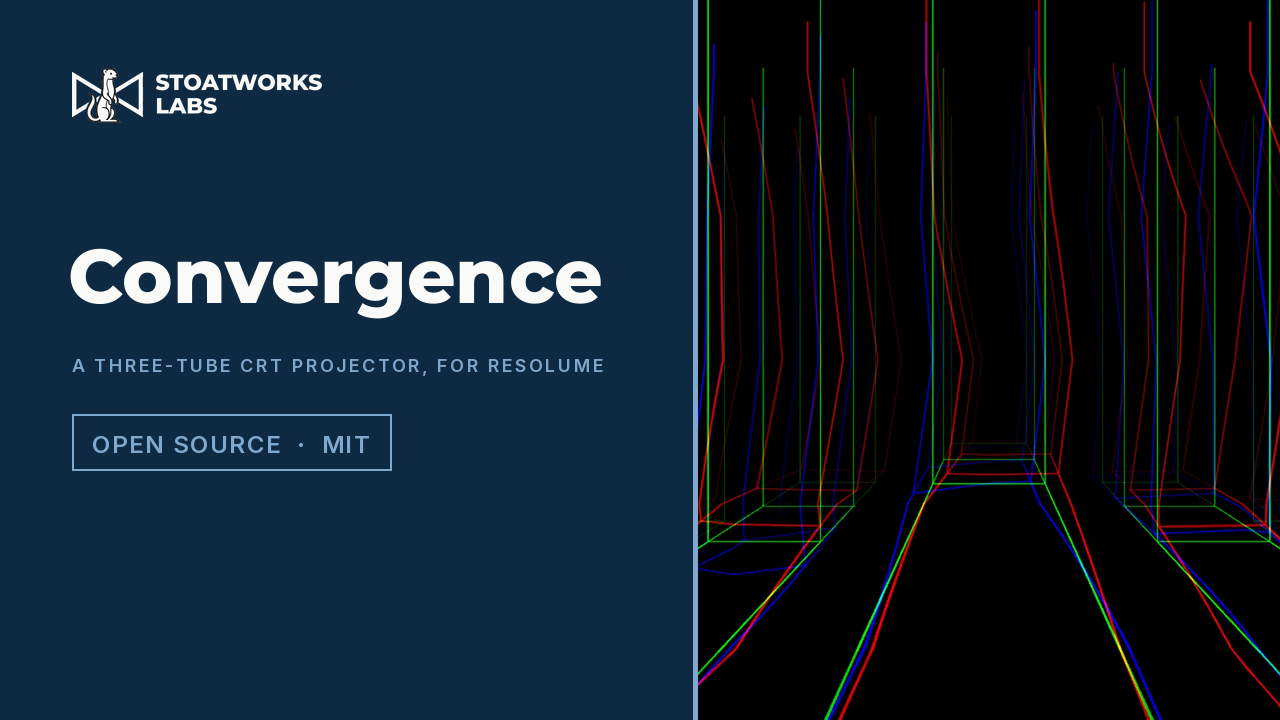
What it does
An FFGL effect for Resolume Arena and Avenue, SW Convergence: a three-tube CRT projector throwing your clip onto the screen. The green tube looks straight at it; the red and blue tubes sit either side and look at it from 7.8°. Set how far off the technician left each zone point, on a 5 × 5 grid like a Barco Cine 8 or a Sony VPH-G90 or a 9 × 9 one like a Sony KP-43T70, choose the installation by number, and leave some of the side tubes' keystone uncorrected if you like.
The fringes come from where each tube's picture lands. The set bends the side tubes' pictures zone by zone, and each zone point was set by eye, so a white line is clean in one part of the screen, has a red edge on the left somewhere else and a blue one above it in a corner, and magenta shows where red and blue land together without green. The same Setup number is the same installation everywhere. Switch the set on cold, or press Power On, and the side tubes start off as a whole and close up as it warms, with a time constant from a second to half an hour.
Each tube has its own focus, and Astigmatism makes a gun sharpen horizontal lines at one end of its focus control and vertical lines at the other. Bloom is the blue gun's current at full white: the blue phosphor saturates, so bright blue costs the gun more current and its spot grows, though at the real size that is a pixel or so on fine bright detail. It costs about 1.1 ms of GPU time a frame at 1080p on an Apple Silicon Mac at the defaults.
- Colour fringes from three tubes' pictures landing apart, not drawn edges
- Zone-by-zone convergence errors on a 5 × 5 or 9 × 9 grid, one installation per Setup number
- The side tubes' keystone, from their 7.8° angle, corrected or left in
- A cold set's drift, closing up as it warms, restarted by Power On
- A focus control per tube, and gun astigmatism sharpening one direction at a time
- The blue spot growing with the blue gun's current, at its real size
- Universal macOS bundle and a Windows x64 DLL
Where it stands
v0.1.0, and early days. It's measured by an offline harness driving the plugin's own code on an Apple Silicon Mac, at two rasters and on Apple's software renderer, reading the picture back: the colour fringes at every zone point of 5 × 5 and 9 × 9 grids match the installation's set errors to within half a derived tolerance, whole-pixel shifts are exact, the keystone puts red and blue on opposite sides, and the warm-up's time constant comes back to within 0.01% at 30, 60 and 240 fps. It catches twenty-three models that are wrong on purpose and forty-six one-character sabotages of its own code, and all 13 controls change the picture. In Resolume Arena 7.29.0 on a Mac every control was there with its default and changed the picture, and a Power On pressed over Arena's API gave a drift that died away with the time constant set, to within 2%; a clip retrigger, a stopped clip, a bypassed layer and a resolution change all left the warm-up running. On Windows, in Arena 7.27.1 with no GPU, it loaded with every control as declared and every control the automated check could set changed the picture. Both were over still pictures: no moving clip and no show yet. The throw, red on the right and blue on the left, the zone layout, the warm-up's shape and size and the focus blur's scale are chosen rather than sourced, and Bloom's default rests on one reading of a patent table. Open questions the guide lists: Bloom being nearly invisible at its real size, a per-zone hand-set mode, the focus sliders' direction and a mirror option for the side tubes. The macOS build is Developer ID-signed and notarised. There's a user guide and a browser demo, but no presets. Try it in your own rig before you trust it in a show.
Watch it running
Nothing loads from YouTube until you press play.Watch it there instead