
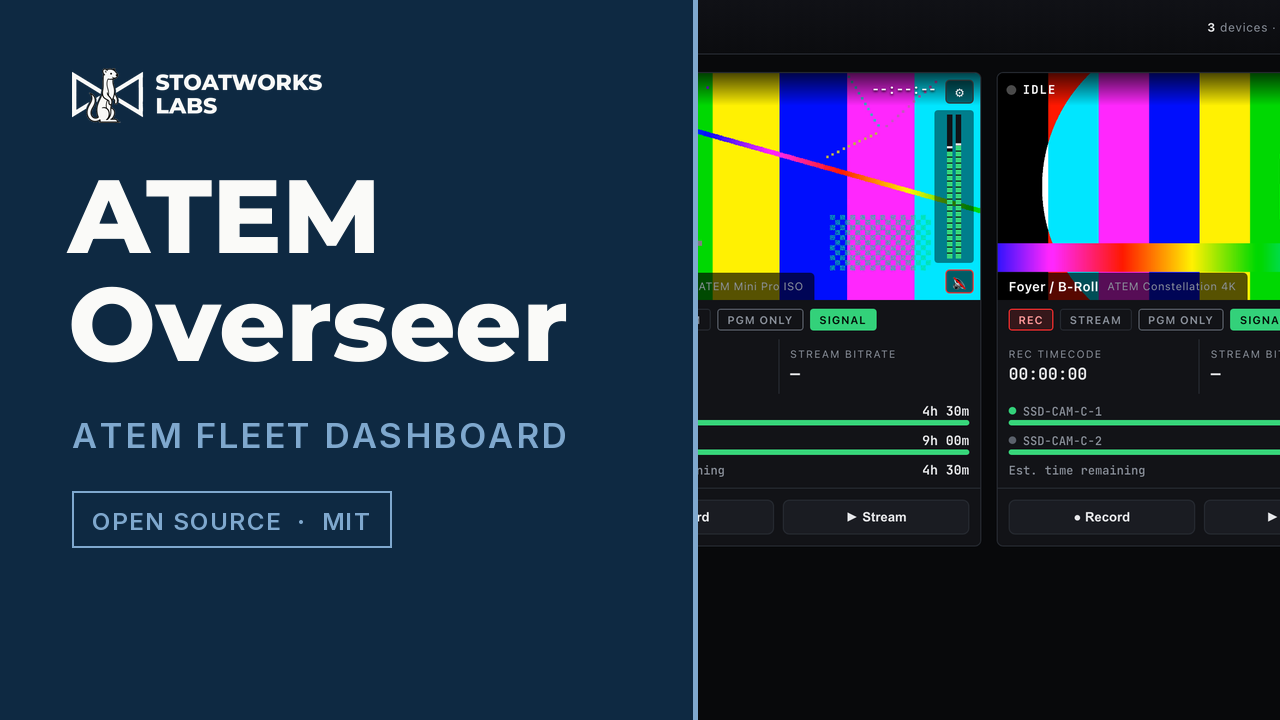
ATEM Overseer
Field testingA browser dashboard to monitor and control a fleet of Blackmagic ATEM switchers, styled after the BMD multiviewer. Ships as a desktop tray app too.

Discipline
Switchers, media servers, transport, and effects that run inside somebody else's host.
Video is the widest category here, because the word covers a switcher on a shelf, a media server in a rack, a stream crossing a network you don't control, and an effect running inside a VJ application. The jobs have almost nothing in common except that they all fail in front of an audience.
A few of these replace something that costs money. Most exist because the thing they do was not available at all — watching a dozen switchers on one screen, provisioning all of them at once, or turning a URL into an SDI output without a laptop left in the signal path. Two vendors have enough here to be sections of their own, and both of those sections continue on a page of their own.
147 projects · 122 with builds to download
Everything here points at Blackmagic kit — a fleet of ATEMs, the scopes and the routing over them, the DeckLink cards carrying the picture back out, and the edit project the recordings become afterwards. One switcher is a front-panel job; twelve of them, in twelve rooms, is a software job.
A browser dashboard to monitor and control a fleet of Blackmagic ATEM switchers, styled after the BMD multiviewer. Ships as a desktop tray app too.

Provision a whole fleet of ATEM switchers at once. Model-aware config forms export loadable XML plus a media folder, or apply live over the network — instead of one unit at a time on a flight case at 02:00.
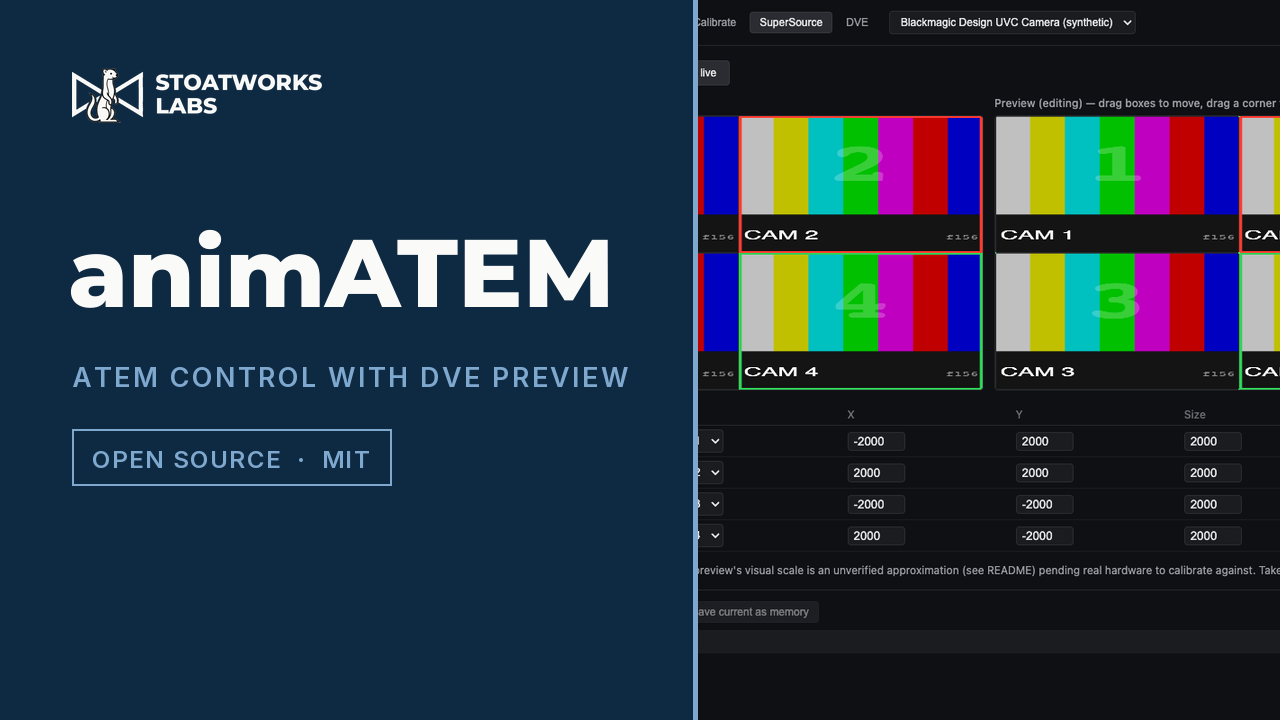
Control for ATEM Mini Pro/Extreme ISO with something the hardware doesn't give you: a software-composited SuperSource/DVE preview, built by capturing the switcher's own multiview over UVC. Touchscreen operator UI plus a Companion module.
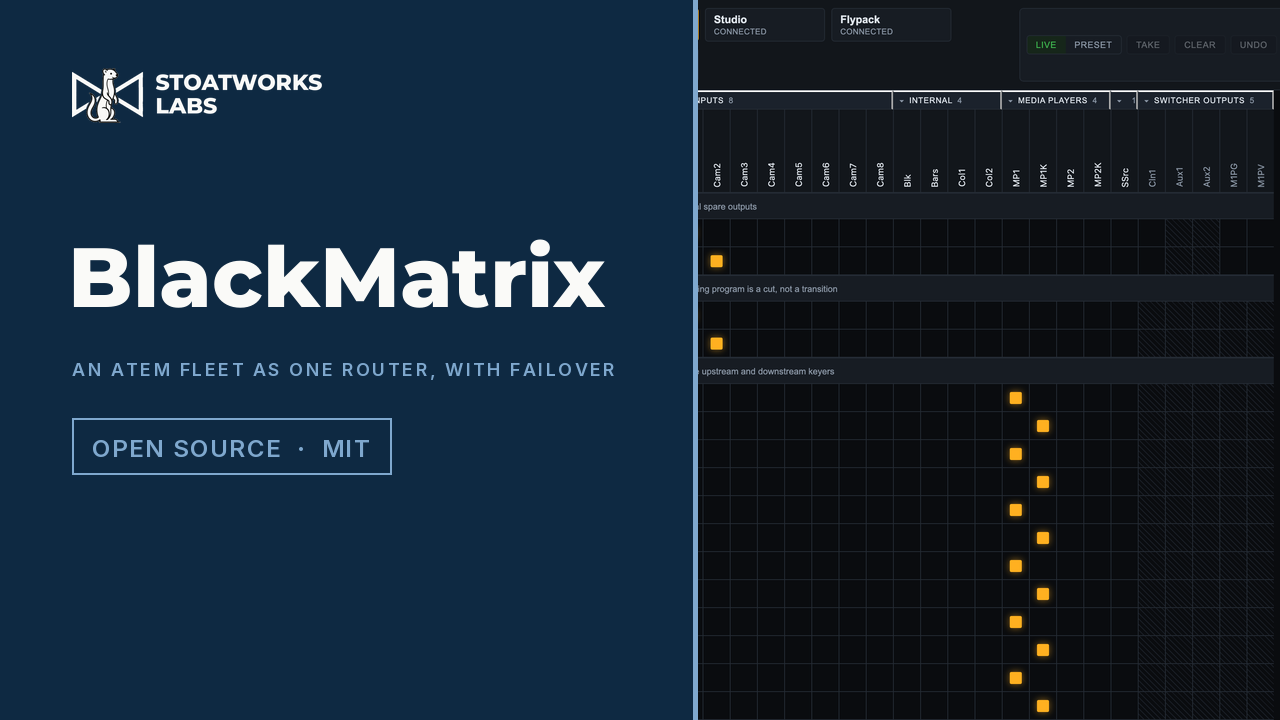
A crosspoint router matrix over a fleet of Blackmagic ATEM switchers — sources across the top, destinations down the side, one click to route — which also serves the Videohub Ethernet Protocol, one server per switcher, so hardware router panels, Companion and a media server's own matrix driver all reach the same crosspoints. For a redundant rig it watches the main media server and fires a salvo when it stops answering.
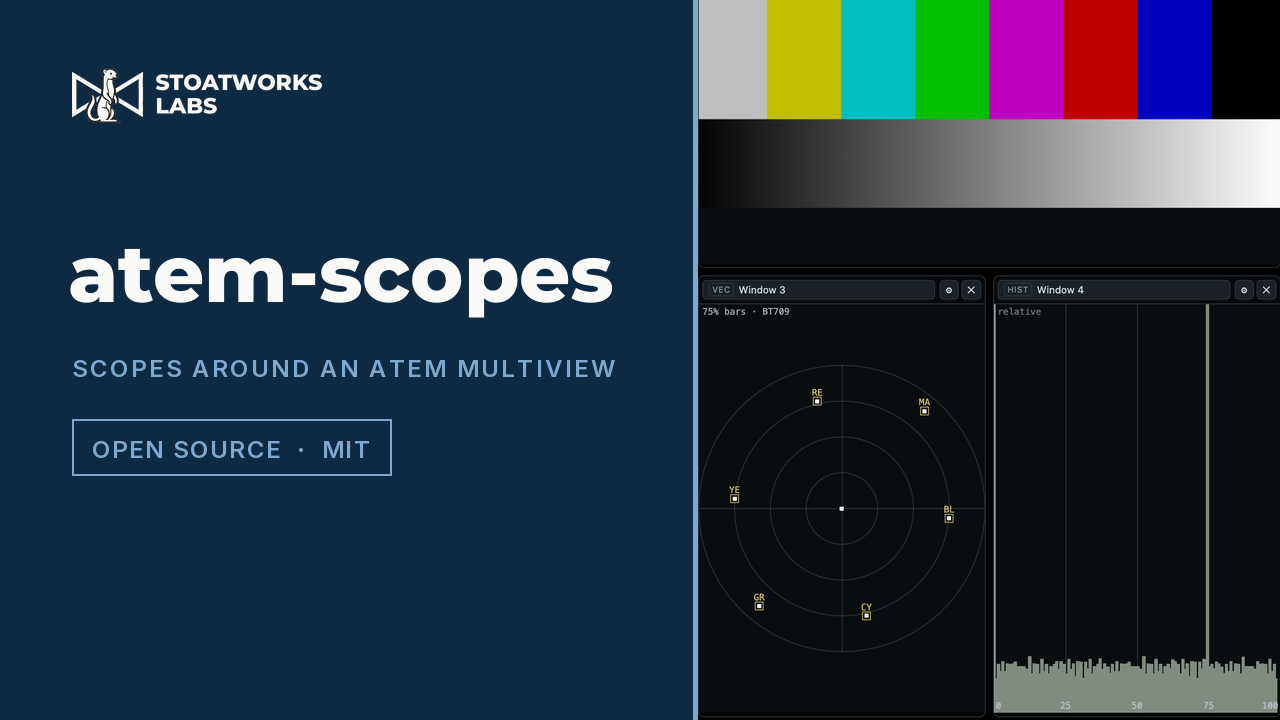
Video scopes arranged around a live ATEM multiview. Waveform, vectorscope, histogram, false colour, zebras and focus peaking on any multiview window — program and preview included — with sources named live from the switcher's own multiviewer config. Desktop app and browser build.
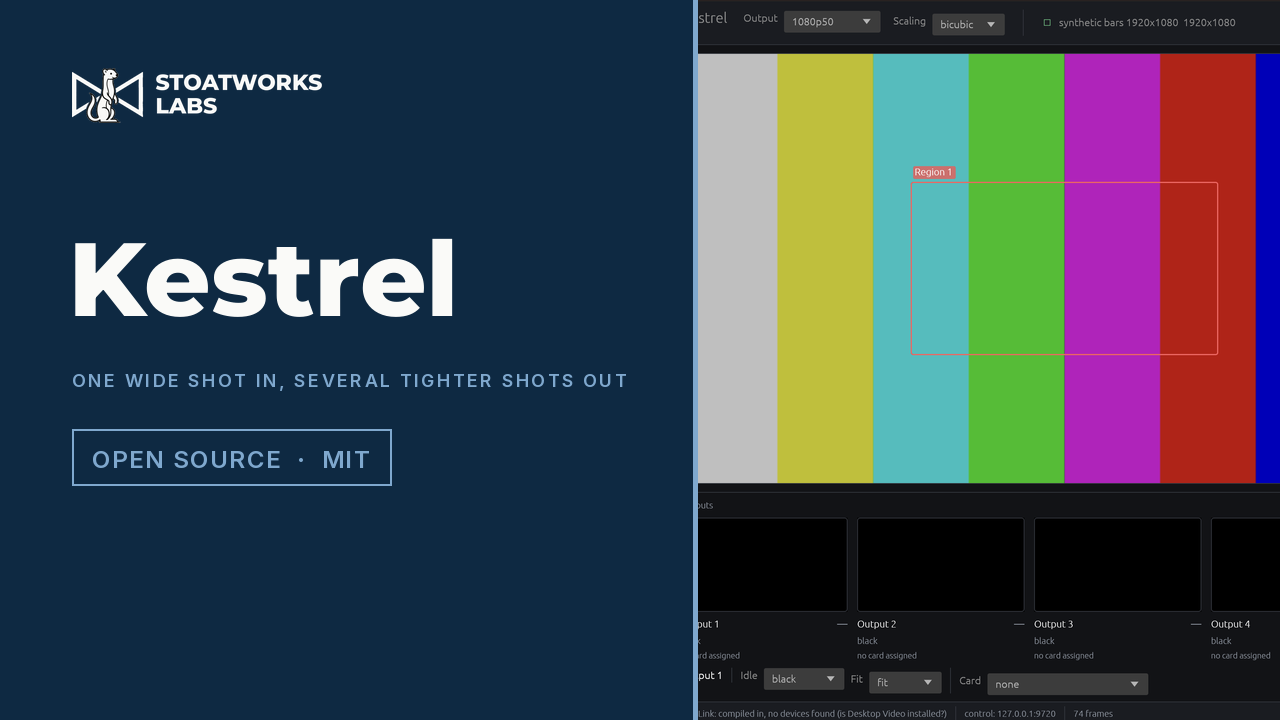
Takes a single video input — typically a locked-off wide of a stage — lets you draw any number of regions of interest on it, and sends each region back out of a Blackmagic DeckLink, cropped and scaled to the output raster.
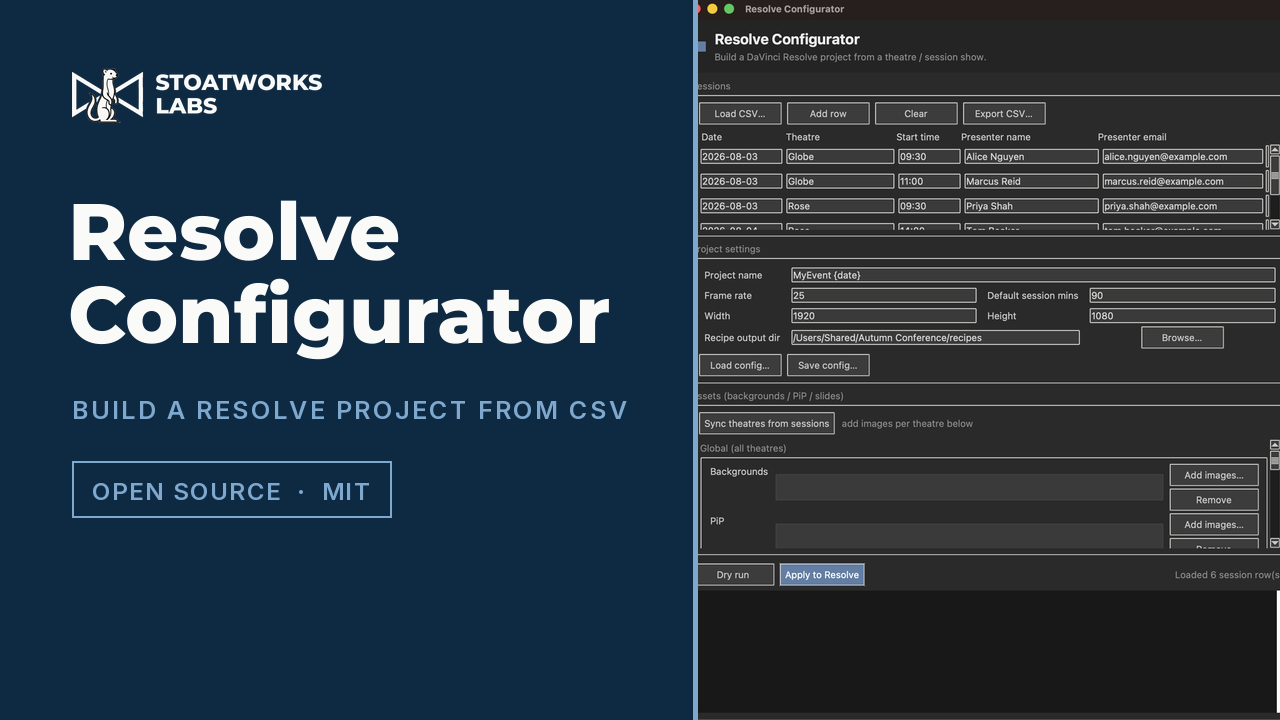
Scaffolds an entire DaVinci Resolve project — theatre and day bins, per-session timelines, imported media and smart-bin recipes — from the same session CSV that drives the file-drop workflow.
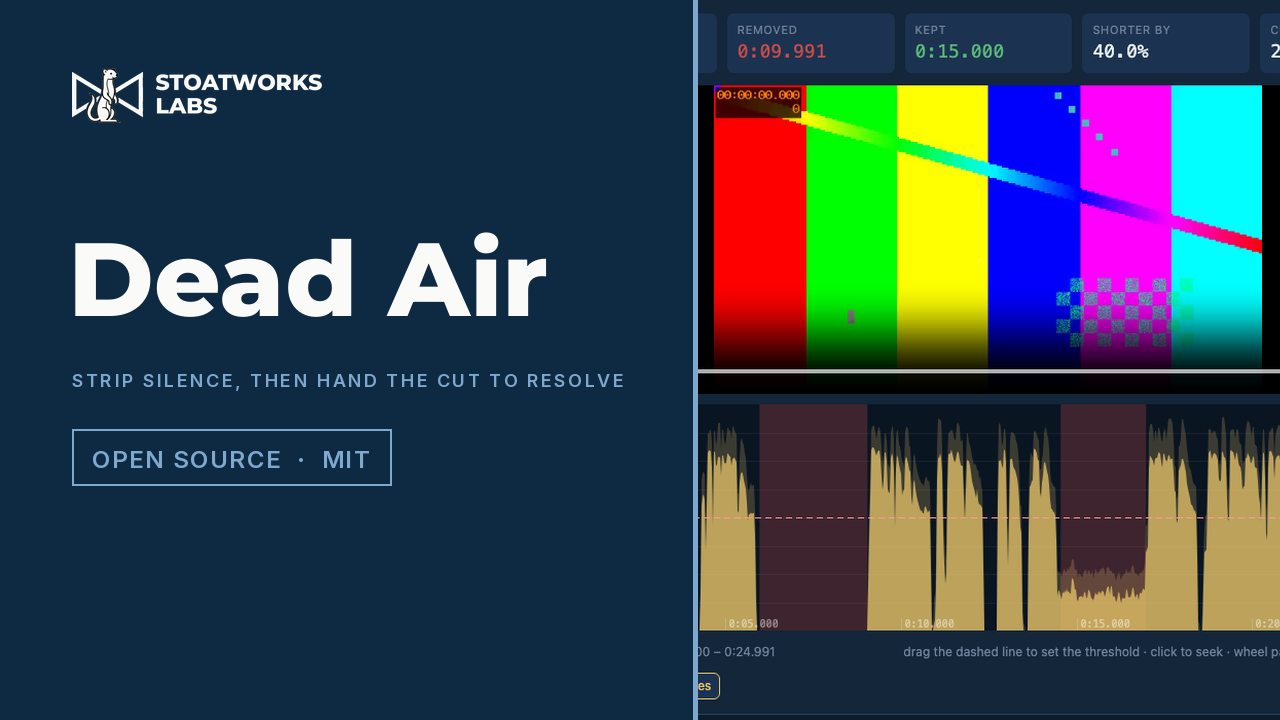
Drop a recording, set a threshold and a minimum gap, and watch the silences shade red on a loudness waveform. Out comes a cut-list EDL that DaVinci Resolve imports as the ripple-deleted timeline, a marker EDL to review the silences before cutting anything, an FCPXML for Premiere and Final Cut, a CSV, an ffmpeg command — or the cut file itself, rendered in the browser with its own hardware H.264 and AAC codecs and streamed straight to disk. Reads the frame rate and the start timecode from the file's own timecode track. Runs entirely in the browser.
Two generations of processor, one vendor, and two quite different problems. On a current LivePremier the frame answers everything and its own interface asks you to go and look, so these sit beside it. On the Midra and LiveCore boxes the hardware still works and the software that drove it no longer runs, so openRCS replaces it. The whole family is on its own page.
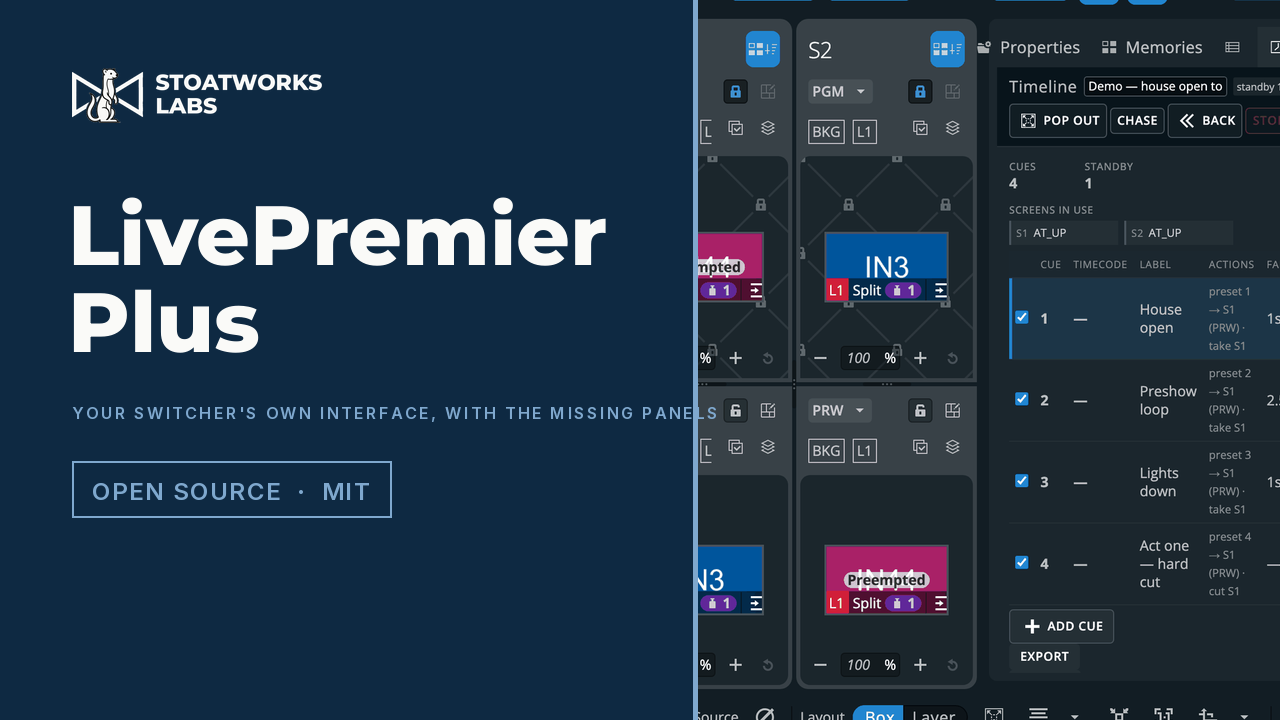
Adds the panels an Analog Way switcher's own Web RCS does not have — LivePremier, and since 0.6.0 Midra 4K and Alta 4K too: an Edit page that is the Screens / Aux. layout with one row instead of two, so a look can be programmed off both buses and then saved straight into a real memory, a VPU resource map, a lighting-desk command line, a theatre cue stack, a memories list across every bank, a layer-properties panel generated from the device's own catalogue, with names for layers the switcher cannot hold, layer groups driven as one with a send-to menu on every source card, routing through an external Videohub, Lightware or Turtle AV matrix — or a placeholder of one, so a show is built before the rack arrives — a Bitfocus Companion on the same address, its buttons pressable from a cue or a memory recall, Pitch Compensation for mixed-pitch LED walls, OSC input, cues fired from timecode, MIDI control-surface mapping, HyperDecks and Mitti played, cued and recorded with rules that follow the show, a layer lock that holds a layer through a take or takes one alone, an EDID builder on the switcher's own EDID page, a Pixelhue console panel with every control remappable (preview), a DaVinci Resolve Speed Editor as a switcher panel, held by a device host that looks after USB panels for the app, the frame's audio channel matrix as a crosspoint grid, remote access over Tailscale or ZeroTier, live multiviewer pictures in the source thumbnails (preview), a thumbnail relay that sends the source previews as JPEG and refreshes the ones being edited fastest (preview), the whole setup in one file, audio routing from the command line, and arithmetic in numeric fields — type 1080-80 into a layer width and get 1000. Every one of them is a plugin you can switch off, and a plugin of your own can add to them. It runs as a local proxy, so you browse to it instead of to the switcher and the extra panels are simply there, drawn in the vendor's own design language.
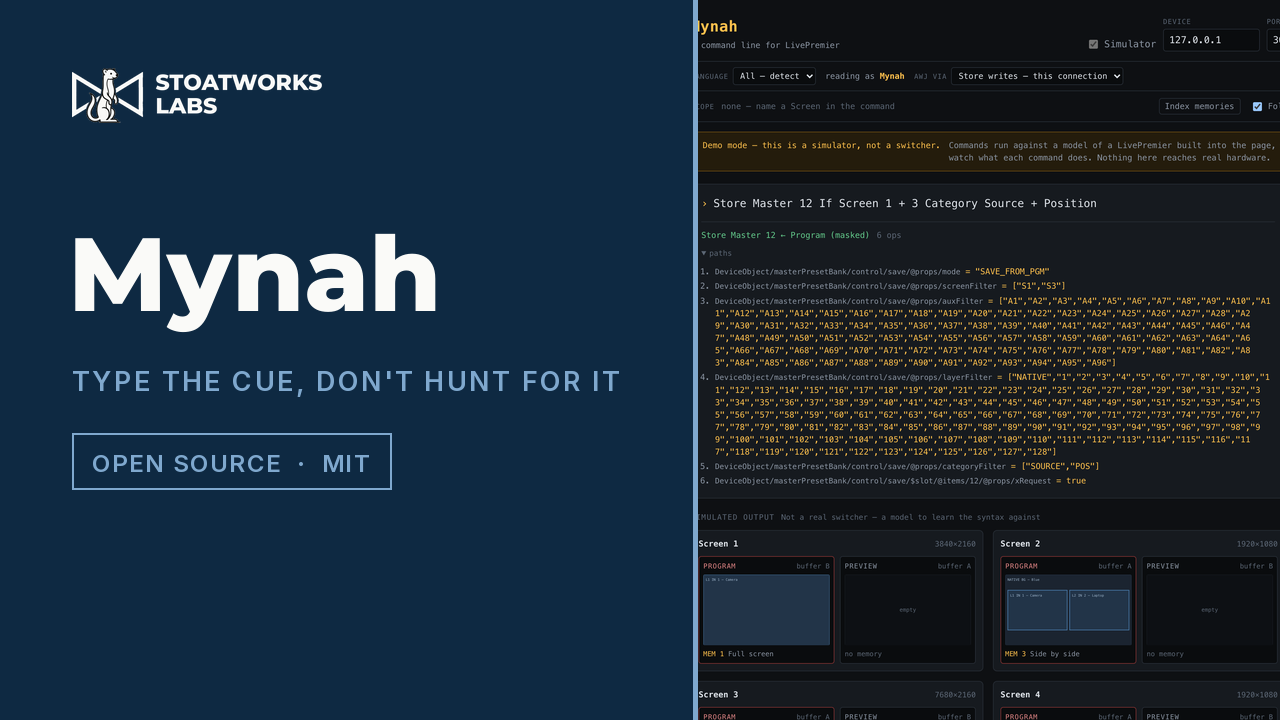
A lighting-desk command line for Analog Way switchers — LivePremier, and since 1.4.0 Midra 4K and Alta 4K as a language core other apps embed — with their audio routed, not patched, since 1.5.0. Type “Recall Screen 1 Memory 5” and press Enter — grandMA3's grammar rules with the switcher's own vocabulary. It shows the exact device paths a command produces before sending anything, and reports an empty memory as empty rather than as success. The memory paths were verified leaf by leaf on a physical Aquilon C, and the Midra spellings on a live Pulse 4K.
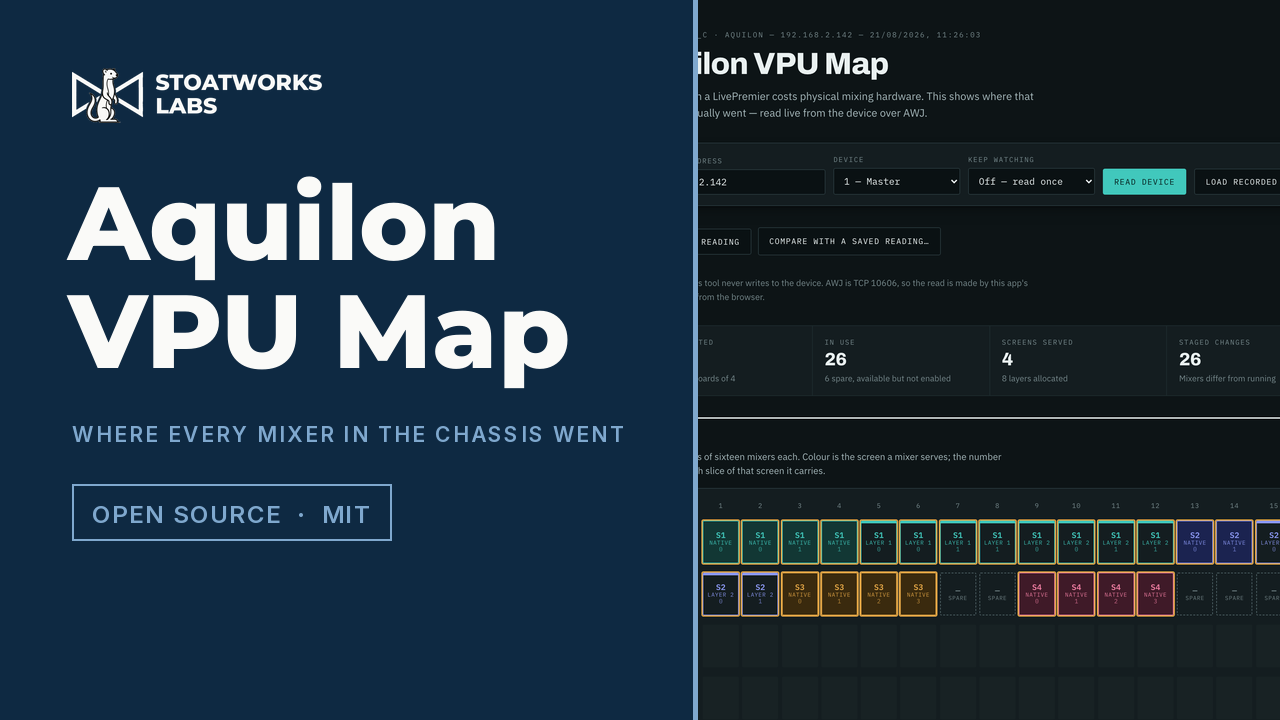
Every layer on an Analog Way LivePremier costs physical mixing hardware, and the frame knows exactly where that hardware went. This reads the allocation back and draws the whole chassis on one screen — each VPU as the 8x8 field of links the manual draws it as, every layer's bar as wide as the outputs it spans and as tall as its capacity. It reads and never writes.
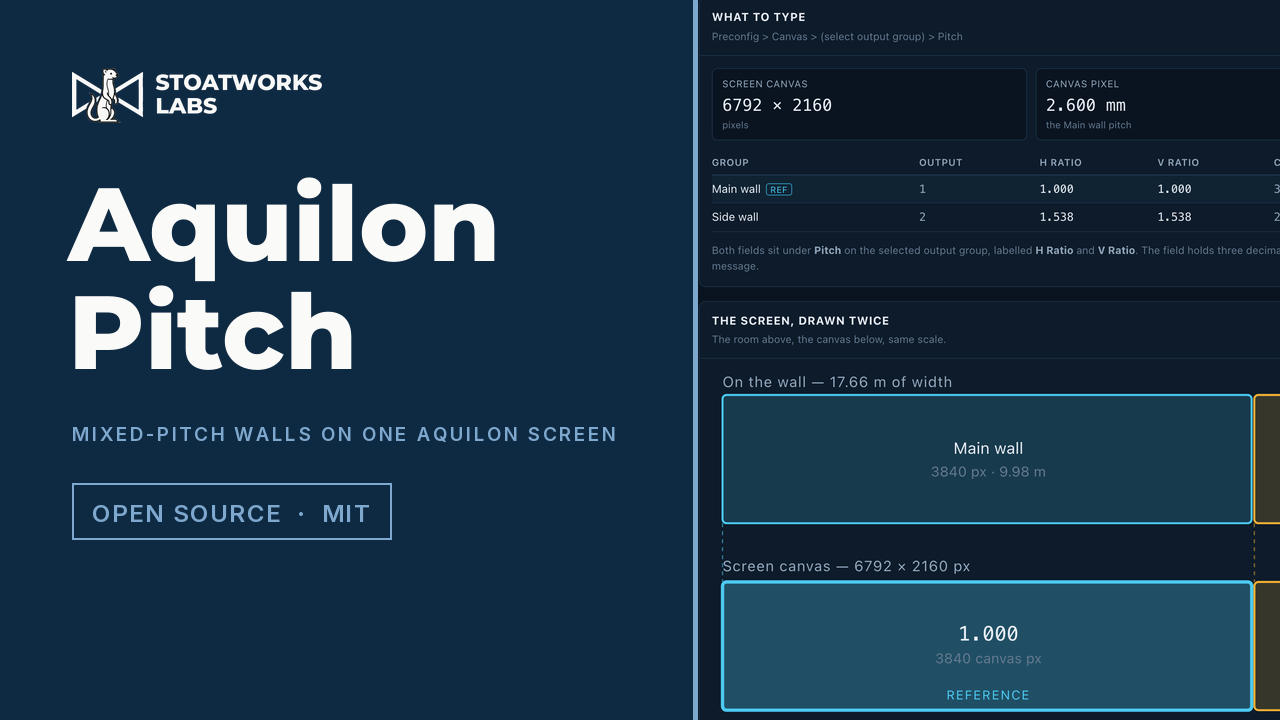
Work out the pitch compensation an Analog Way LivePremier needs when one screen spans LED walls of different pixel pitches. Type each output group's raster and its pitch — or its measured size, and let the pitch fall out — and get the H and V ratios to type into Web RCS, the canvas footprint each group will take, the screen canvas that results, and the millimetres the device's three-decimal field costs you at the far edge of each wall. Runs entirely in the browser: no account, no backend, and a client's set design has nowhere to leak to.
Maps MIDI and OSC control surfaces onto an Analog Way LivePremier: faders to layer opacity, encoders to size and position, buttons to select layers, apply sources and switch keying. Bidirectional, so motor faders track the device, LED rings follow encoders and X-Touch scribble strips name the layer each strip is pointed at. Read-only mode is enforced by the client having no write path at all, not by a flag.
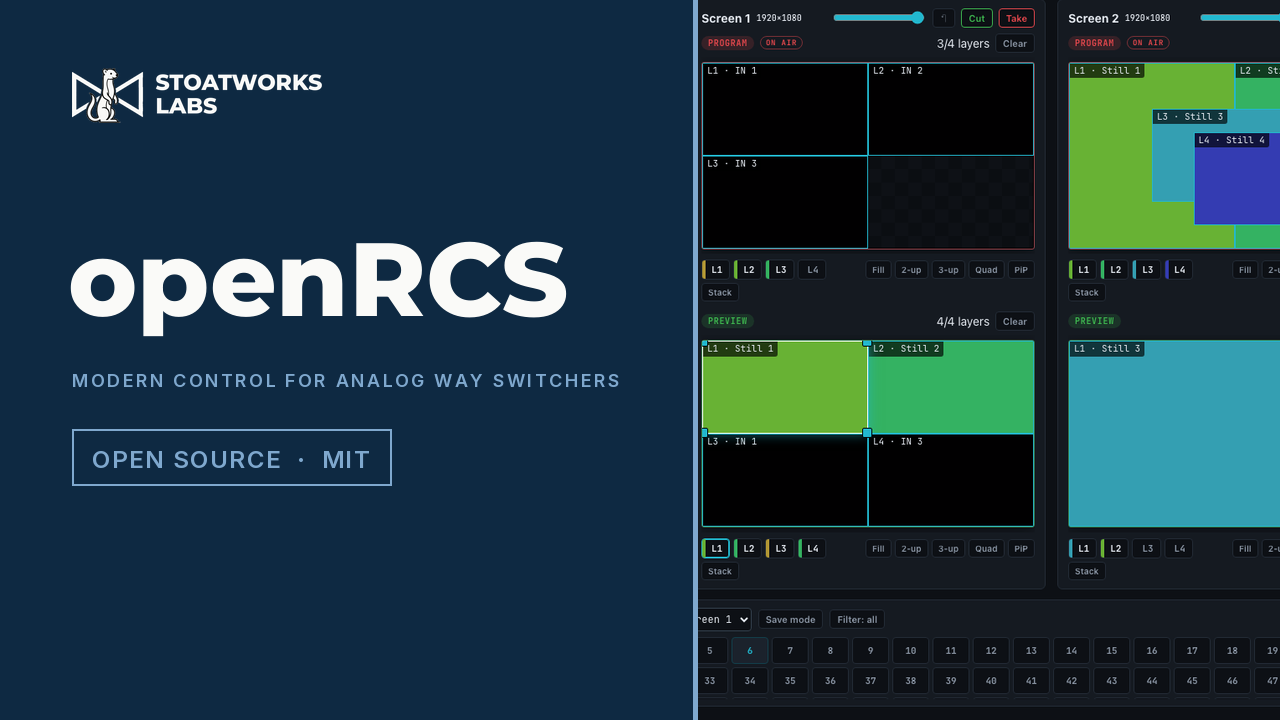
A modern control surface for Analog Way Midra and LiveCore series video processors. Its Workspace puts sources, every screen and memories on one window-filling page — build in program, preview or both at once — backed by a graphical layer editor, memories, takes, a multiviewer/confidence-output designer, EDID writer and a full variable inspector.
A reference for the TCP control protocol of Analog Way Midra and LiveCore series video processors — the wire format, the variable model, and the complete variable tables. Documentation only.
One decoder, taken further than its firmware goes: a builder for installable firmware packages, the patches those packages carry, and a replacement operating system for when a patch is not enough. The whole family, including the private work and the fleet tools, is on its own page.
One web UI for a fleet of BirdDog Play NDI/SRT decoders: LAN discovery, tag-based grouping, full BirdUI-parity settings per device, and batch edits across a whole group.
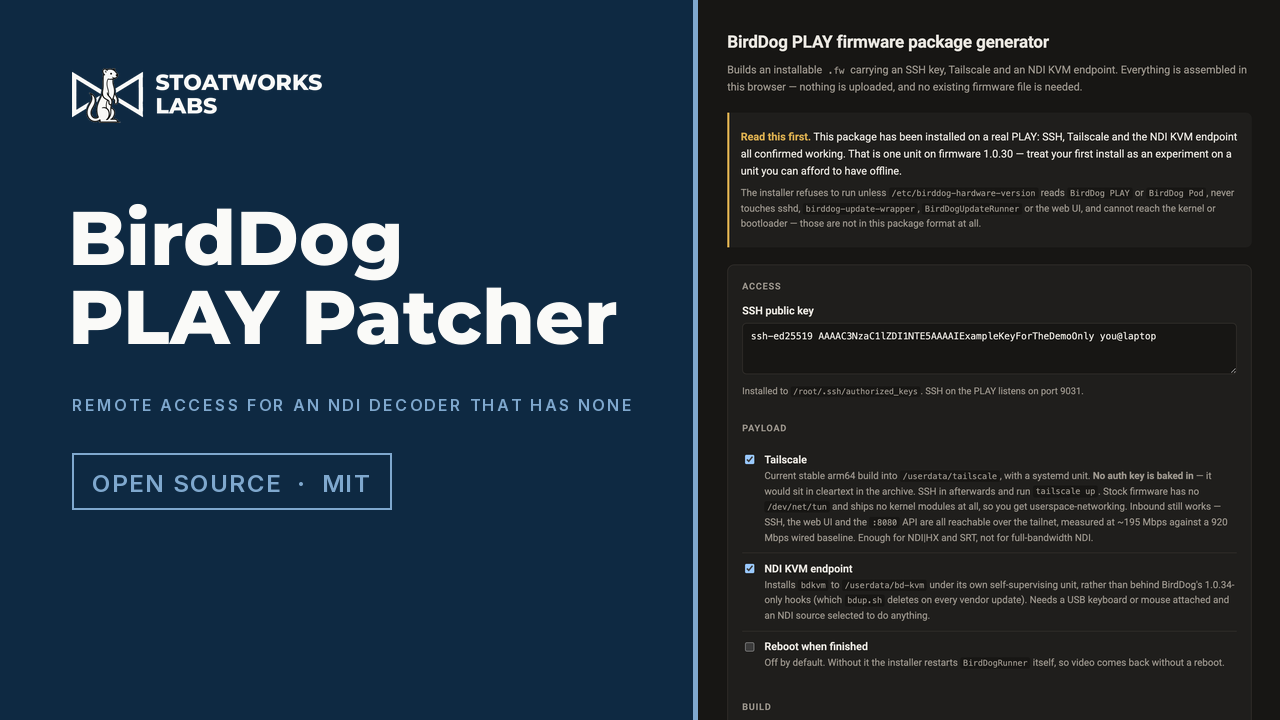
A BirdDog PLAY is an NDI decoder with no way in from outside the room it is sitting in. This builds an installable firmware package that adds one: an SSH key, Tailscale, and an NDI KVM endpoint that turns the keyboard and mouse on the PLAY's USB port into control of whatever machine it is displaying. The surprise is that it needs nothing from you but a public key — the stock updater runs a script from the uploaded archive as root with no signature check, so a valid package is an ordinary gzip'd tar and there is nothing to decrypt. That means no upload, no vendor keys, and the whole thing assembles in the browser: tar, gzip and SHA-256 are native APIs now. The installer is readable bash that refuses to run on the wrong hardware, stays off the recovery path, and cannot reach the kernel or bootloader. Confirmed on a real unit — Tailscale carries 195 Mbps over userspace networking, and the KVM agent drove a Windows machine using only the free NDI SDK.
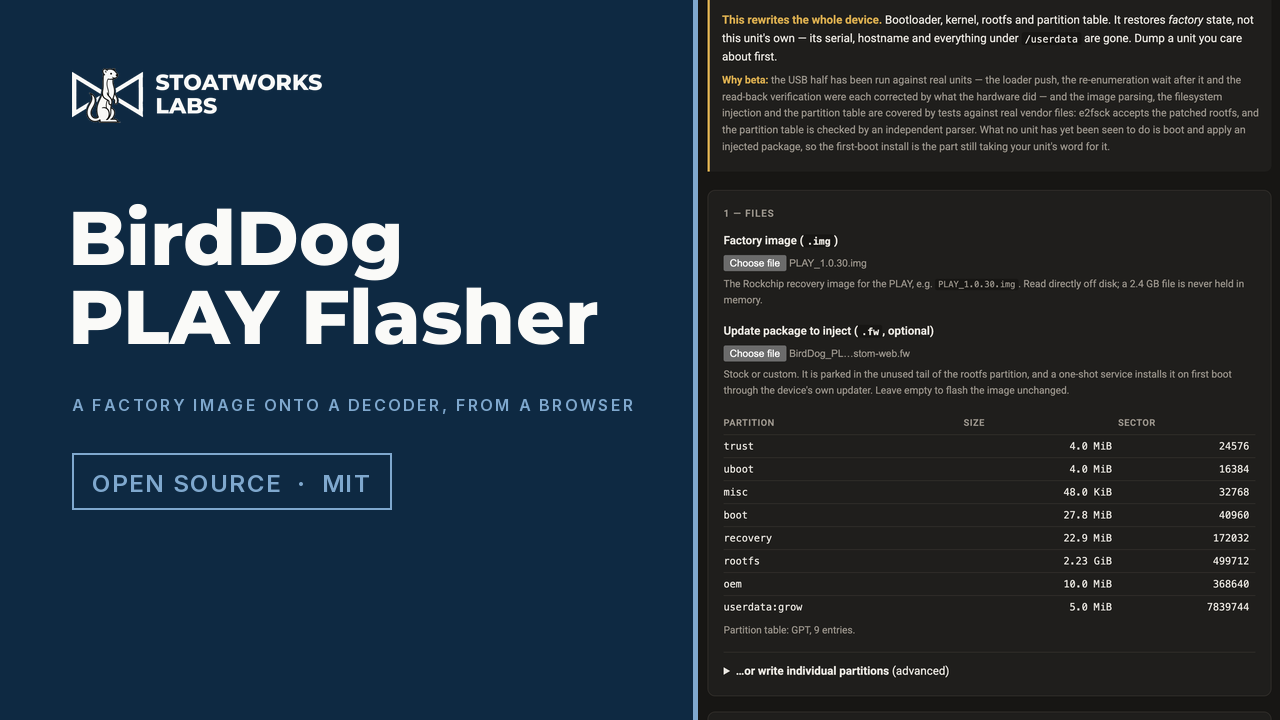
A browser page that flashes a BirdDog PLAY in recovery mode over WebUSB, and can inject a firmware package into the image on the way so the unit installs it by itself on first boot. It is the counterpart to the PLAY Patcher: the Patcher builds a package for a working unit, this one is for a unit that needs putting back.
A firmware patch for the BirdDog PLAY that adds a Tailscale panel to the System page of the decoder's own web UI, so a unit joins a tailnet from a browser instead of over SSH. It is the other half of the PLAY Patcher: that installs Tailscale but deliberately bakes in no auth key, because a key in a file the browser hands you is a key in cleartext — which left every patched unit installed but not signed in. Settings go through Tailscale's set command rather than up, so changing one preference does not silently reset the rest, and the panel declines to offer exit-node and subnet-route switches this kernel cannot honour: there is no TUN device, so Tailscale runs in userspace networking. Reads are open; writes are gated on a live birdUI session, because an open Tailscale API would let anyone on the LAN join the box to a tailnet of their own.
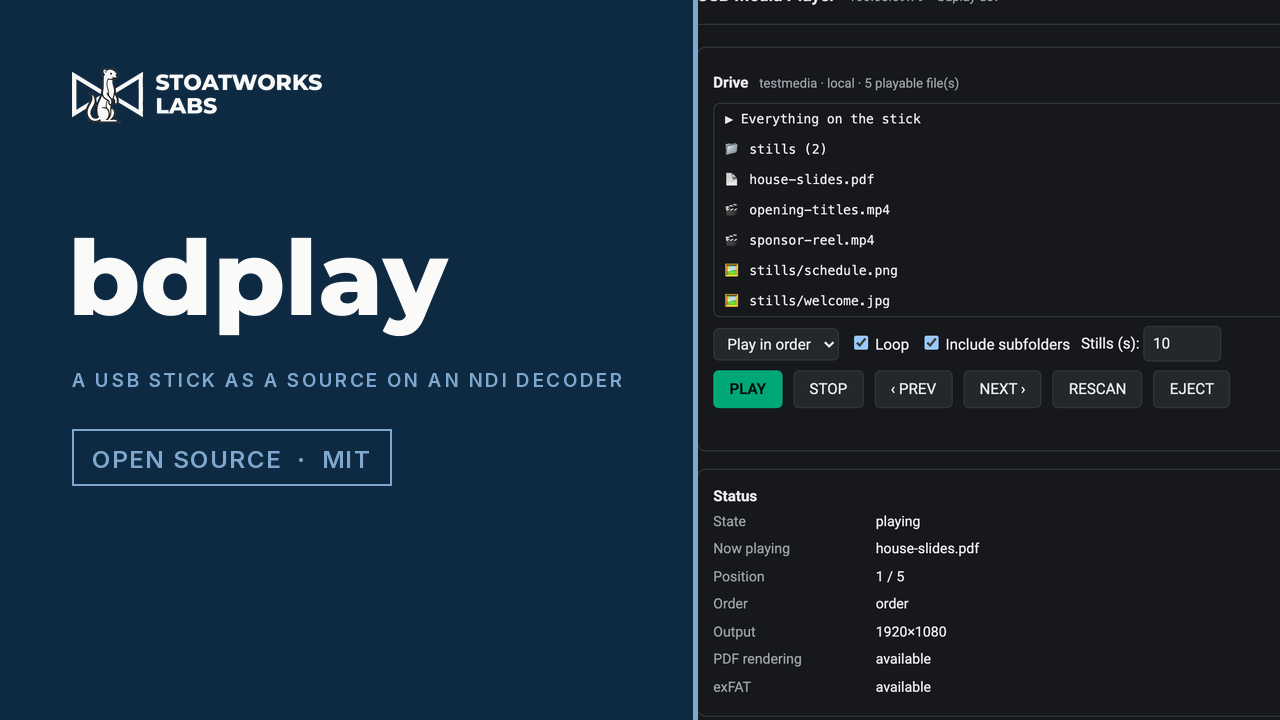
A firmware patch that adds USB to the source list on a BirdDog PLAY, so the decoder plays video, stills and PDFs off a stick straight to its HDMI output — in order or shuffled, looping, hardware-decoded. The decoder already had everything needed for it and shipped none of it: the media stack is on the box, nothing automounts, and the stock web UI validates the source name against a list USB is not on. So the patch mounts the stick itself, always read-only because people pull these without ejecting, and intercepts the source dropdown rather than trying to teach the vendor's handler a new word — which means the unit stays configured for NDI underneath and switching back is instant. exFAT works without touching the kernel, via FUSE. PDFs render through PDFium.
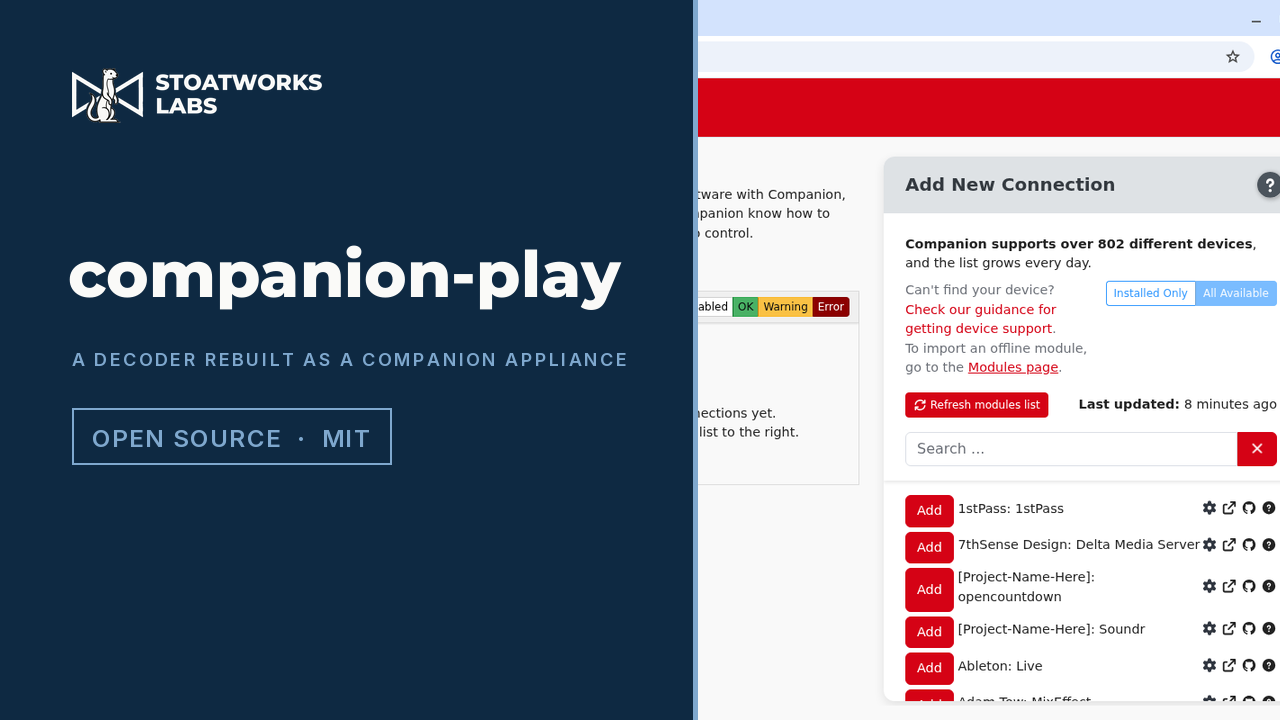
A replacement operating system for the BirdDog PLAY that turns it into a Bitfocus Companion appliance: the Companion server, its admin interface on the unit's own HDMI output, and USB control surfaces plugged into its port. It is not a patch — it replaces the firmware, so the unit stops being an NDI decoder until it is flashed back. Only two partitions change, which leaves both recovery paths intact. 808 Companion modules ship in the image, so it works with no network on first boot.
Getting a picture onto an output — from a file, a URL or a network source.
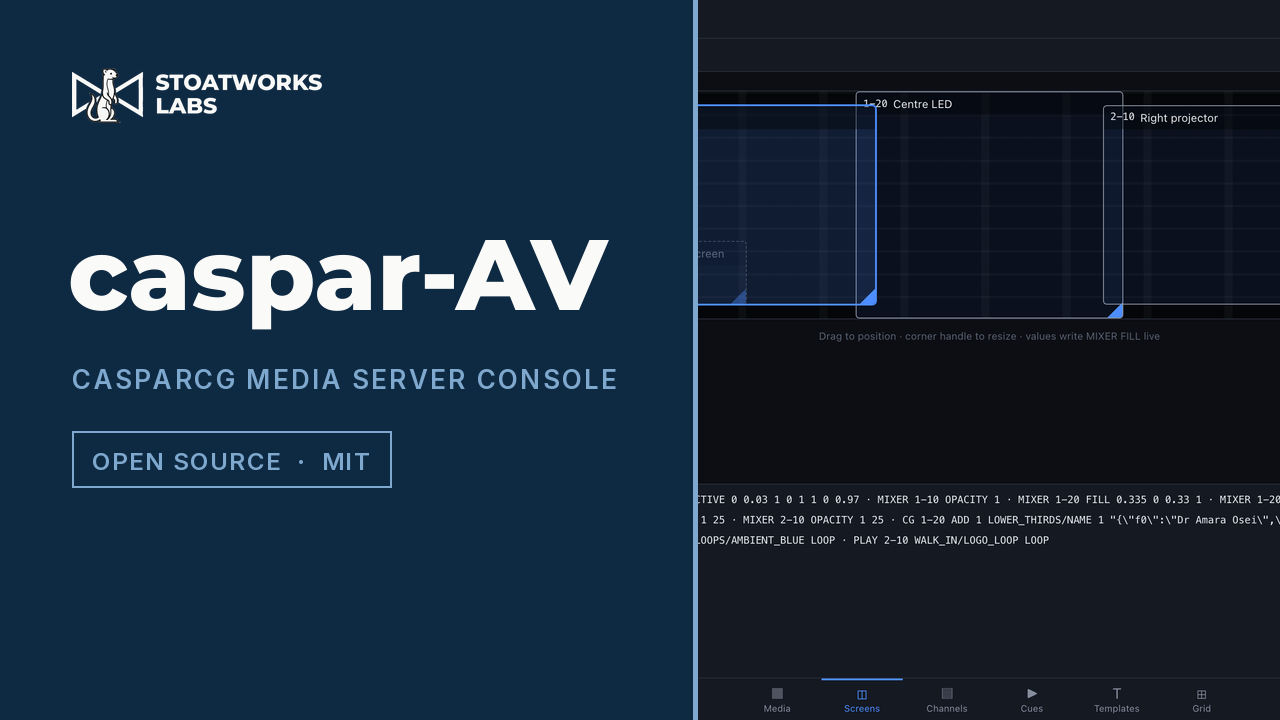
A live-events media server built on CasparCG — screens on a canvas, frame-accurate cues, a media library, GDD template forms and a trigger grid, all in a browser. Verified against a real CasparCG 2.5.0.
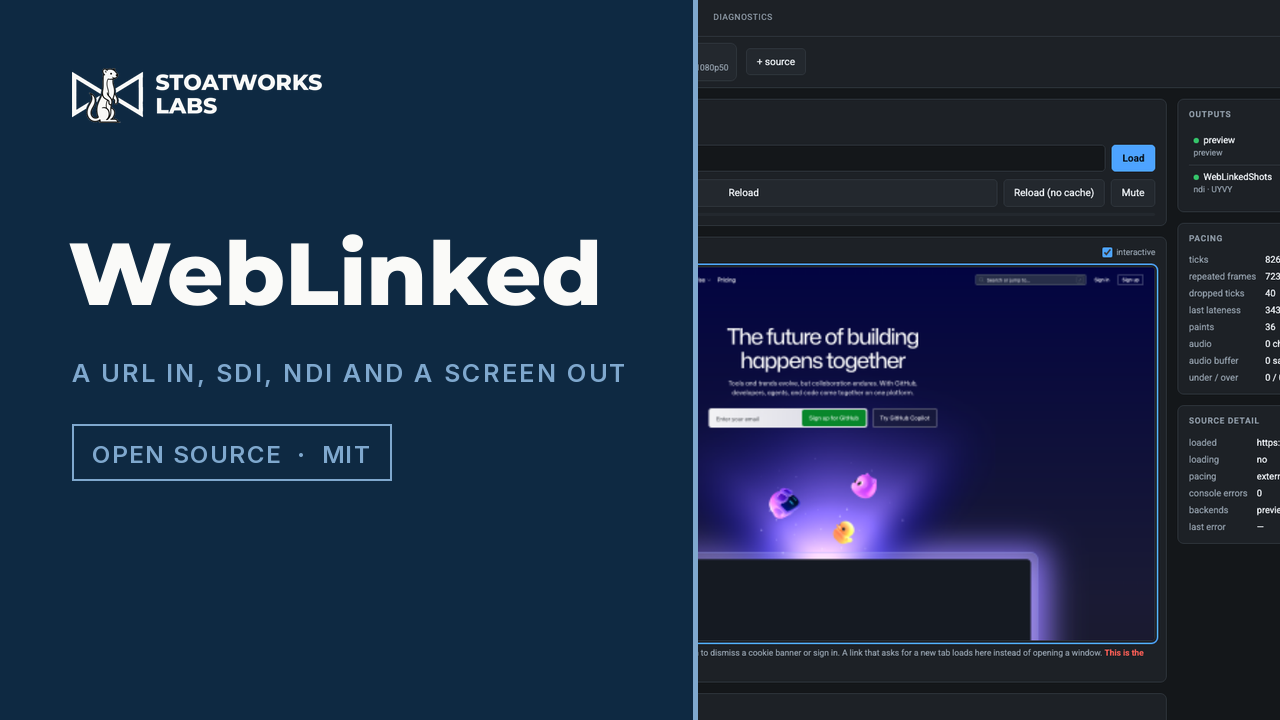
Renders any web page offscreen through Chromium at a broadcast raster and rate, then sends it to DeckLink and AJA over SDI, to the network as NDI, OMT and RTMP/SRT, into Resolume or TouchDesigner over Syphon and Spout, and fullscreen to a GPU-attached display — every output taking the same frame. It can run several such pipelines at once, each with its own browser, clock and raster, so a page that hangs on one feed cannot touch the others. The engine clocks the browser one frame at a time rather than letting it paint on its own timer, so 50 ticks a second really is 50 paints. Settings, live diagnostics and an interactive preview are all in the browser, so a rack machine needs nothing but an HTTP port.

WebLinked in a container: renders a web page offscreen at a broadcast raster and exact frame rate and sends it out as NDI — no display, no card, no desktop.
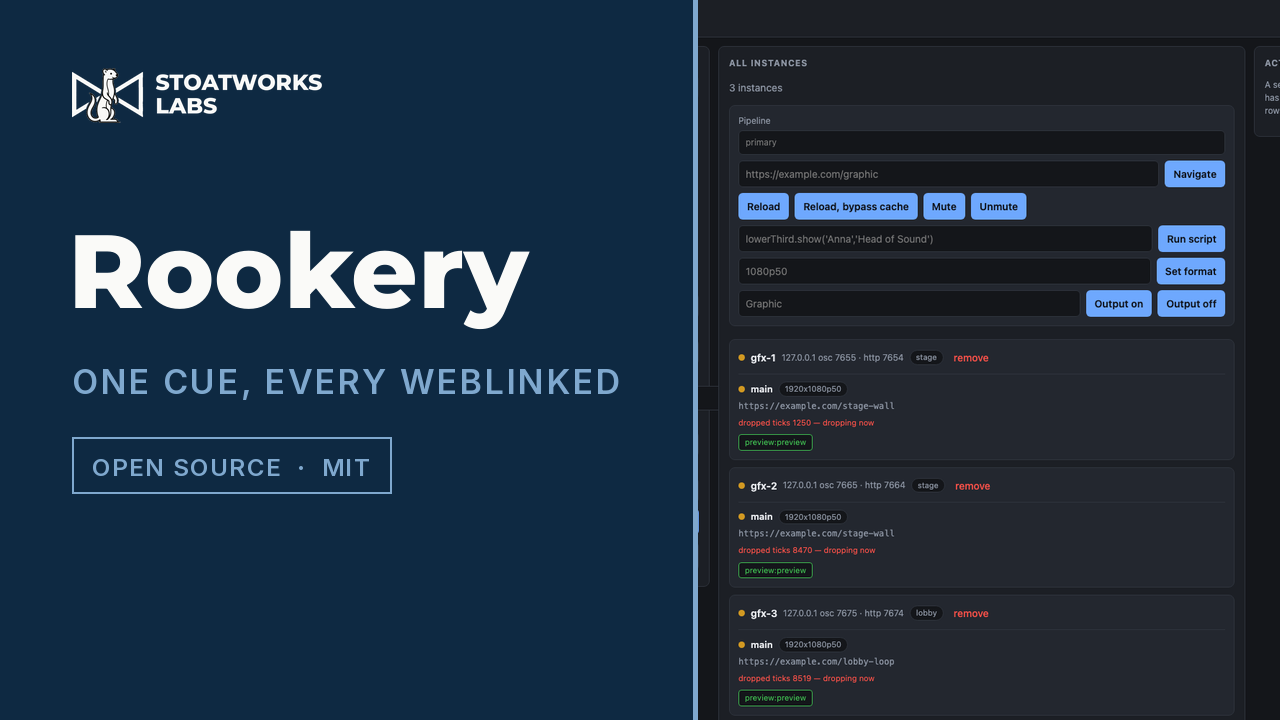
One web UI for a fleet of WebLinked instances: tag them into groups, fan any WebLinked command out to a group or the whole fleet over OSC, and watch each instance's real state come back over HTTP. A lighting desk or cue stack can drive the same groups with one OSC message, reusing WebLinked's own verbs so an existing button is retargeted by editing the front of the address.

Master control for a presentation room: a real-time NDI video matrix router, layered scene compositor, presenter-notes hub, and a Control Surface with a JSON-RPC automation API.

A tray tool that keeps a Resolume show on DXV. Point it at a folder and anything dropped there is probed and, if it is not already DXV, sent to Resolume Alley to be converted. Point it at a running Arena or Avenue and it finds the clips that are still h264, converts them, and swaps the converted file into the composition in place — keeping in and out points and clip effects, and skipping any clip that is currently playing until it stops. The conversion is done by Alley itself, because there is no DXV encoder in ffmpeg and Alley is the only way to produce one.
Moving pictures between rooms, buildings and networks that were not designed for it.
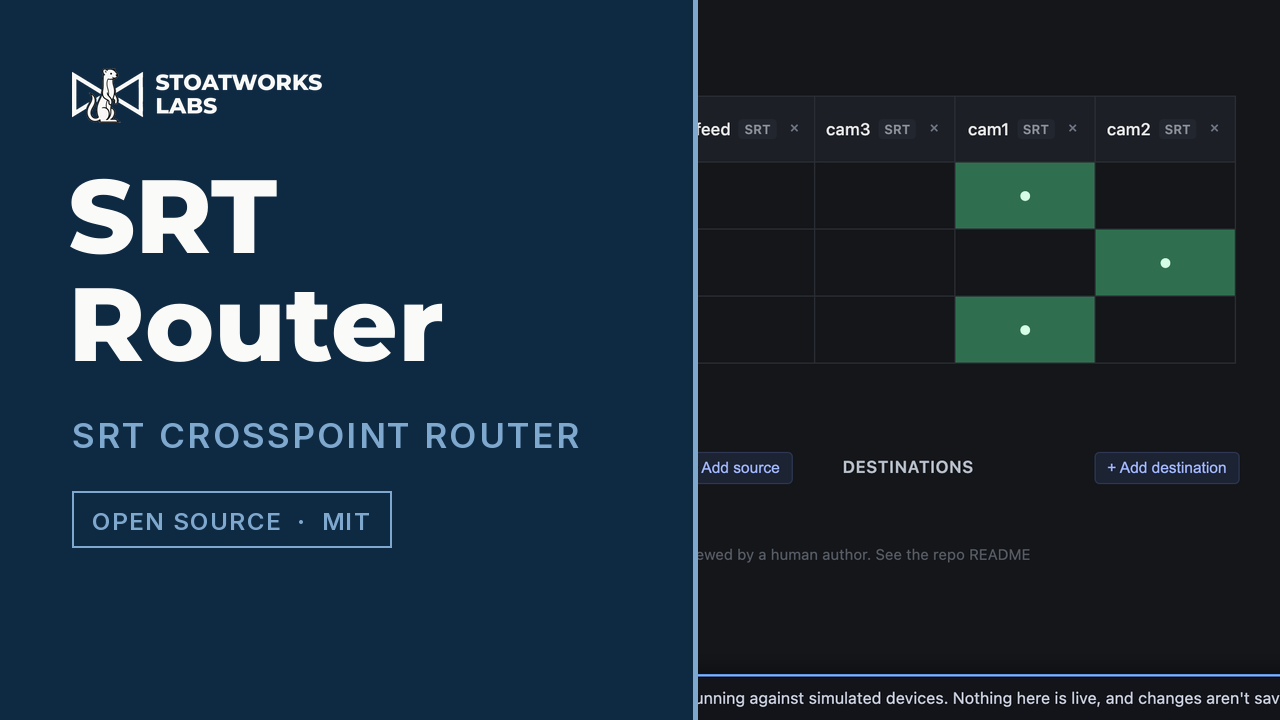
A broadcast-router-style crosspoint for SRT: any number of inputs and outputs, each output live-switchable to one source, added and removed at runtime from a web UI. Pure relay, no transcode. NDI transport included.
An NDI, OMT, SRT and ST 2110 endpoint in both directions, with screen capture in and SDI, Syphon and shared-surface out — all wired through one crosspoint.
Working out the shape of the picture before anything is hung: how many cabinets a processor will carry, where the blends land, how wide the gaps between the surfaces really are, and what raster the content has to be built at.
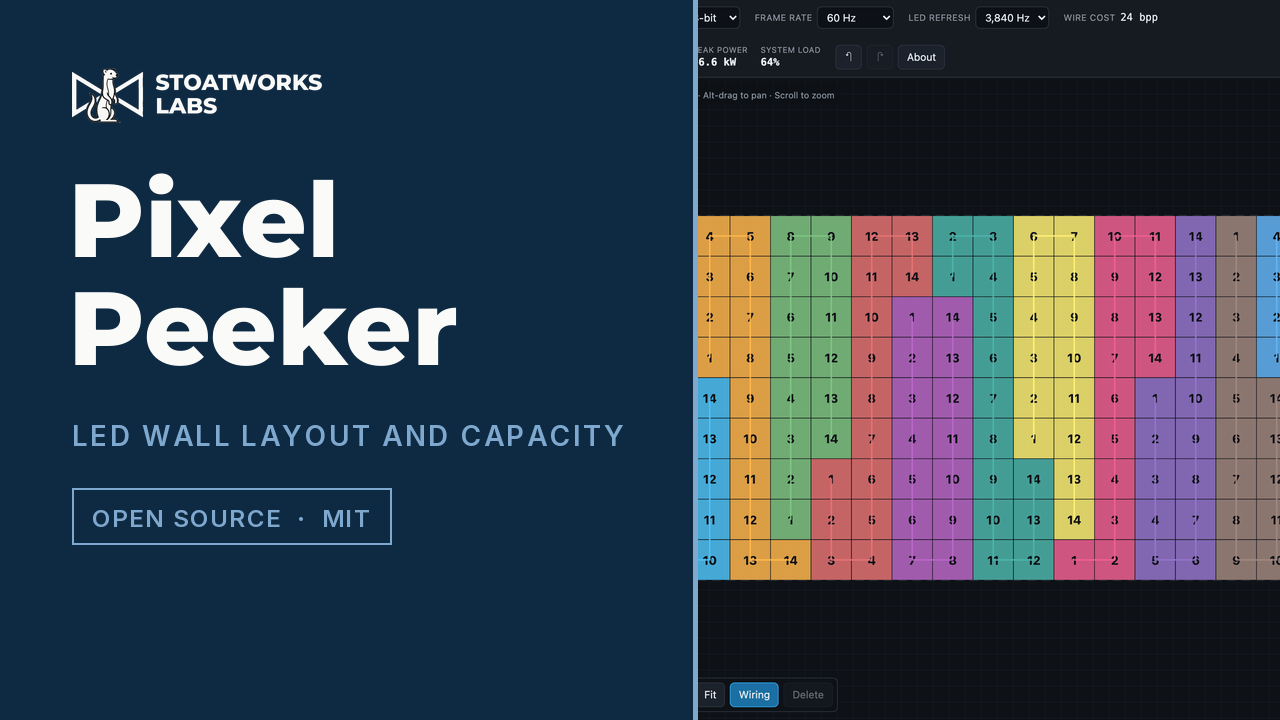
A browser tool for designing LED video walls: lay out cabinets, add NovaStar or Brompton processors, wire the ports, and see each port's load and headroom. The capacity model accounts for the power-of-two packing controllers actually use, so it reproduces the manufacturers' published per-port figures rather than overstating them.
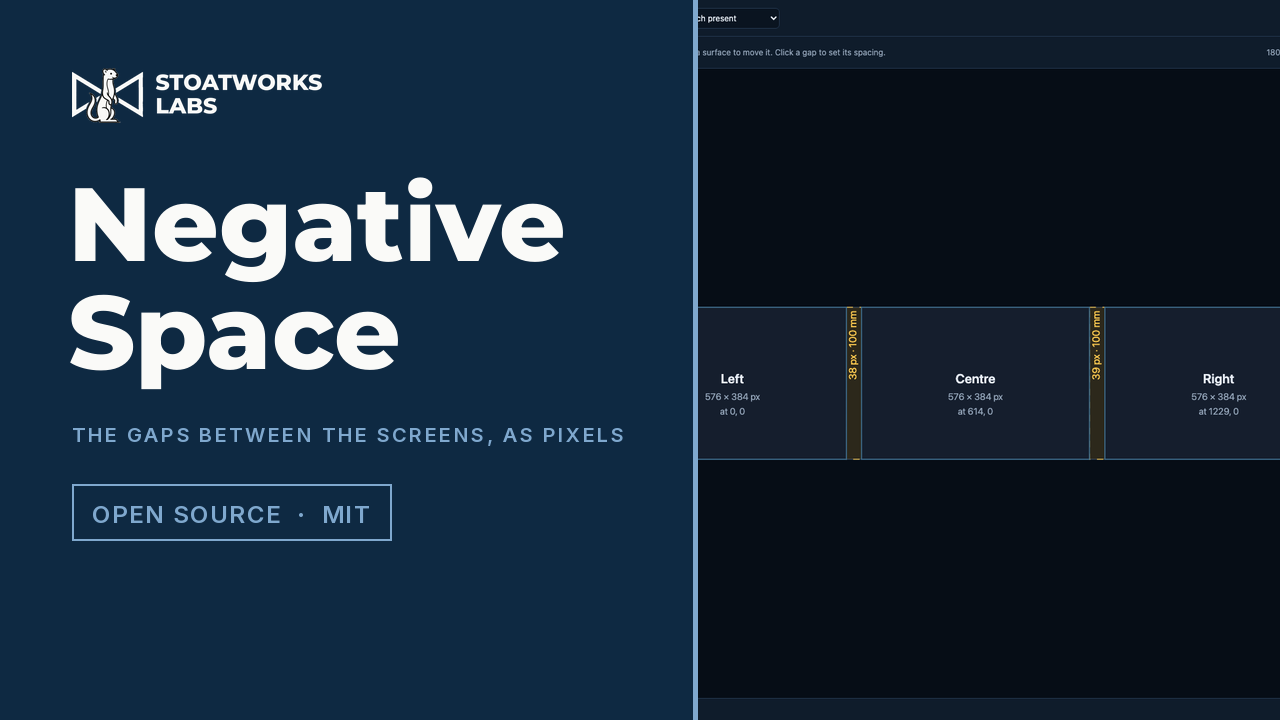
Lay out LED walls and projection surfaces with their real physical dimensions and resolutions, say how far apart they are, and it works out the composite canvas including the blank pixels in the gaps — so content laid out across the array accounts for the space between the screens as though it were pixel surface, and a graphic crossing the stage disappears behind each gap instead of jumping. Out comes the canvas size, the slice rectangles with the gap offsets already applied, a Resolume Arena advanced-output file, a guide plate at exactly the canvas resolution, PowerPoint slide geometry and a starter deck, CSV, and a PDF report with a scale plan.
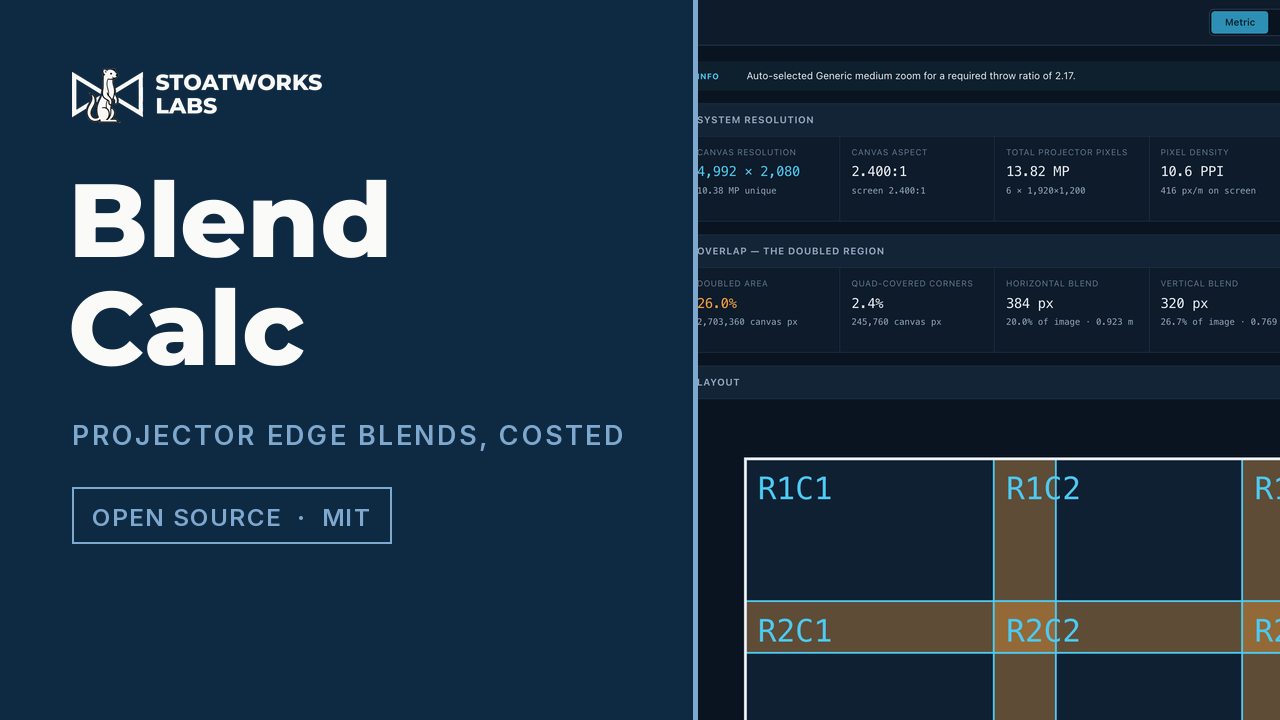
A projector edge-blend calculator that runs entirely in the browser. Flat or cylindrical canvas, any array, and the solver closes the array on the screen exactly — then reports the system resolution, the doubled and quad-covered overlap you pay for twice, the lens needed per position, a PDF report and a Resolume Arena advanced-output file.
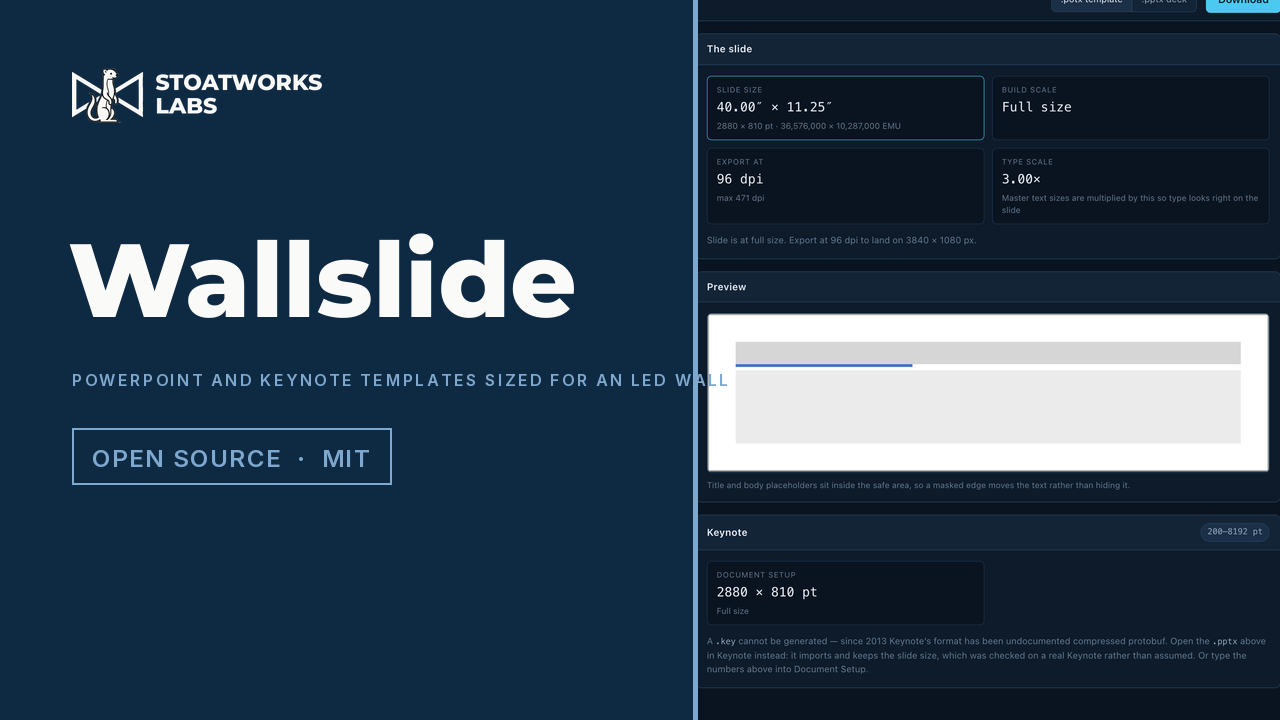
Generate correctly sized, themed PowerPoint templates and test decks for an LED wall. Type the wall's resolution and it works out a slide the application will actually accept: PowerPoint caps a slide edge at 56 inches, which is a schema limit rather than a fussy dialog, so a 7680 × 1080 wall wants an 80-inch slide it will not make. The answer is to build at half size and export at 2× — and the build scale is always a whole number or a whole reciprocal, because "build at half and export at 200%" is an instruction a person can follow at 2 a.m. and "build at 1/2.37" is not. Keynote's limits are different and were measured by asking Keynote until it refused: 8192 pt against PowerPoint's 4032, so the same wall it simply holds at 1:1. Themes carry the event's own colours, fonts, logo and background, and the optional test deck renders its patterns at the wall's exact raster. Everything happens in the browser — there is no backend, so a client's unannounced logo has nowhere to be uploaded to.
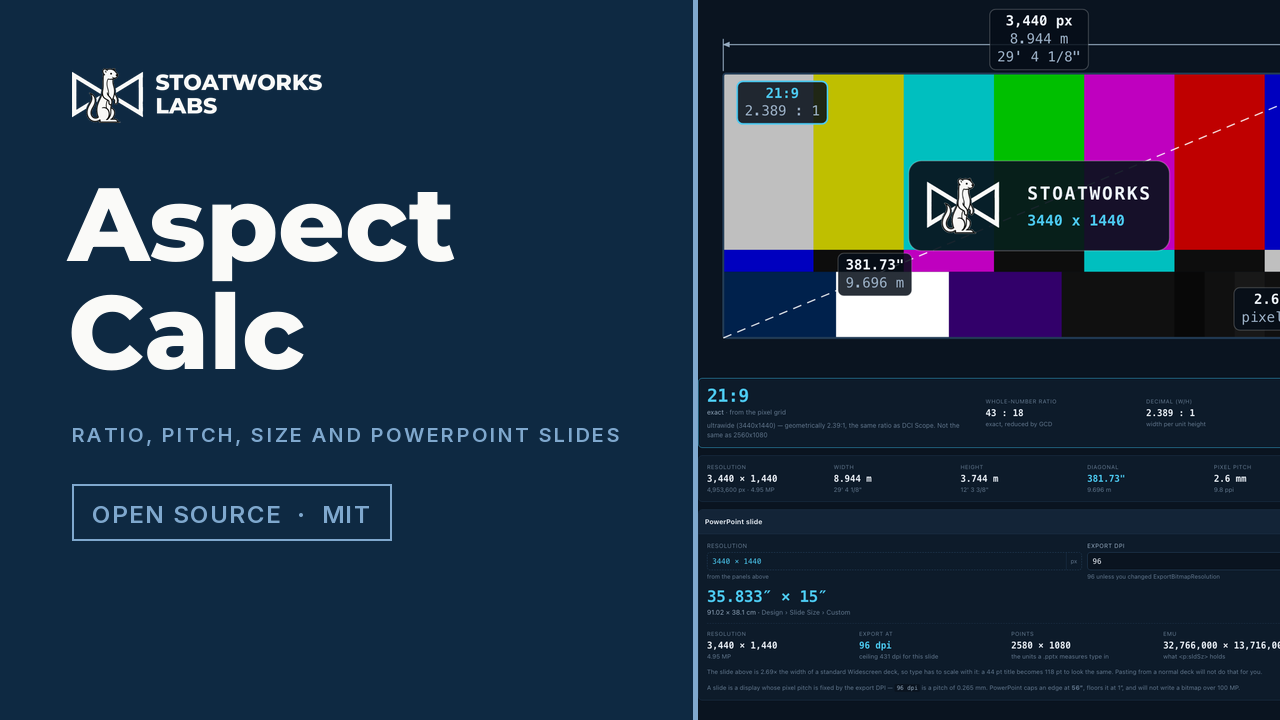
An aspect ratio, pixel pitch and display geometry calculator that runs entirely in the browser. Resolution × pixel pitch = physical size, so any two of the three give the third — and it names the ratio the way the trade does, telling you that 3440×1440 is 21:9 rather than 43:18, and that 1366×768 is 0.049% off 16:9 rather than pretending it is exact. It sizes PowerPoint slides on the same arithmetic, working around the 56-inch slide limit and pointing out when the better answer is to leave the deck alone and raise the export DPI.
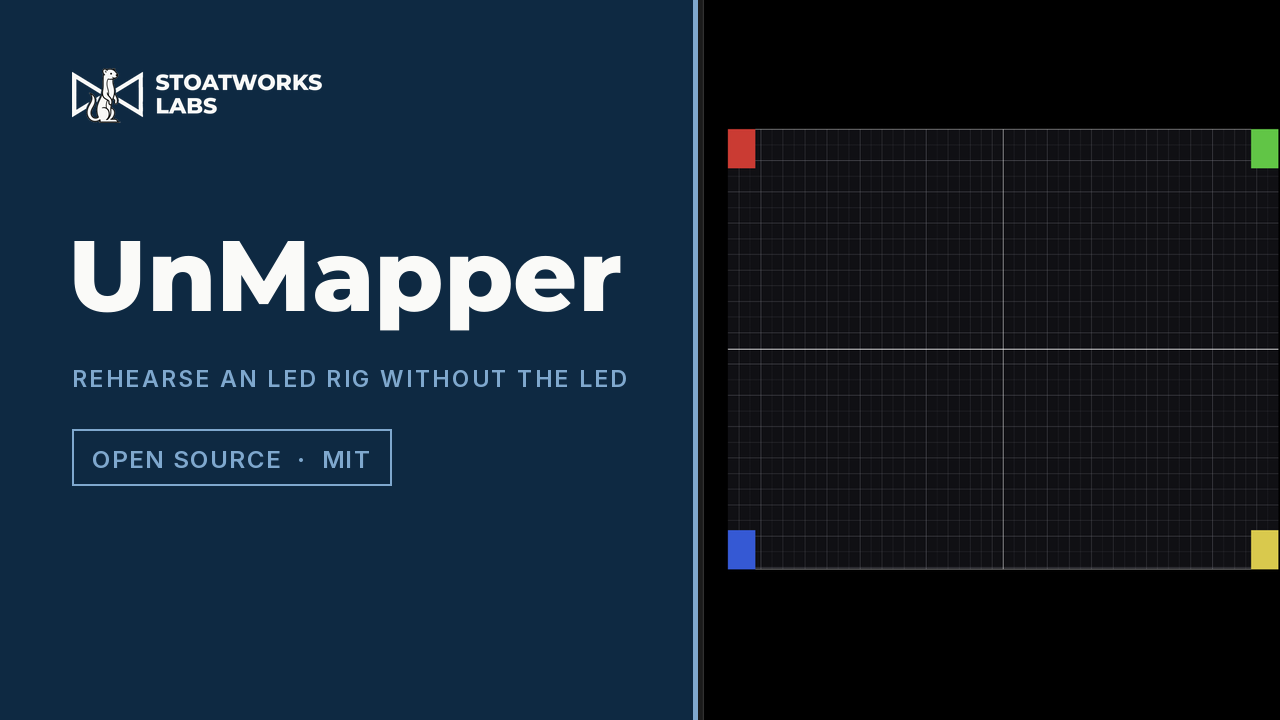
Reads the Resolume Advanced Output slice map that drives the real wall, receives Resolume's outputs over NDI, and composites them onto a virtual reconstruction of the rig. Drive that to connected monitors as a stand-in wall, or view it as 3D previz of the set.
Deciding what will take the show, then proving the signal path does what the drawing says — the EDID the display will actually accept, a test pattern at every output's own raster, and a picture of every source in the rack.
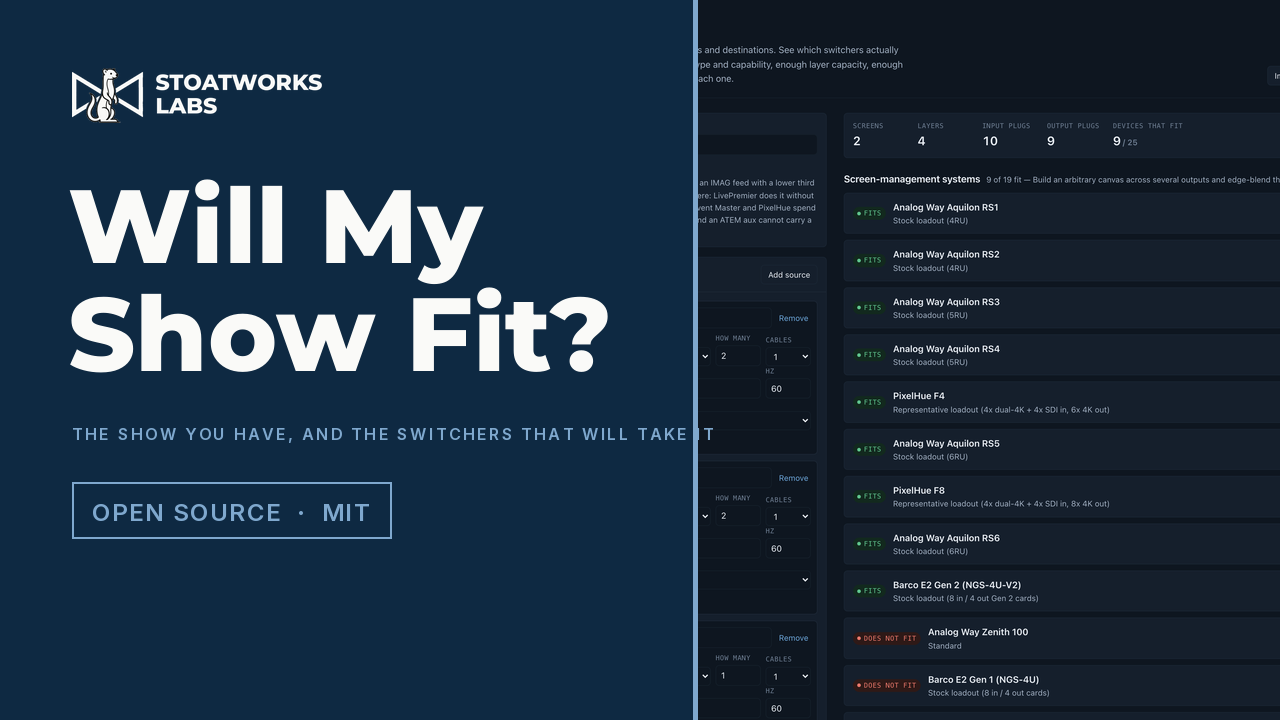
Describe a show — the screens and their canvases, the layers on each, every source and every destination — and it works out which switchers will actually take it. Not whether the input count adds up, which is the question a spreadsheet answers and the one that gets people caught out, but whether there is a physical plug of the right type and capability for every signal, whether the layer budget covers the layers as each manufacturer counts them, and whether the canvas fits. Thirty-seven machines checked, then a wiring topology proposed for each one that fits.
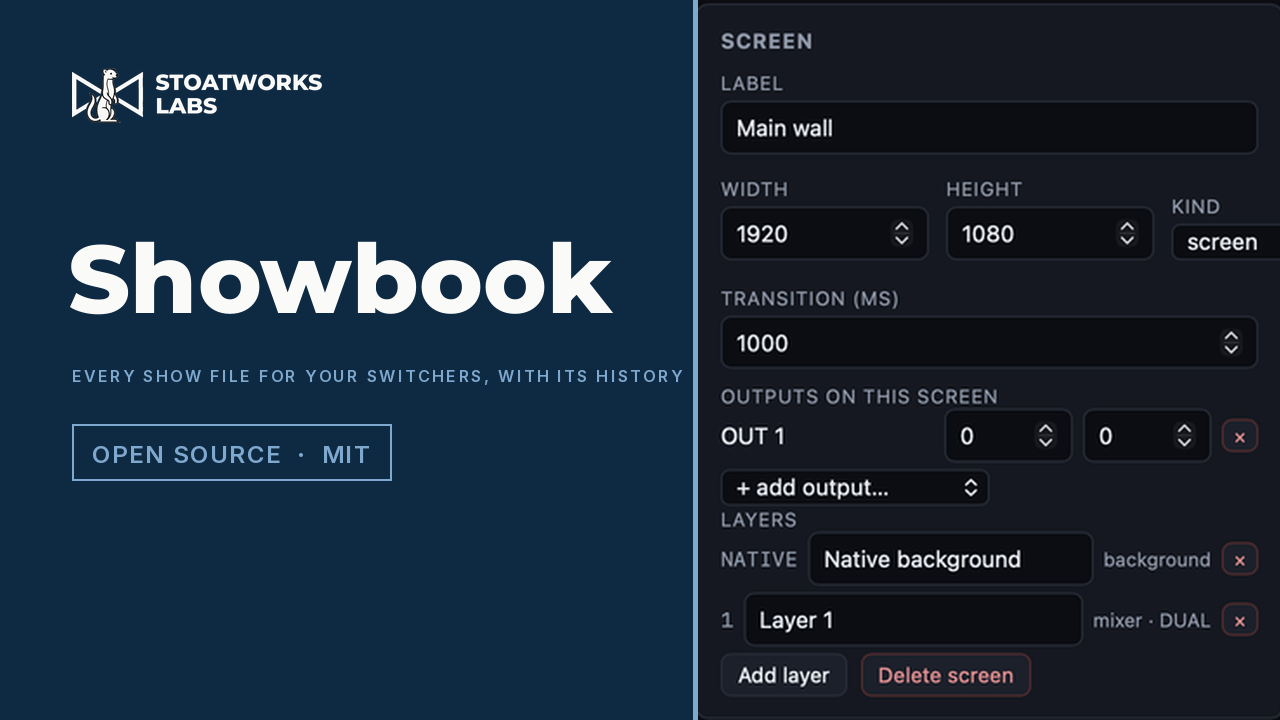
A desktop show file library for video switchers — Barco Event Master (E2, S3-4K, EX, Encore3) and Analog Way LivePremier (Aquilon), with Midra 4K and Alta 4K read as well. Every show is kept with a version history and the vendor file it came from; the patch, the screens, the layers and the presets are drawn to scale; it writes PDF documentation, test patterns, multiviewer layouts and Bitfocus Companion pages; it converts a show between platforms with a report of what carried, what was adapted and what was dropped; and it pulls from and pushes to the live hardware.
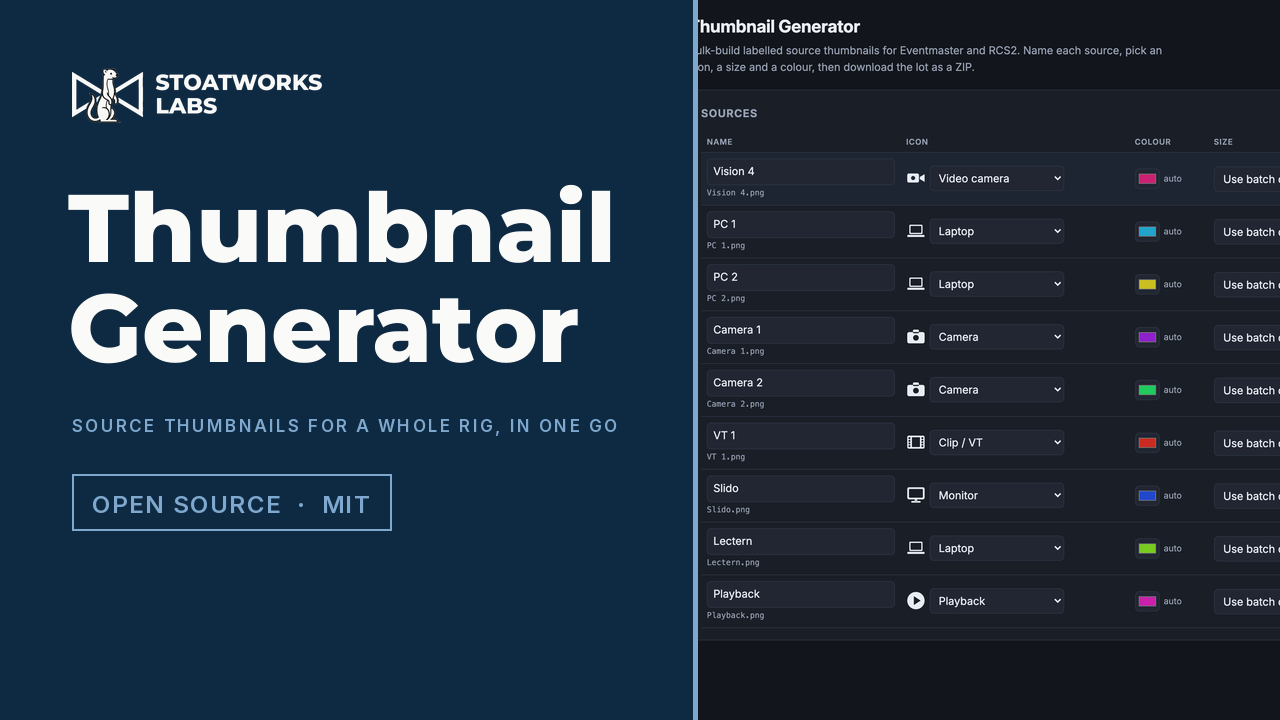
Builds the labelled source thumbnails an Eventmaster or an RCS2 shows on its multiviewer, for a whole rig at once. Type or paste the source list, give each one an icon, a size and a colour, and download a ZIP with one image per source named after it — plus a manifest matching file to source. Runs entirely in the browser.
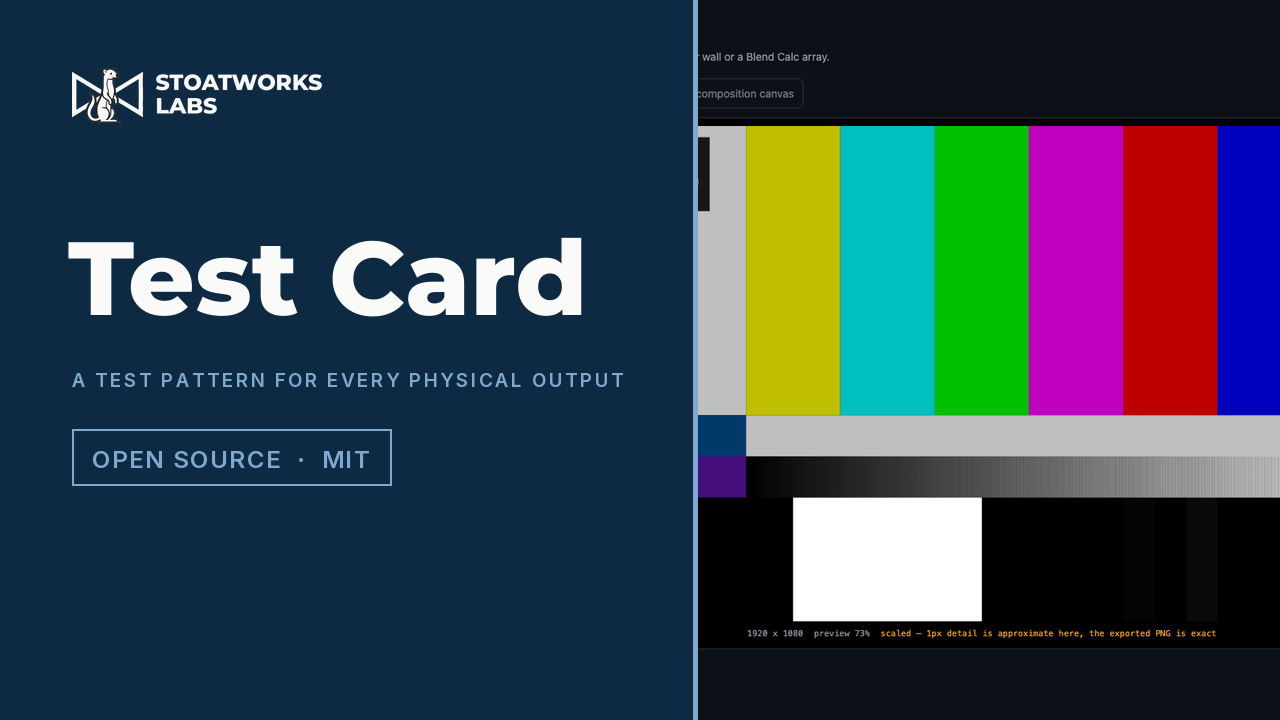
Generates test patterns for every physical output in a show, from the file that already describes the outputs. Import a Resolume advanced output, a Pixel Peeker wall or a Blend Calc array and get one PNG per output at that output's exact raster — or a single composition-sized image with every output's region labelled, which proves the output map is what you think it is.
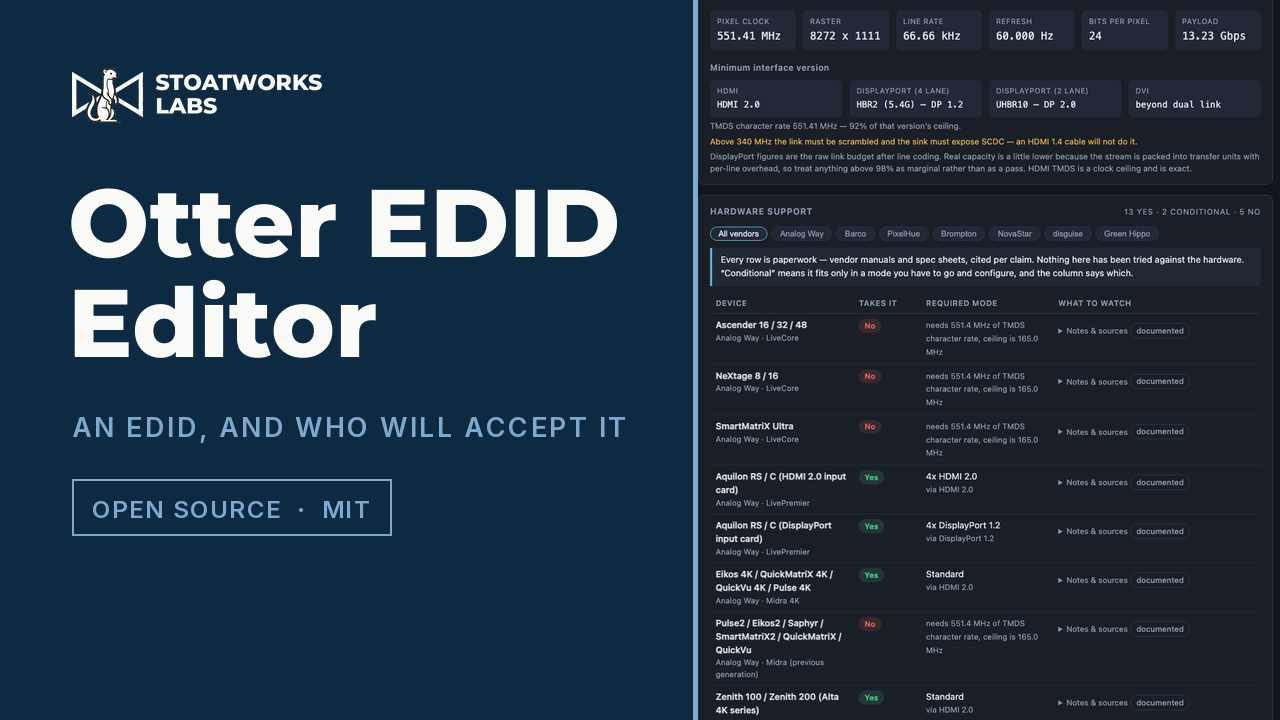
Builds an EDID from a resolution and a refresh rate, or lets you edit every field of one by hand, entirely in the browser. Then it does the part that usually costs an afternoon: works out the smallest HDMI or DisplayPort version that carries the mode, and checks it against twenty-one models of event processor — answering yes, no, or which input capacity mode you would have to go and configure first.

Three test programs — a moving test card, a controller mapping tester and an overscan display — built from source for as many consoles as have a toolchain in Homebrew. For people who care about the video path rather than emulation accuracy.
Not effects themselves — the things that let one plugin format run somewhere it was never built for, or run at all outside a VJ application.
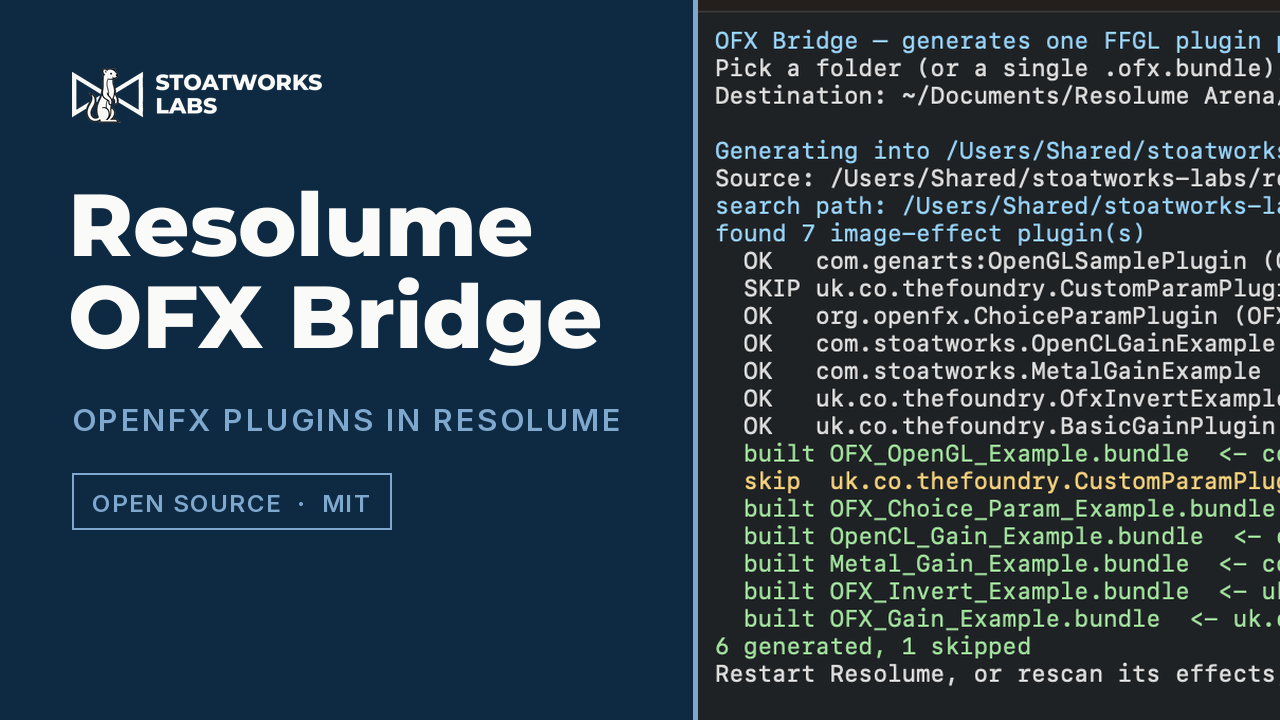
Runs OpenFX plugins — the format DaVinci Resolve uses — inside Resolume Arena and Avenue. Point the app at your OFX folder, choose where the results go, press Start: it writes one FFGL plugin per OFX plugin, each carrying that plugin's real parameters into Resolume's own UI. No compiler needed.
An OBS Studio plugin that loads any FFGL 2.x bundle and renders it in OBS's own OpenGL context — no network round trip, no second render.
A standalone FFGL host with NDI, OMT, Syphon and DeckLink I/O: route a source out of your mixer, through a chain of FFGL plugins on the GPU, and back in.

An optional desktop client for the Stoatworks software — plugins, tools, applications and Companion modules. Shows what you have installed and what has an update, and installs each one in whichever formats you use: FFGL for Resolume, OpenFX for Resolve, After Effects, VST3 and Audio Units for a DAW. It keeps itself up to date too. No account, and nothing sent anywhere.
Effects that reproduce a real signal path rather than inventing a filter: a CRT, a long coax run, a tape machine, a codec running out of bits. Modelled from the physics so one control moves everything the real fault moves.
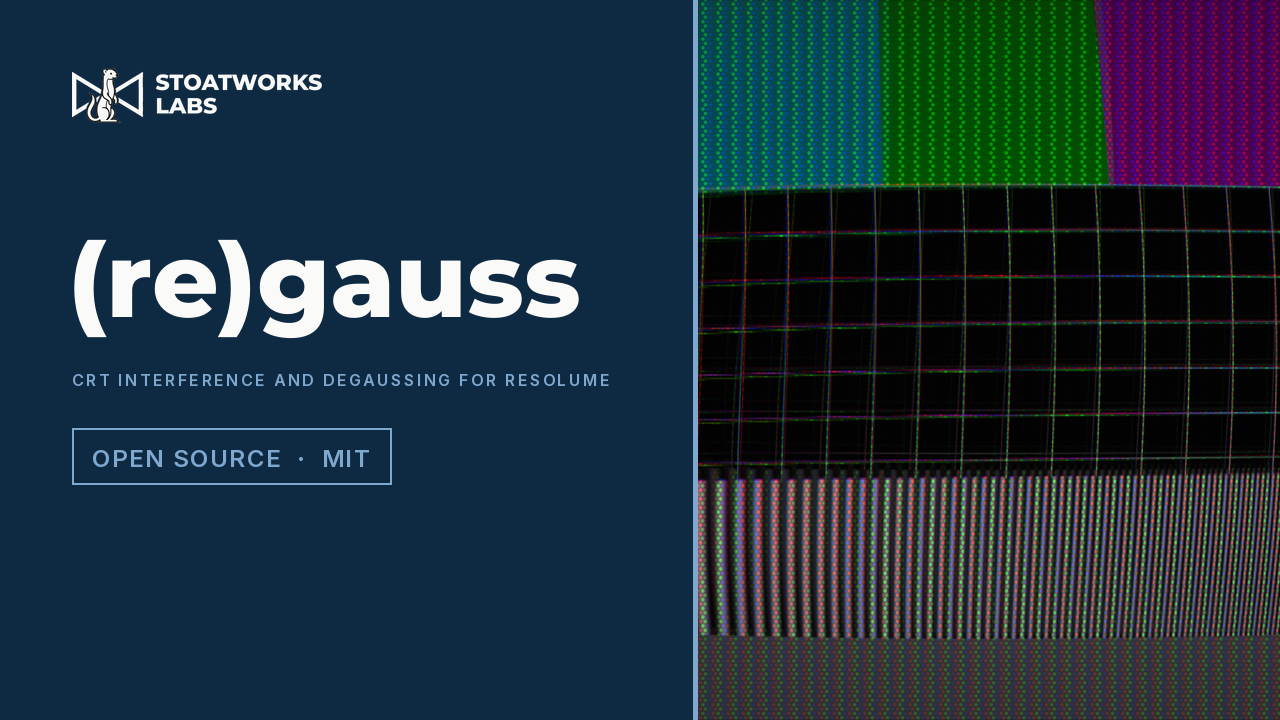
An FFGL effect that puts a magnet next to a CRT: the picture leans, every edge grows coloured fringes, and whole regions turn the wrong colour — all three from one magnetic field rather than three separate effects. A Degauss button fires the coil and genuinely clears it.
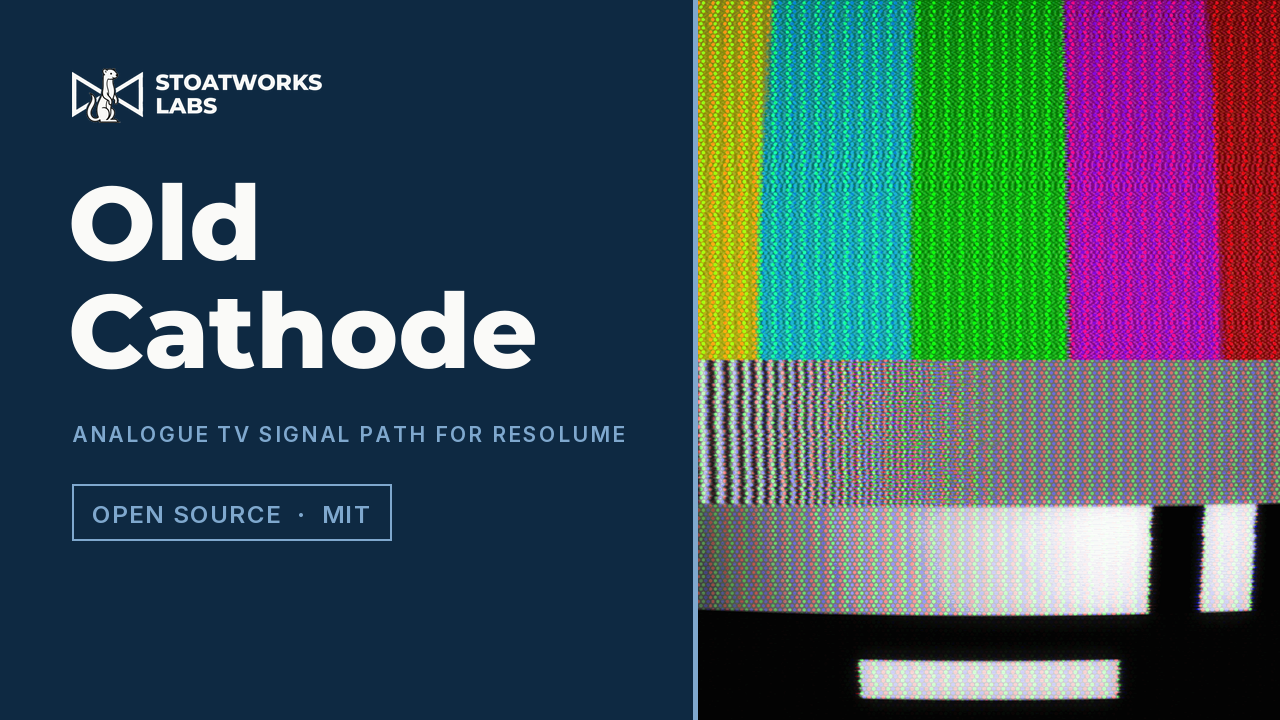
An FFGL effect that models the route a picture took to reach a television, rather than the look of one. Universal macOS bundle and Windows DLL.
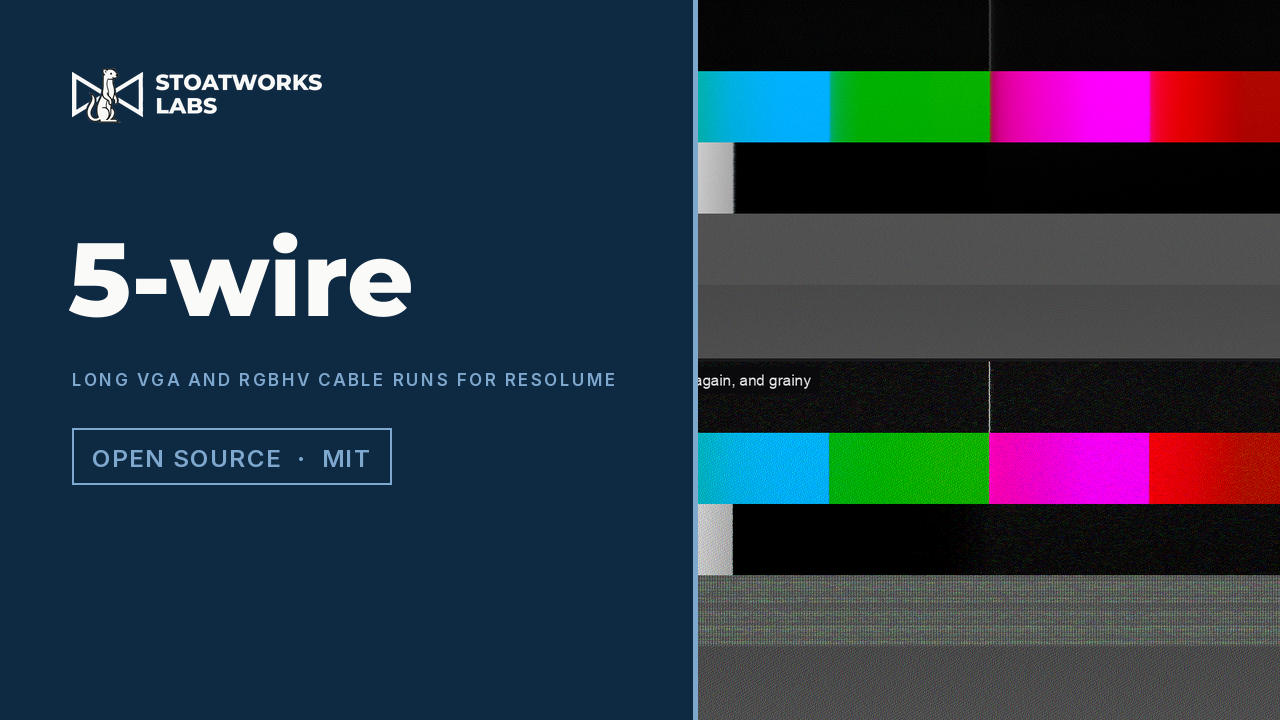
An FFGL effect that puts a long run of VGA or RGBHV between the picture and the screen. Coax loses the square root of frequency, and that one fact gives the soft picture, the streak behind every caption and the displaced ghost — all from the same curve rather than three separate effects. The equaliser at the far end brings the picture back and lifts the noise with it; the identical filter at the amplifier does not.
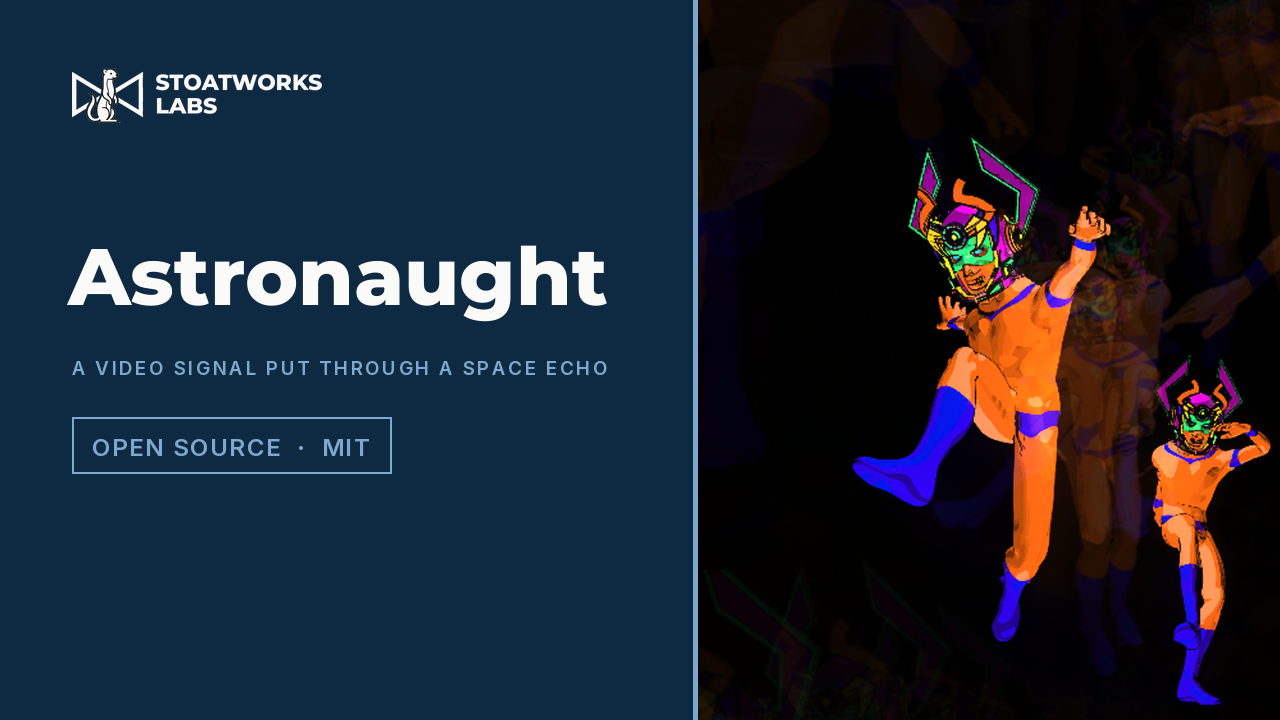
A model of the Roland RE-201 Space Echo as an FFGL effect for Resolume — a loop of tape, three playback heads bolted at equal intervals, a twelve-position Mode Selector and a three-spring tank, with the picture as the signal on the tape.
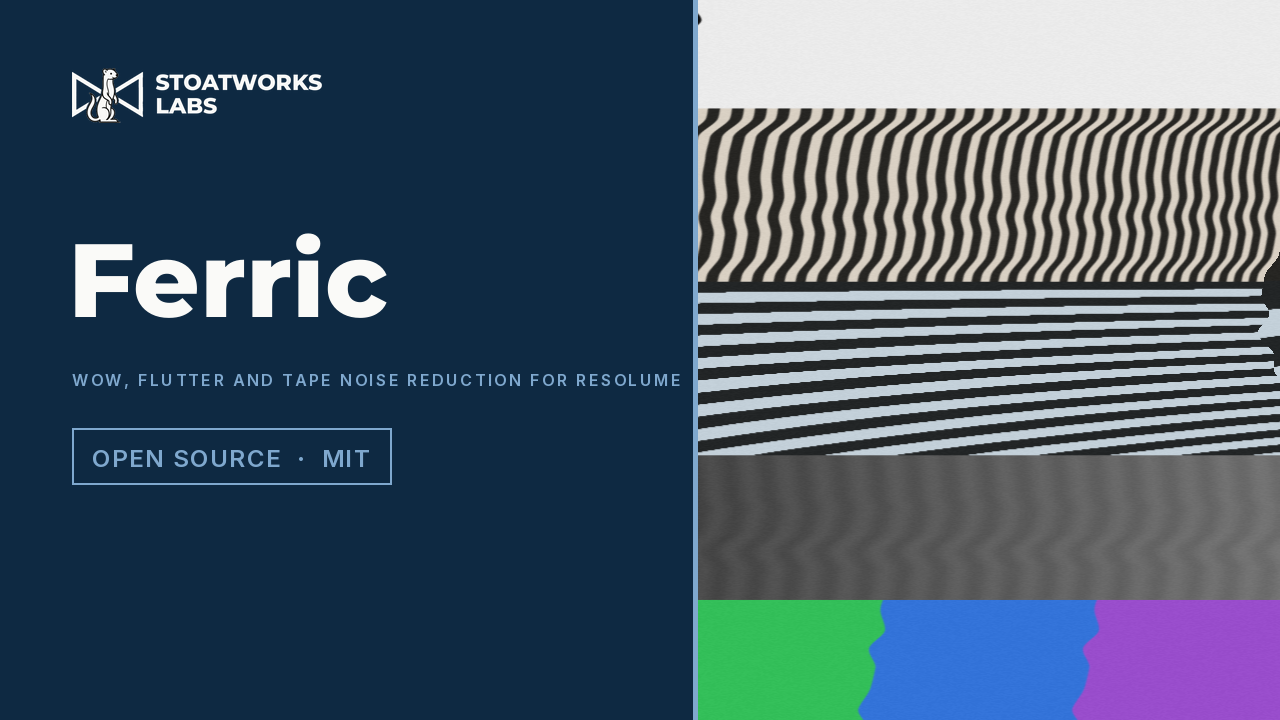
The video signal put on tape, as an FFGL effect for Resolume — an unsteady transport tears the picture in time, the oxide adds its own hiss and dropouts, and the consumer sliding-band noise reduction that hid one under the other is in there with both ends of it under your control.
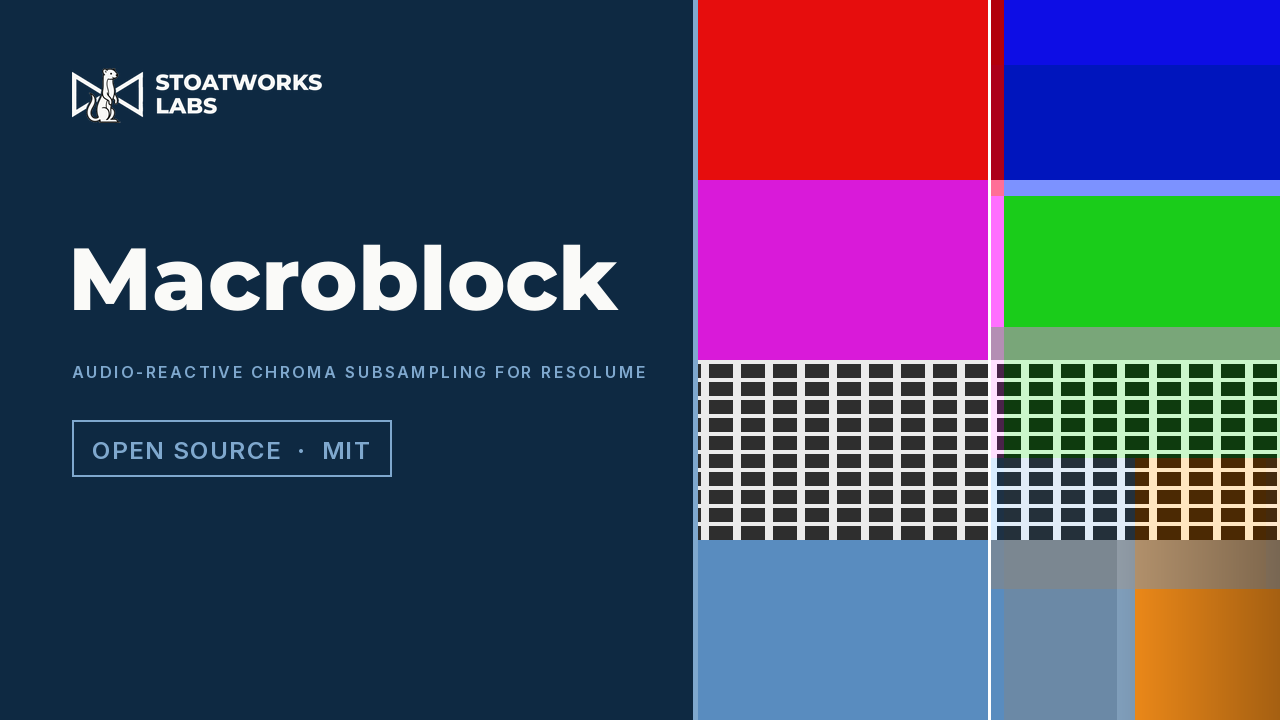
Chroma subsampling at any level, as an FFGL effect for Resolume and an OpenFX plugin for Resolve — from the 4:2:0 your footage is already in, up to a single colour for the whole canvas, with luma on its own independent lattice and the grid following the music.
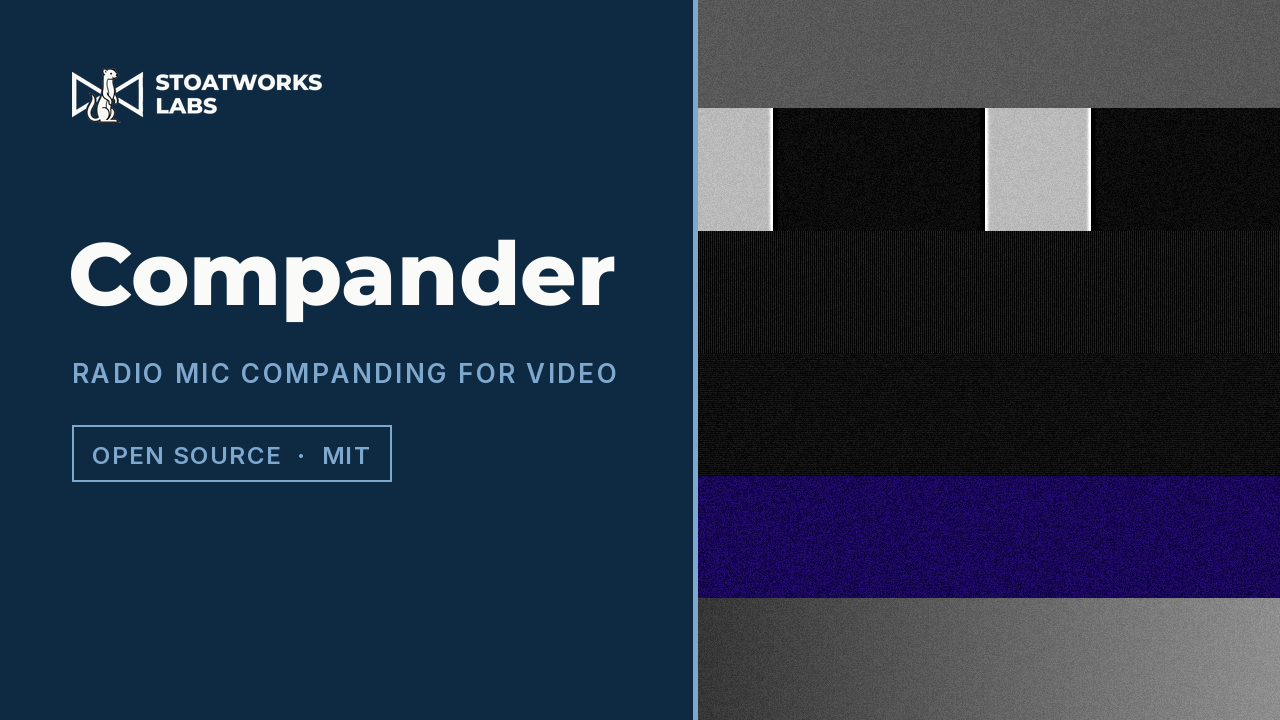
An analogue radio mic's companding circuit with a picture pushed through it — an FFGL effect for Resolume and an OpenFX plugin for Resolve. A compander's attack and release, applied to video, is a distance along the scan, so one control runs from haloing tight to every edge to the whole picture pumping.
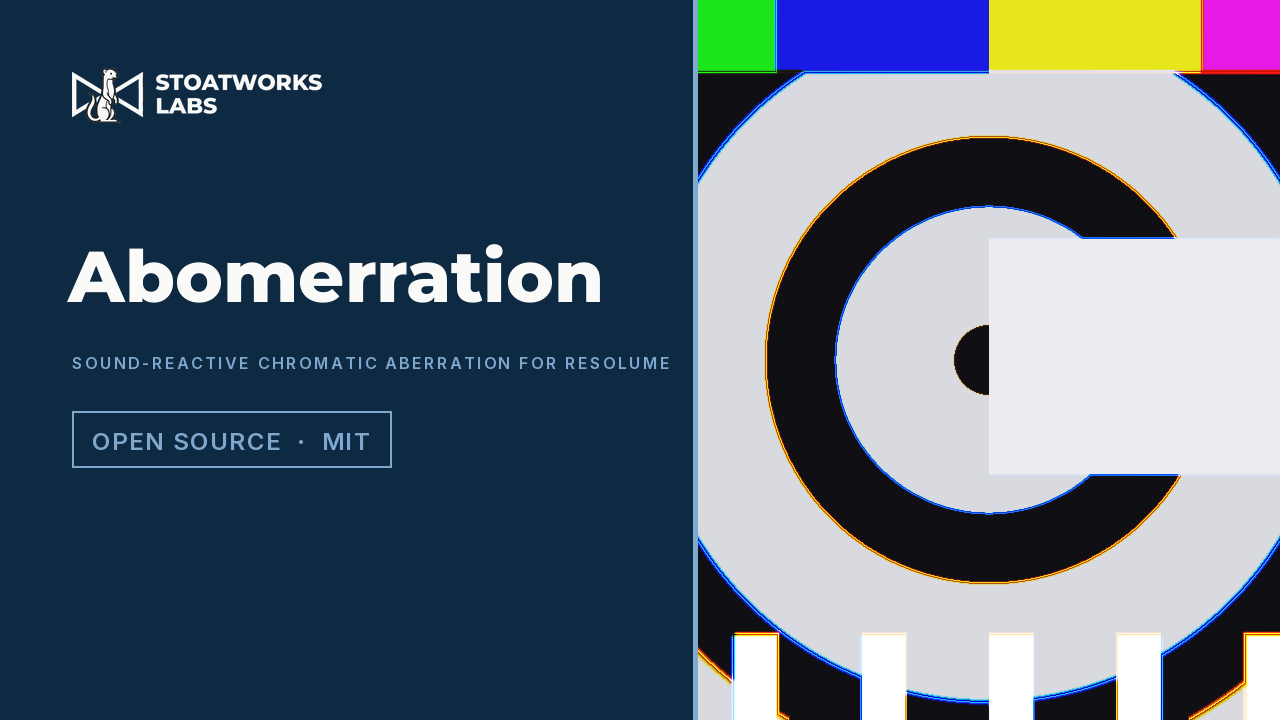
Chromatic aberration as an FFGL effect for Resolume and an OpenFX plugin for Resolve — the whole visible spectrum smeared along a path and integrated, rather than three channels offset, with the beat and the spectrum of the music allowed to drive it.
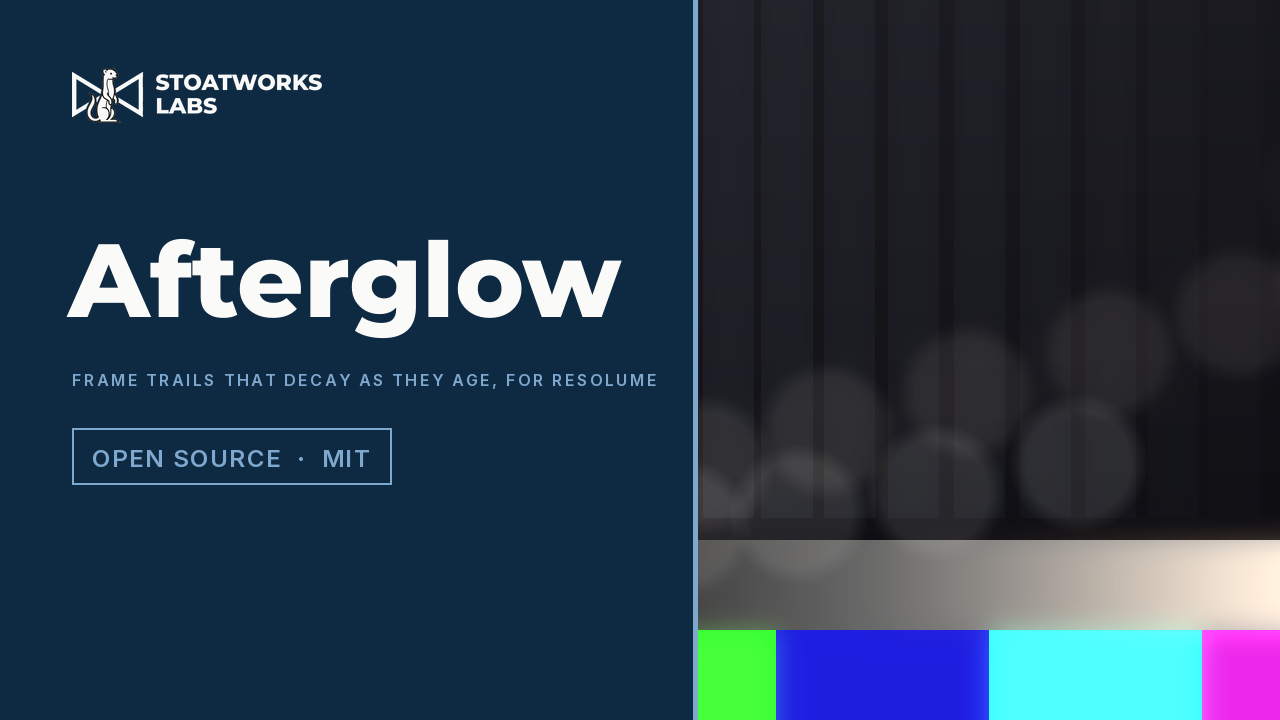
A queue of the last few dozen frames laid back over the picture, each one further gone than the one in front of it — an FFGL effect for Resolume and an OpenFX plugin for Resolve. Not a blur and not a feedback loop: every frame goes in, the whole queue comes back out, and each ghost is dimmer, coarser, more crushed and further round the colour wheel than its neighbour.
Plugins that make a picture rather than change one — emulators, animation engines, procedural generators and file players that become a layer in their own right.
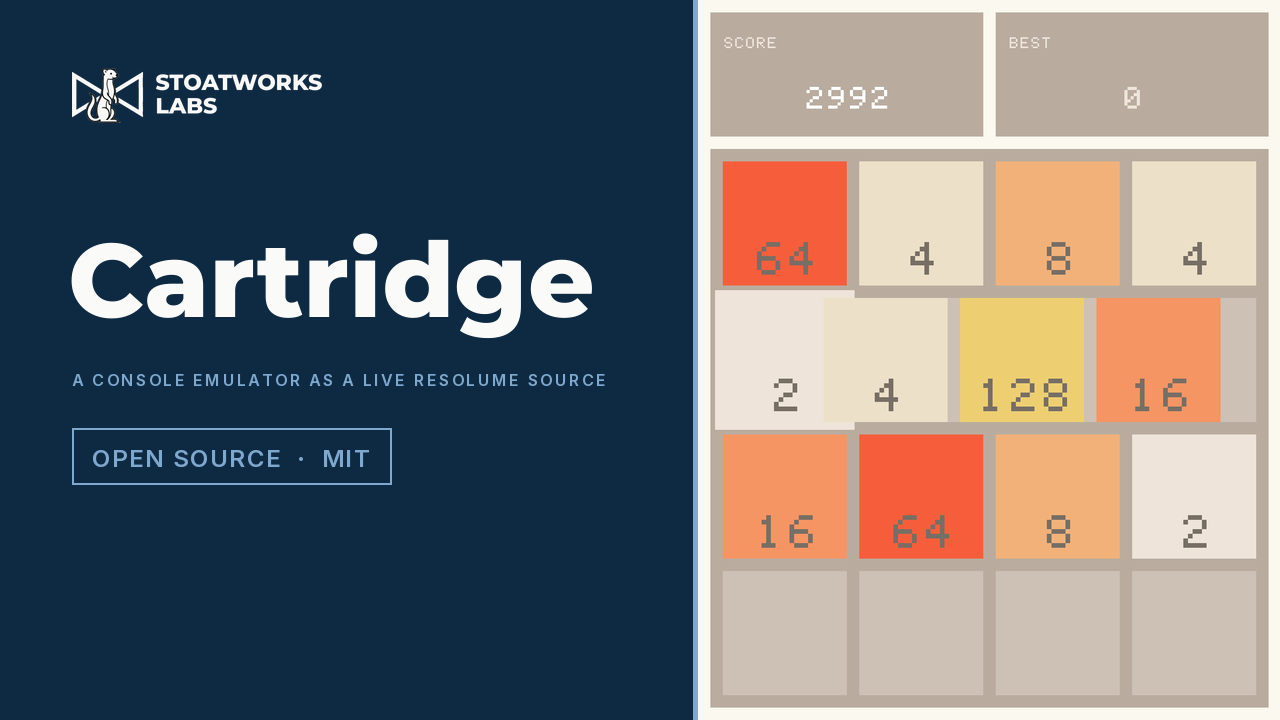
A libretro frontend that runs inside Resolume as an FFGL generator: point it at a core and a game and the console becomes a layer, with the joypad MIDI-mapped onto whatever controller is already on the desk. Ships as two builds — in-process, and an out-of-process helper that keeps the show up when a core crashes. No cores, BIOS images or games are included.
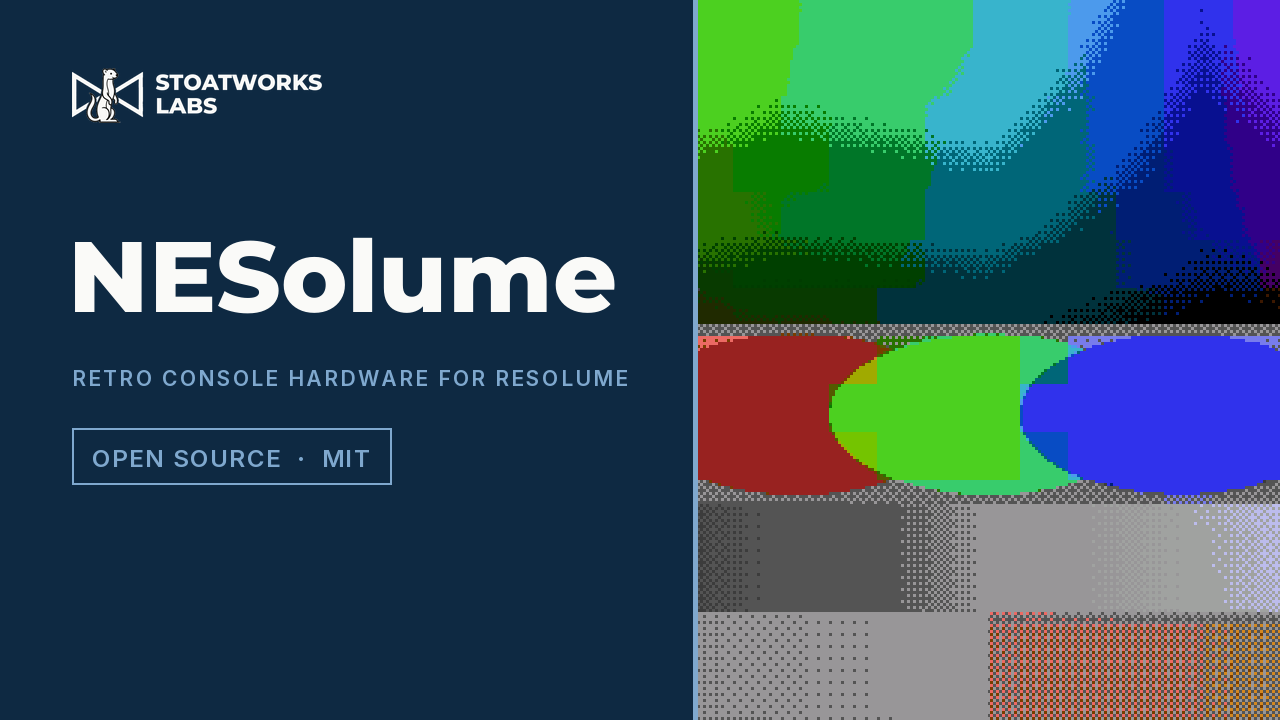
Retro console video hardware as an FFGL effect: a real machine's raster, palette and attribute cells, plus scroll-register distortion and glitches that corrupt the indices — so nothing a failing machine shows is ever outside its palette. Now with the Amiga: 12-bit registers, Extra Half-Brite and an exact HAM6 encoder.
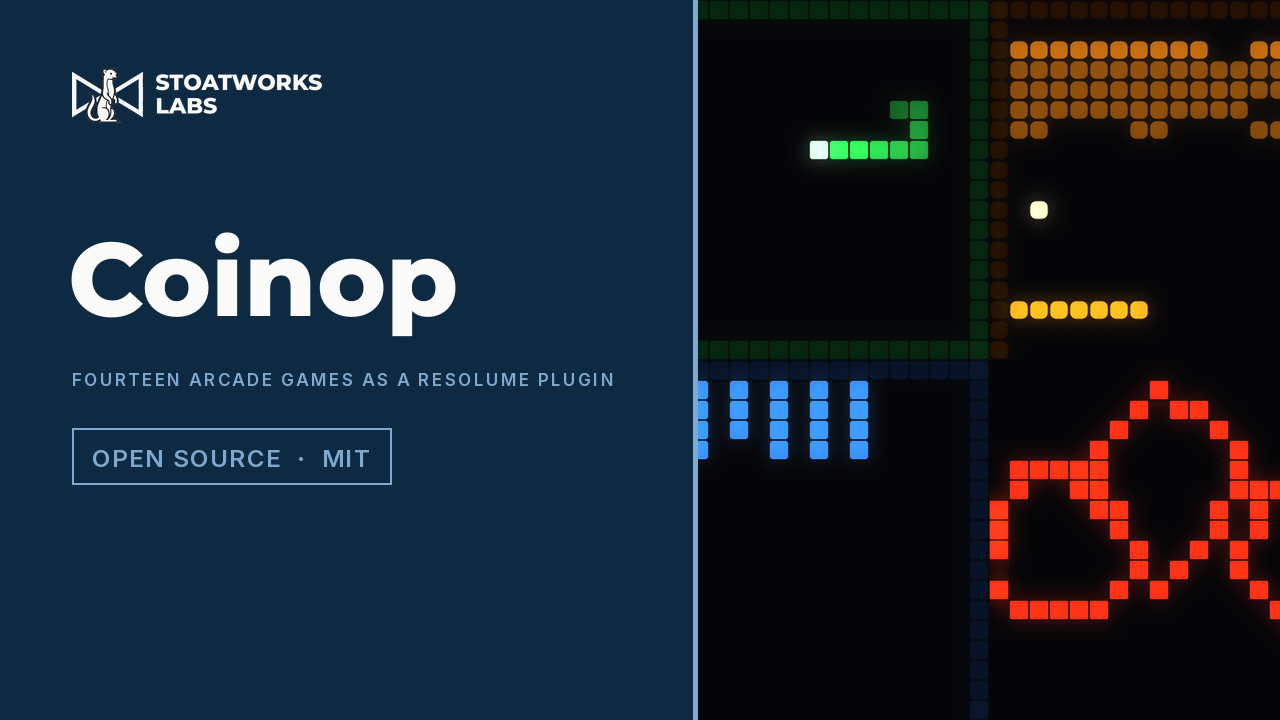
Snake, Bricks, Marchers, Rally, Drift, Stacker, Chase, Girders, Swarm, Trails, Reflex, Rafters, Duel and Flapper, as an FFGL source and a matching effect for Resolume. Play them from a MIDI pad or an OSC fader, or leave the autopilot to play and lose on its own — and in the effect, the brick field is built out of the clip, so breaking a brick punches a hole through to the layer below.
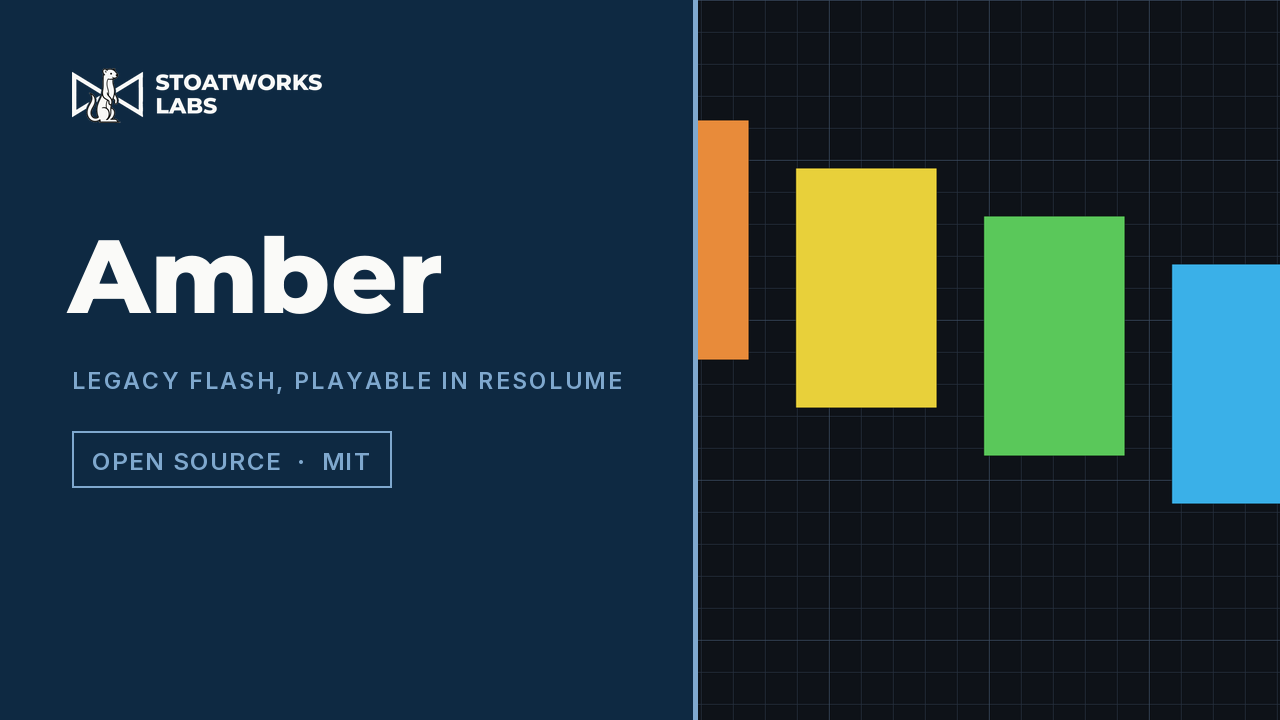
Resolume opens neither .swf nor .flv, so a decade and a half of VJ loops, web animation and motion tests sits in formats nothing on the machine will play. Amber is two halves: a converter that turns them into DXV or Hap with the frame rate and transparency intact, and an FFGL source plugin that plays Flash live on a layer with its timeline and ActionScript actually running. Powered by Ruffle. No audio — FFGL has no audio path.
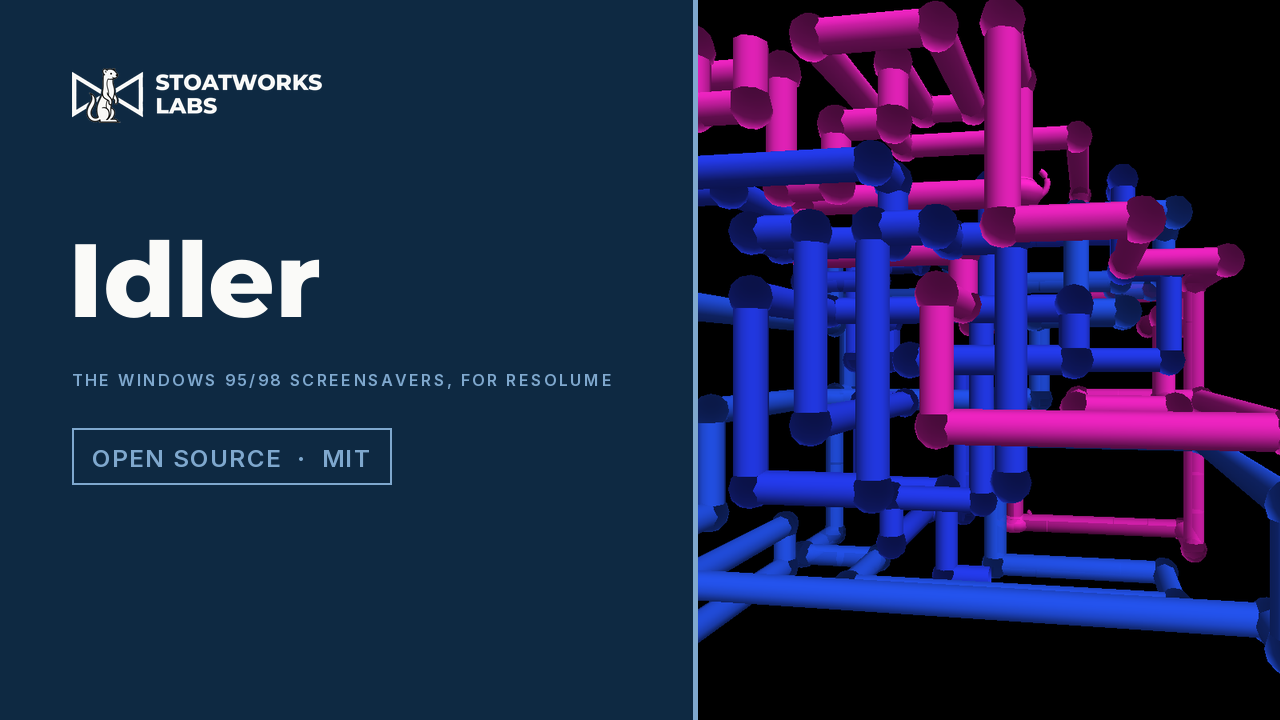
Eleven Windows 95 and 98 screensavers — Mystify, 3D Pipes, 3D Maze and eight more — rebuilt as an FFGL source and a matching mask effect. Every saver is a pure function of time and a seed, so nothing drifts with the frame rate and the whole thing can be scrubbed and beat-locked.
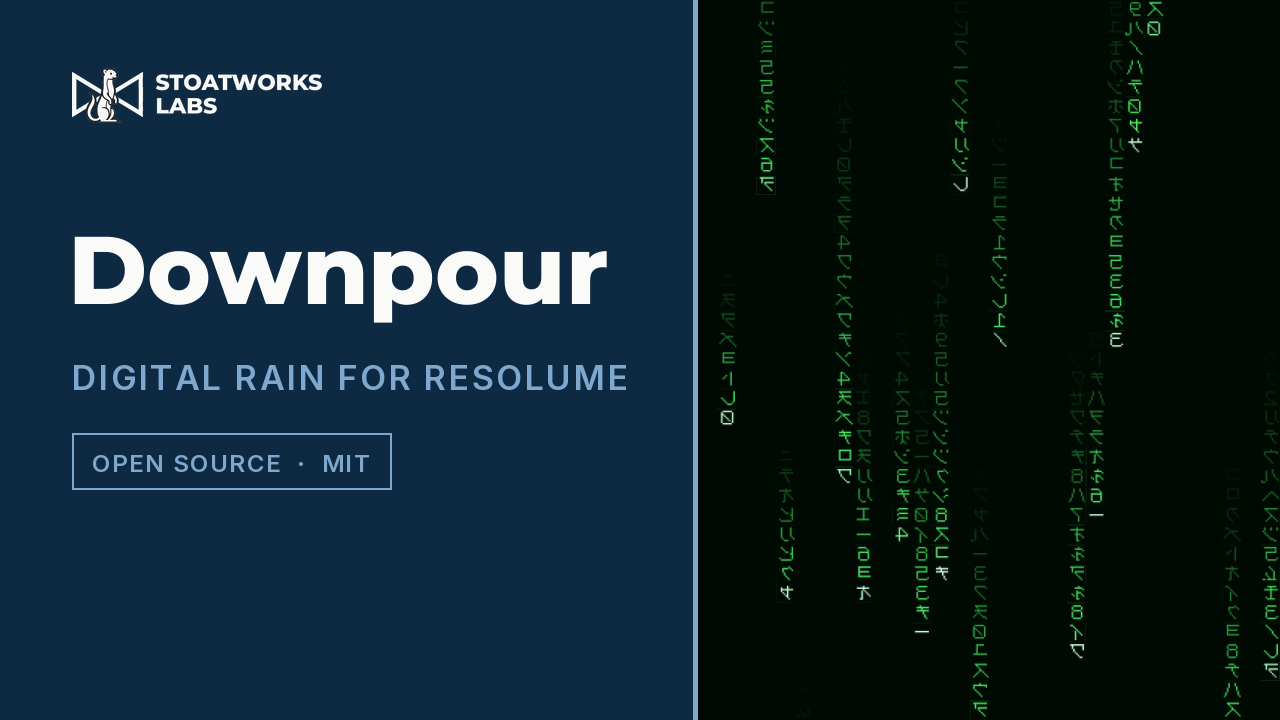
Falling columns of characters, as an FFGL source and a matching effect. Reads its own generated code, four public domain books, or any text file you point it at, in any installed font.
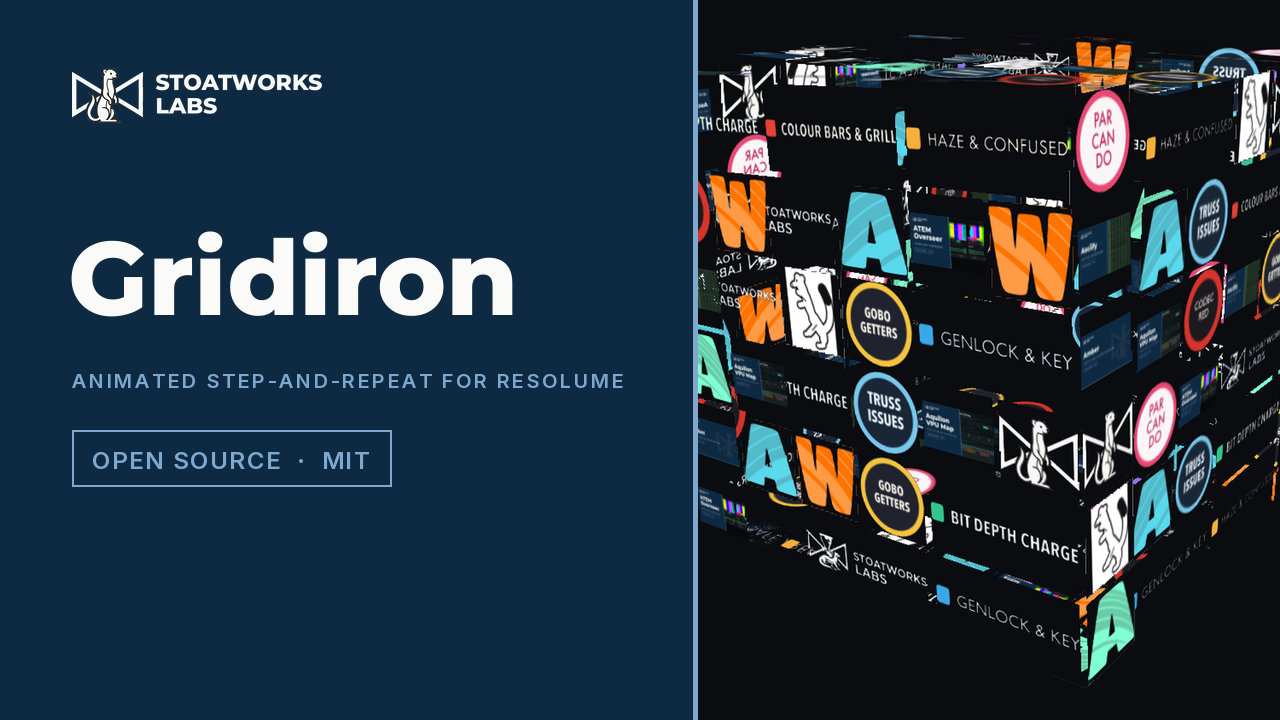
Point it at a folder of logos and it builds a press wall — the step-and-repeat you stand in front of to be photographed — then animates it. Scrolling reels, twinkling cells, cells that fade and change logo, or the whole wall wrapped onto a Rubik's cube that turns a slice at a time. The arrangement is seeded, never repeats a logo next to itself, and gives every sponsor exactly equal time on screen.
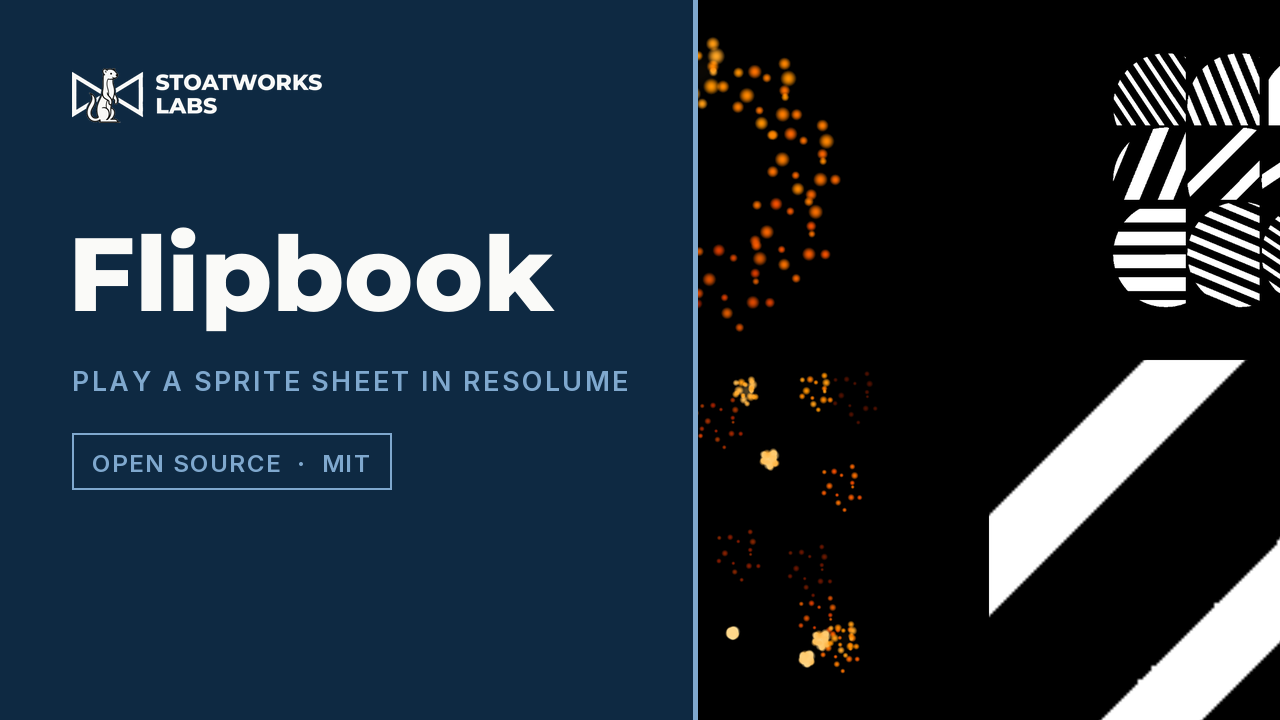
A page of stills, cut into a grid and played as an animation — as an FFGL source and a matching effect for Resolume, and an OpenFX plugin for Resolve. Up to sixty-four copies with a stagger, so one animation travels through the field rather than sixty-four doing the same thing at once.
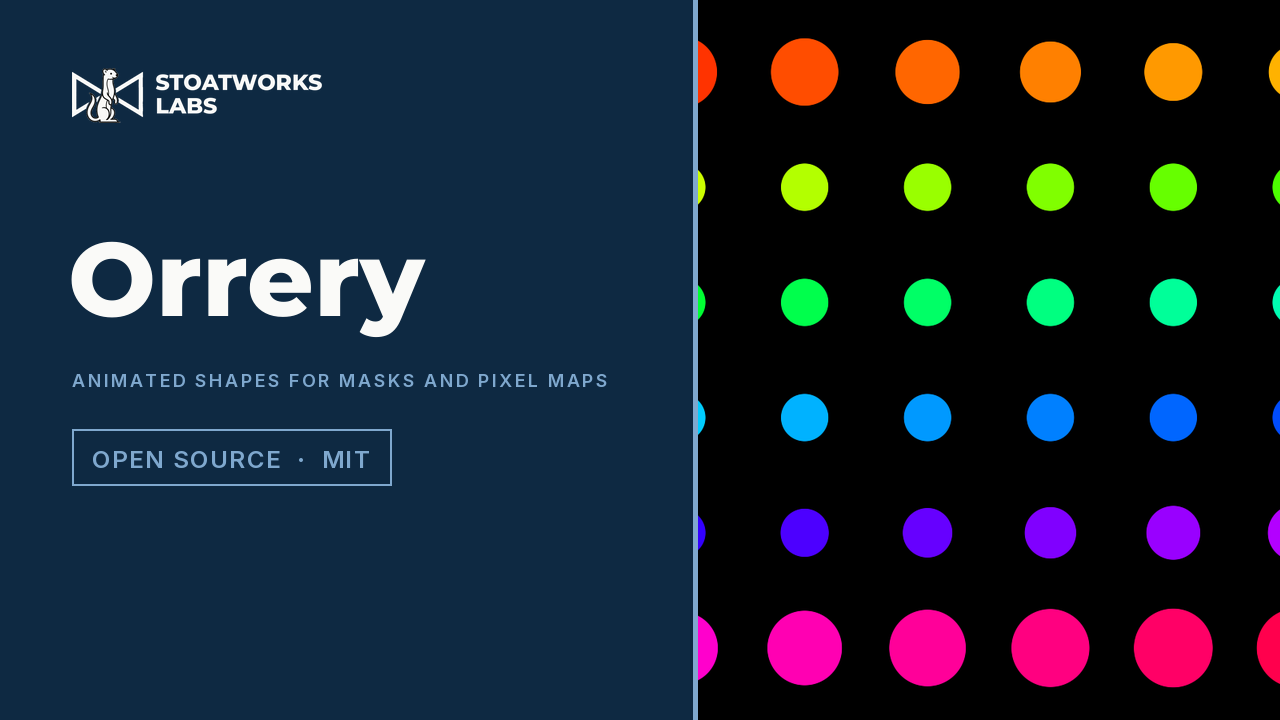
Primitive shapes moving on deterministic paths, as an FFGL source and a matching mask effect. Eight shapes, five paths, and a phase that can be locked to the host's bar — for quick animated masks and for chroma chases driving a pixel map.
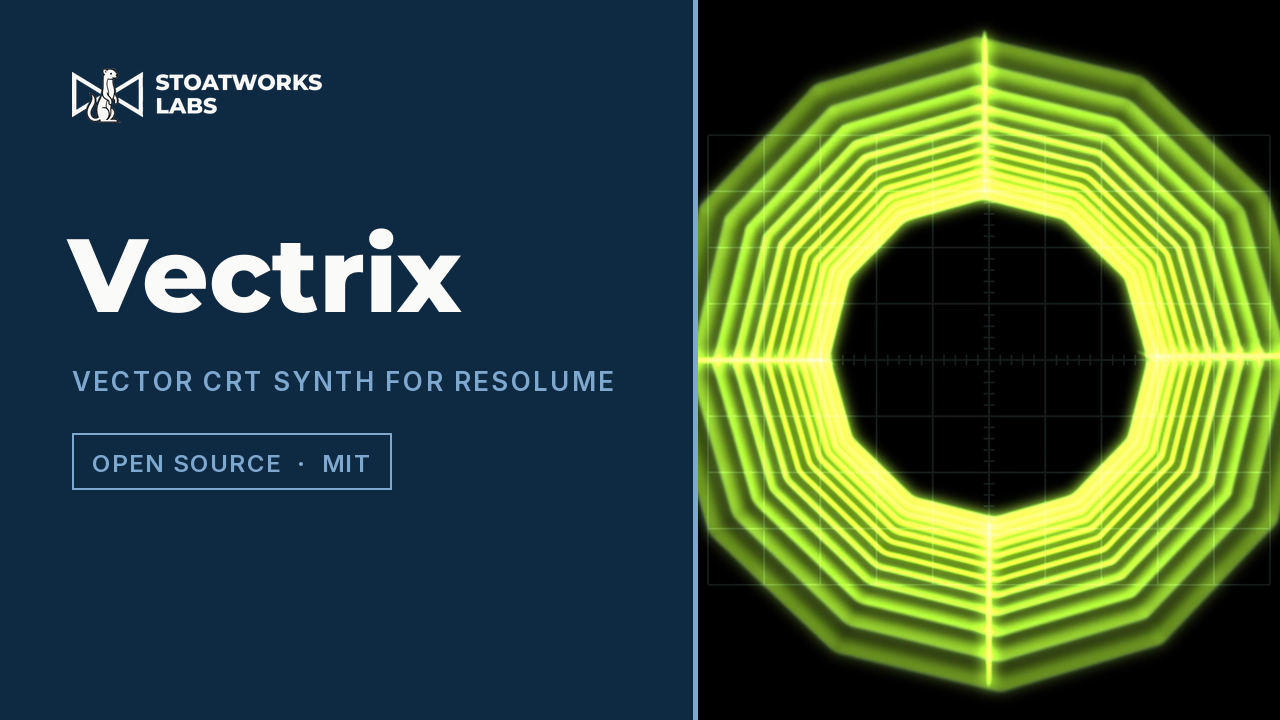
An oscillator, a fourteen-block guitar and eurorack pedalboard, and a cathode ray tube in X/Y mode, as an FFGL source and effect for Resolume and an OpenFX plugin for Resolve — you are not watching a picture of an oscilloscope, you are watching where the beam went.
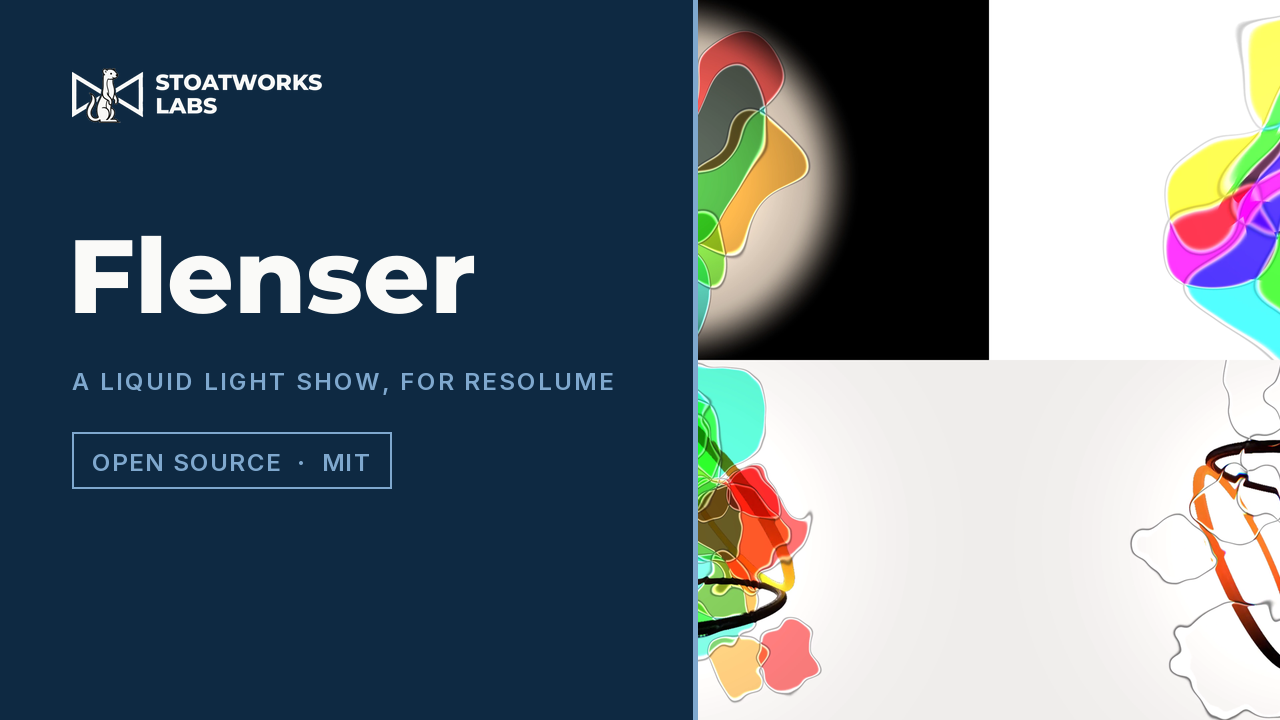
Oil, water, alcohol and dye between two watch glasses on an overhead projector — the 1967 liquid light show, as an FFGL source and a matching effect that puts your clip where the lamp was. The cells are dye filters, so where they cross they multiply rather than add.
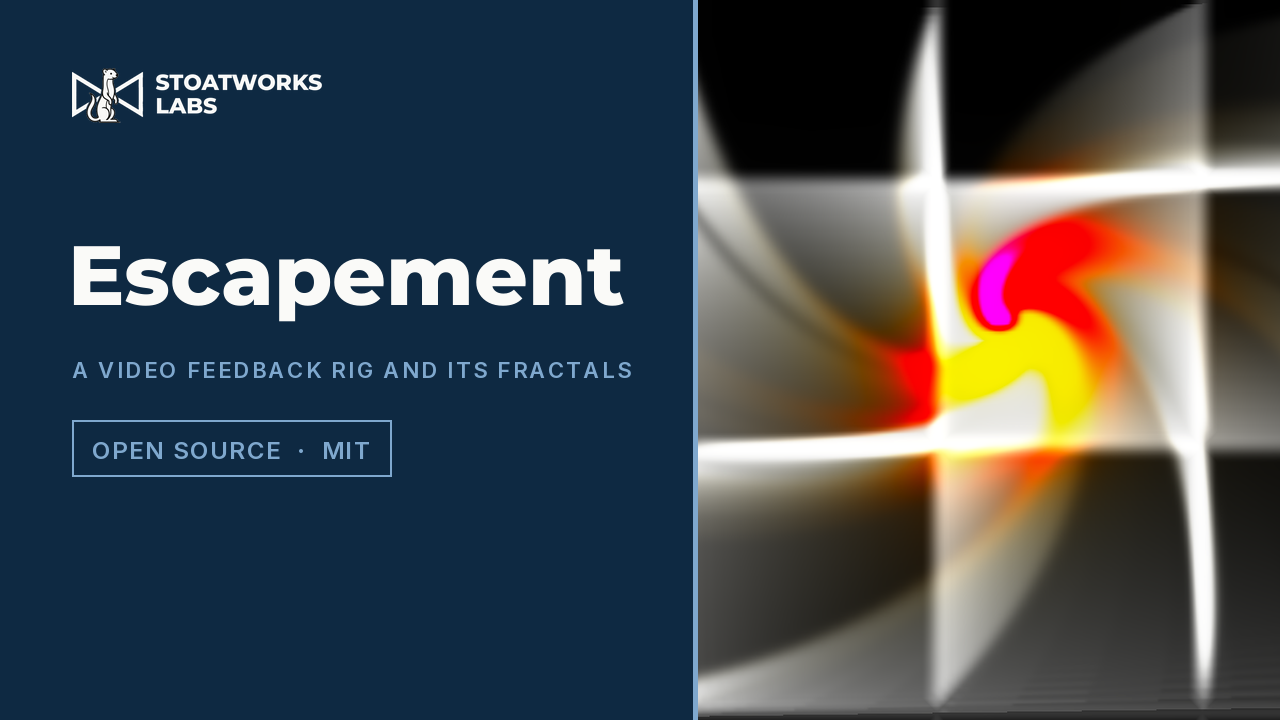
A model of an optical video feedback rig for Resolume — a camera looking at a screen through glass that splits the light. The fractals are what the loop settles into rather than anything it draws: Sierpinski, Koch, the Heighway dragon and Barnsley's fern are tap configurations, and the zoom is endless because it is a rate rather than a coordinate.
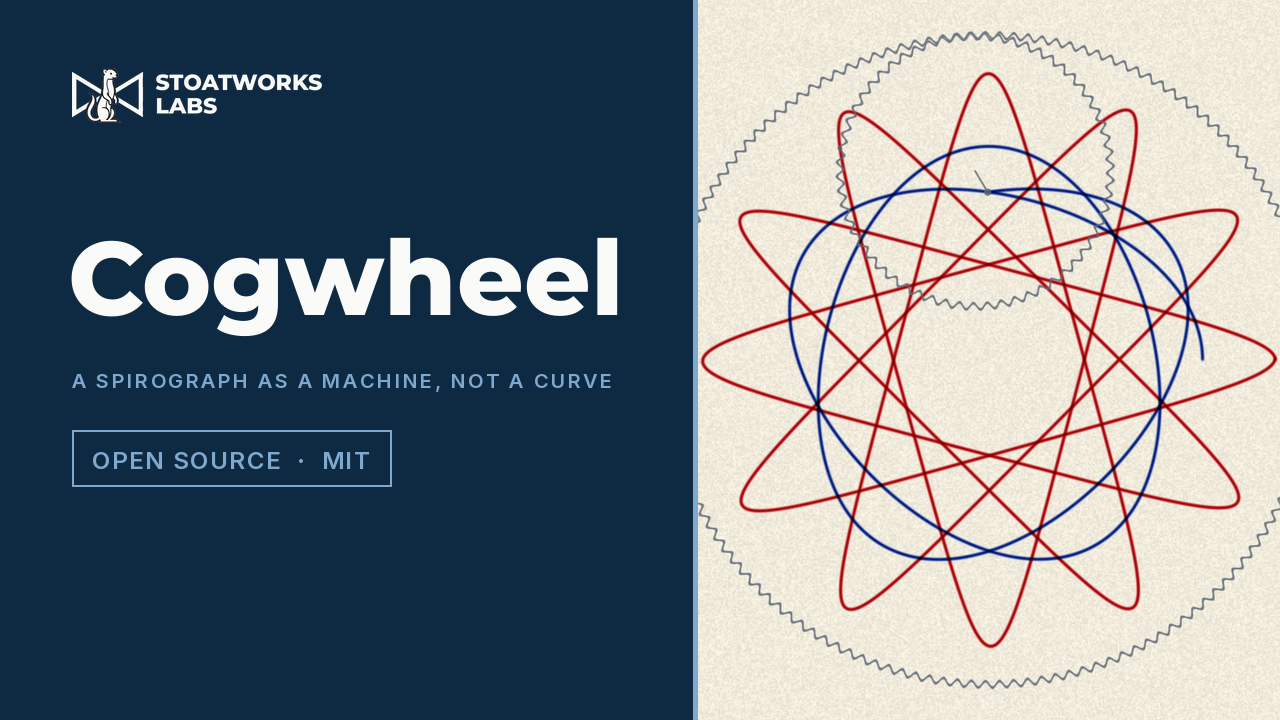
A Spirograph for Resolume and Resolve — a toothed ring, a wheel rolling in mesh with it, and a pen in one of the wheel's holes. Nothing evaluates a curve: the ratio is two integers because gears mesh, so 96 and 32 close in a single turn with three lobes while 96 and 31 take thirty-one turns and lay down ninety-six. Ink is subtractive, so two pens crossing darken the way they do on paper.
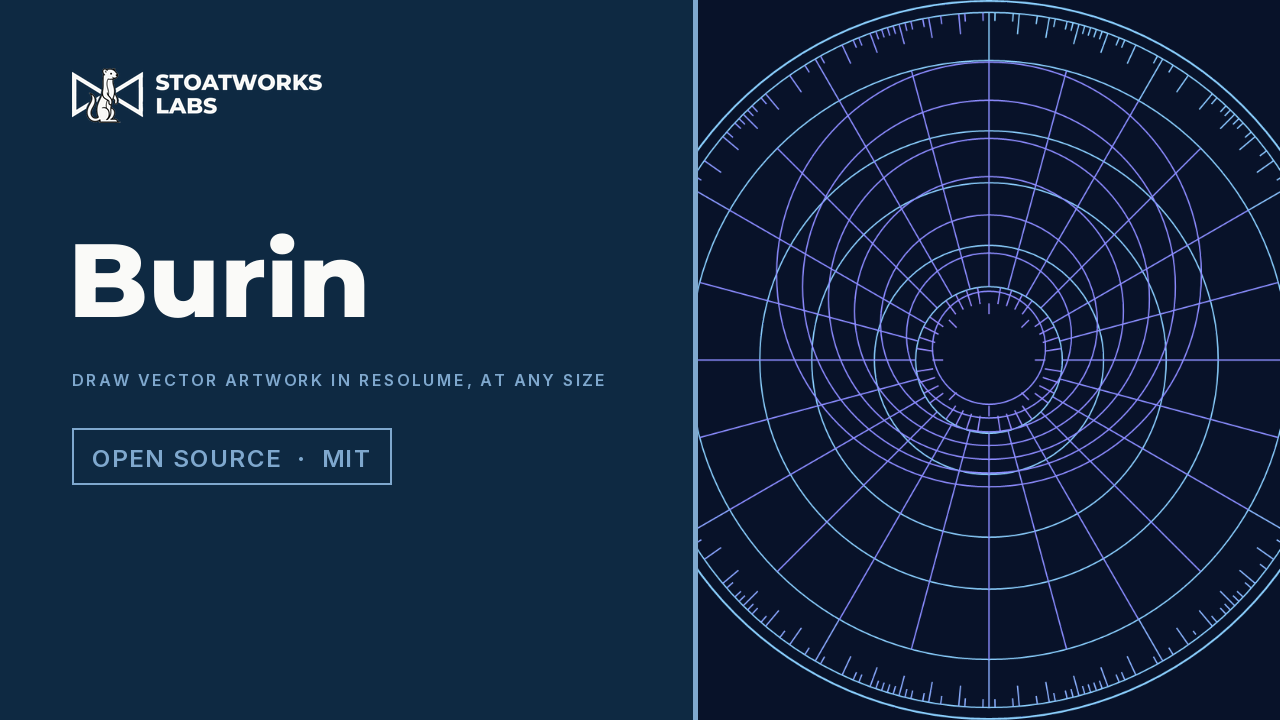
SVG rendered at the resolution the frame actually needs and rebuilt when that changes — as an FFGL source and a matching effect for Resolume, and an OpenFX plugin for Resolve. Going in close stays sharp instead of turning into a bitmap, and because the paths are still separate you can draw fills without strokes, reveal a stroke along its own length, or stagger one shape against the next.
Lenses, drawing styles, keys and scopes: the effects you reach for on a picture that is already right, and the two that tell you whether it is.
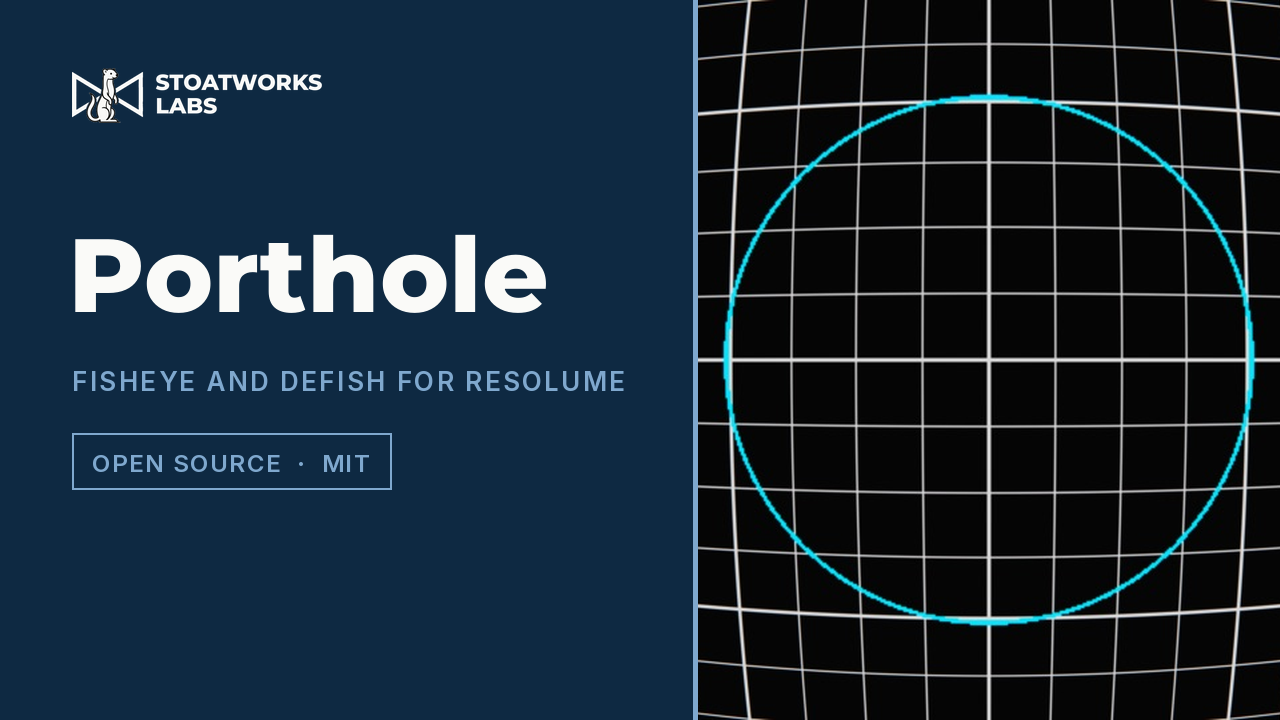
A variable fisheye and defish warp as an FFGL effect. It re-photographs the picture through a different lens rather than drawing a bulge on top of it, so the Projection control is which lens — and defish exactly undoes fish.
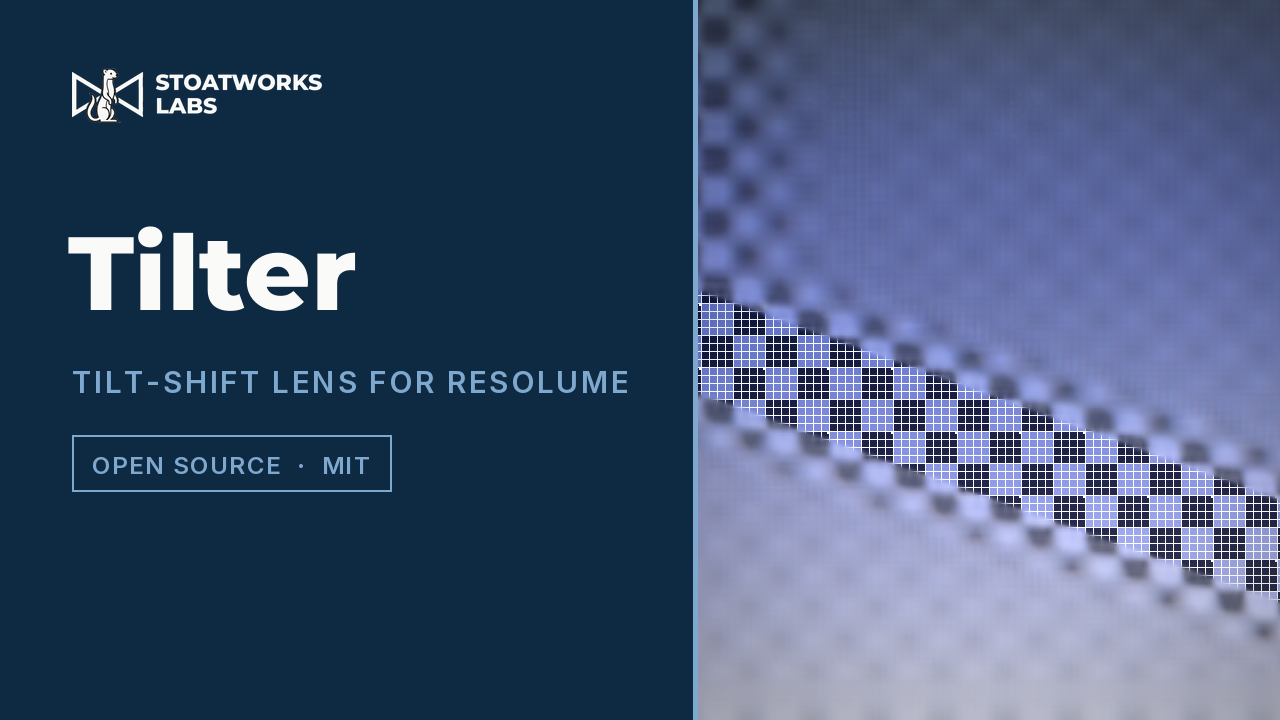
A tilt-shift lens as an FFGL effect for Resolume and an OpenFX plugin for Resolve — a shallow, tiltable plane of focus with a real aperture behind it, so out-of-focus highlights bloom into the shape of the iris rather than smearing.
A simulated lens on a depth map, with the music holding it — an FFGL effect for Resolume and an OpenFX plugin for Resolve. One plane of the picture is sharp and everything else is a disc sized by its distance from that plane, with a camera rig that rings to the kick and a focus puller working two marks on the barrel.
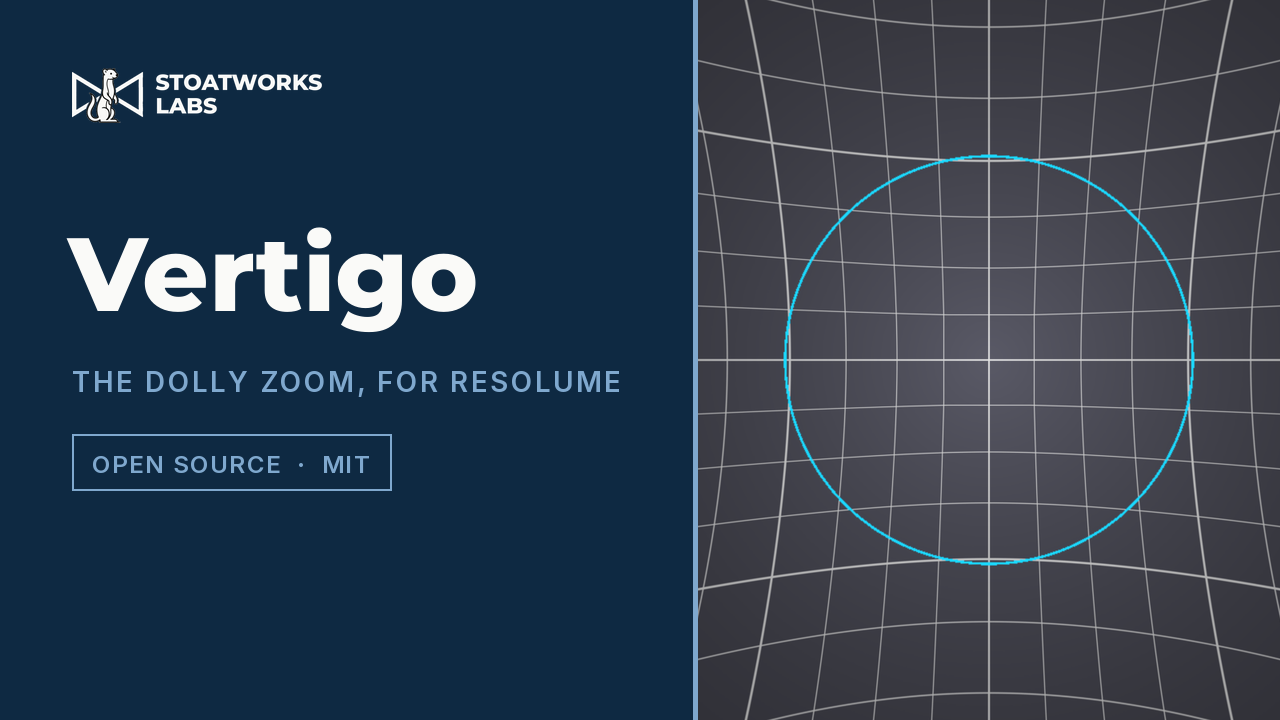
An FFGL effect that performs the shot where the camera tracks backwards while the lens zooms in, so one surface stays exactly the size it was and everything at any other distance moves. It can invent the depth it needs, so it works on any clip — or read a real depth map out of the picture.
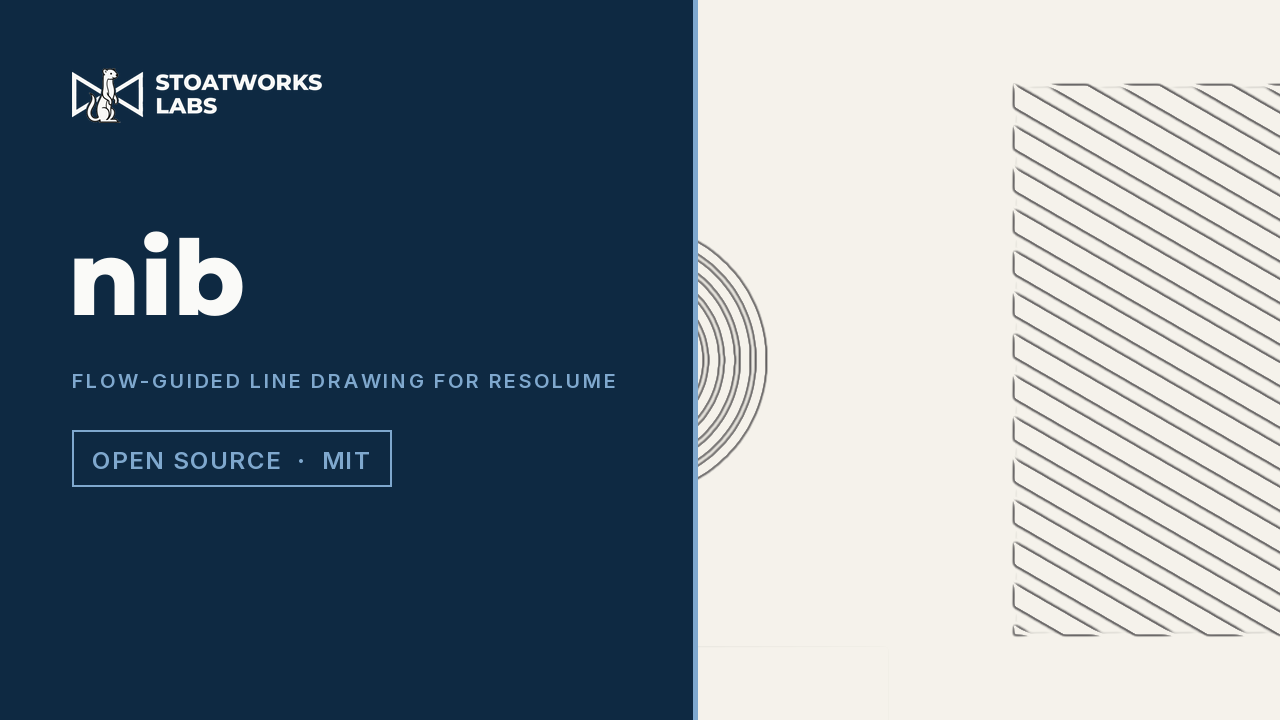
An FFGL effect that turns a clip into ink — continuous, closed strokes on paper rather than a glowing outline. Most edge effects ask how fast tone is changing at each pixel, which gives a magnitude with no memory of direction. nib works out which way the drawing runs first, then steers a difference of Gaussians across the flow and a line integral convolution along it, so a pixel whose neighbours agree survives and one that fired on its own does not.
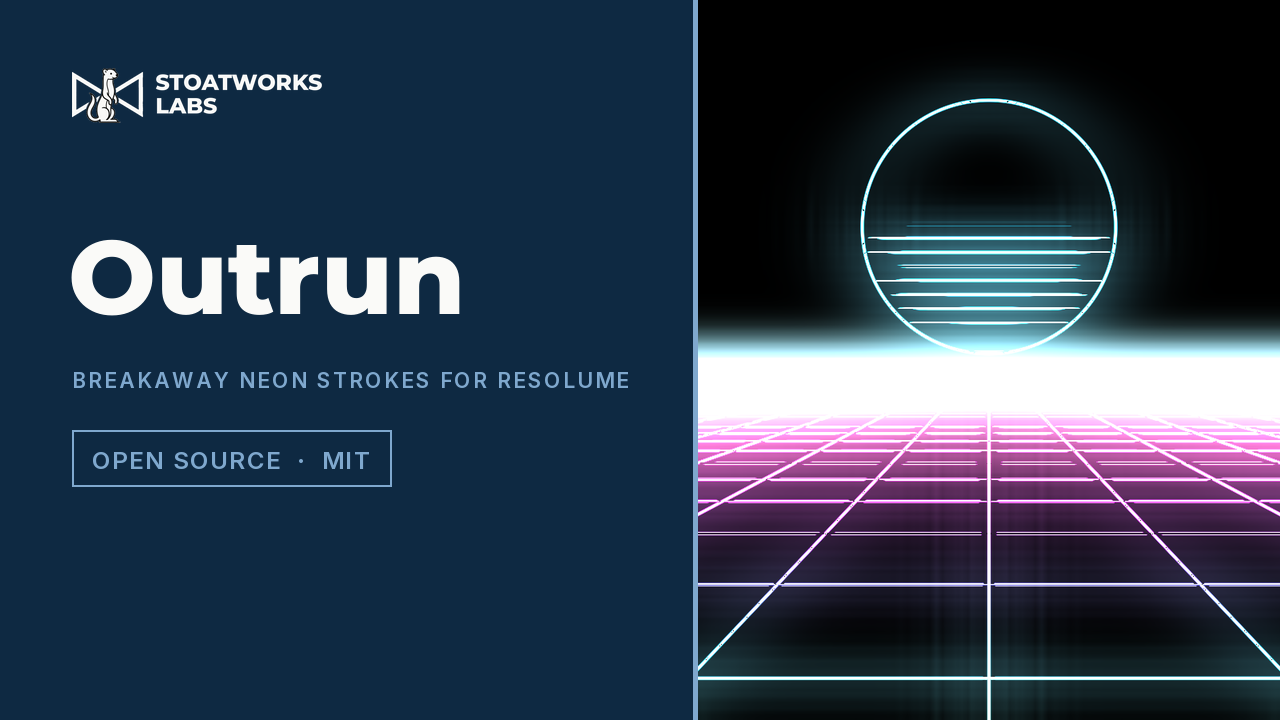
Neon synthwave strokes as one FFGL effect with two engines: trace the clip's outlines as glowing tubes that can break away from the real geometry, or generate synthwave paths outright — the perspective grid with the striped sun, tunnels, circuits, skylines, and the routed audio as an oscilloscope.
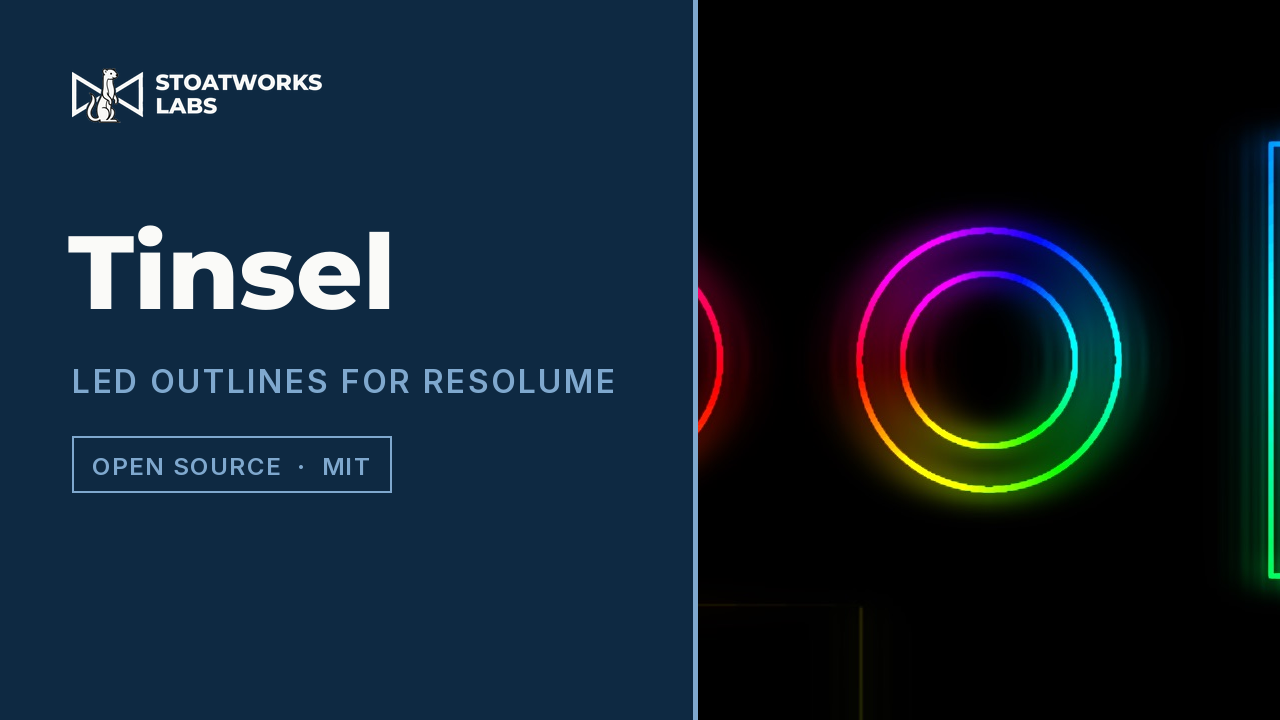
An FFGL effect that finds the outlines in a clip and lights them like a string of LEDs, running the patterns an LED controller runs — chases, comets, twinkles, fire — over twenty patterns and sixteen palettes.
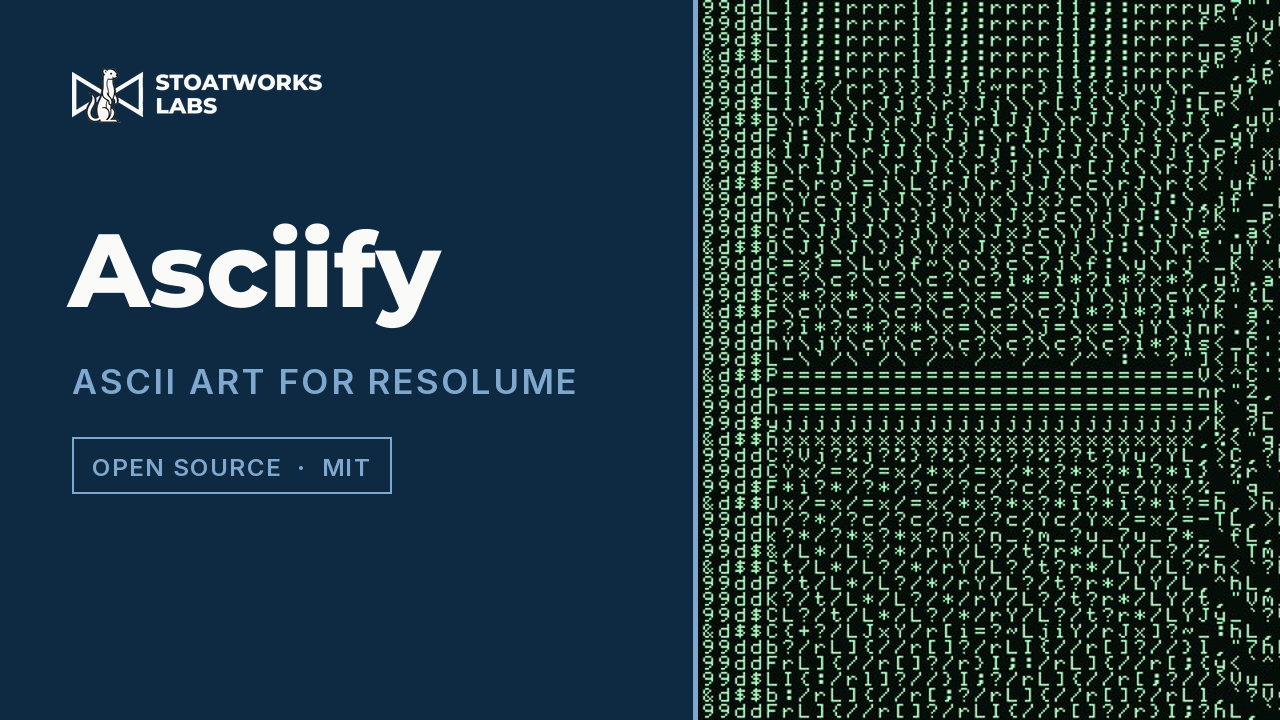
An ASCII art FFGL effect that matches each character cell on how much ink it wants and on where that ink sits, so edges pick up characters that lean the right way instead of being flattened into a brightness ramp.
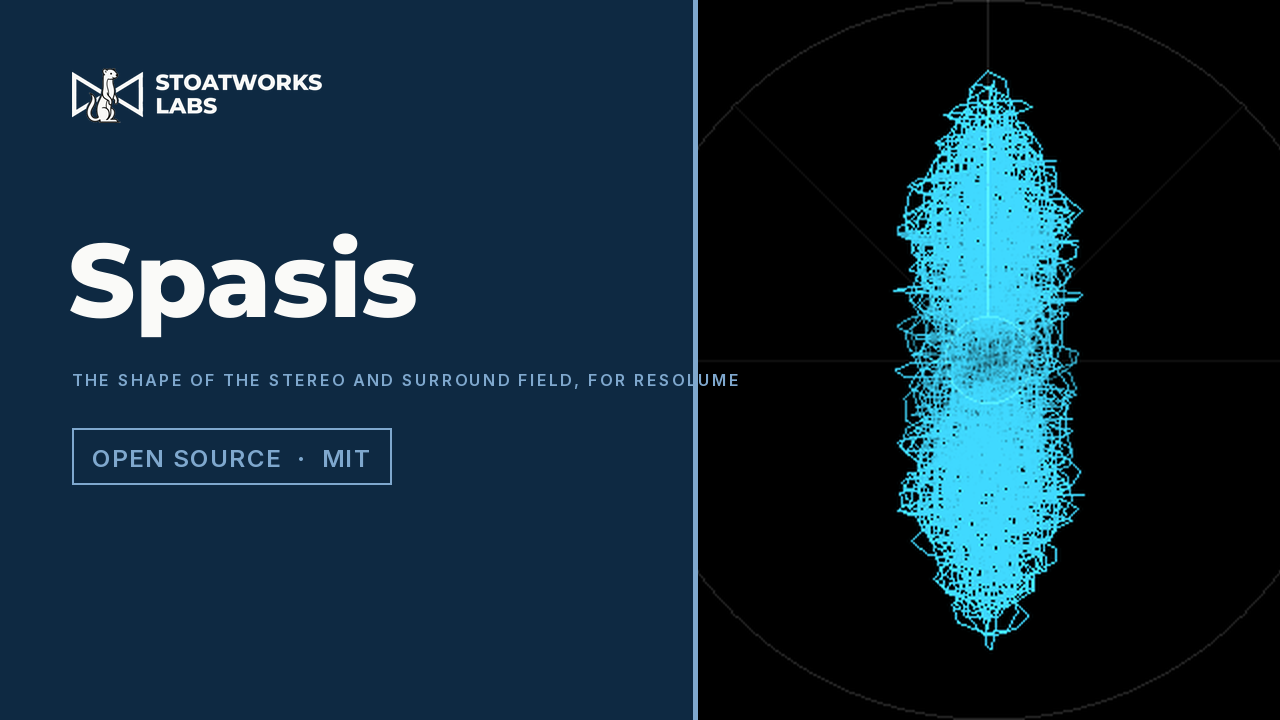
Four FFGL sources that draw the stereo and surround field as sonar-style displays rather than meters — where the energy is pointing, how wide each part of the spectrum is, and what the tonal balance looks like. They open their own multichannel capture device, because FFGL offers a plugin nothing but a mono magnitude spectrum and three of the four cannot be drawn from that.
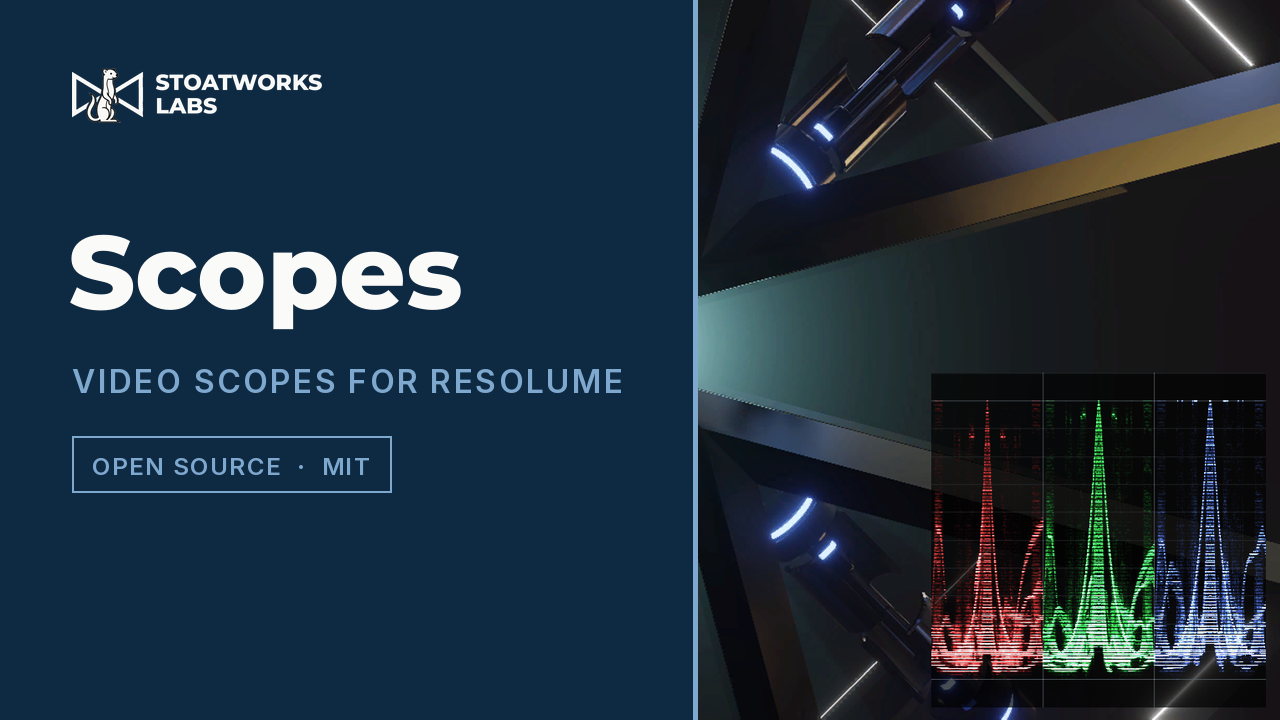
Waveform, vectorscope, histogram and picture assist as one FFGL effect. Drop it on a layer and it measures what is arriving there — either replacing the picture or sitting over it in a corner.
A luminance keyer for Resolume Arena and Avenue as FFGL, for Resolve, Vegas, Nuke and Natron as OpenFX, and for After Effects and Premiere Pro. macOS universal and Windows x64, plus a Linux OpenFX build.
One per application above, so a Stream Deck drives it without anyone opening its window. They have a page of their own.
Bitfocus Companion module for animATEM.
Bitfocus Companion module for Atem Overseer fleets.
Bitfocus Companion module for the BlackMatrix crosspoint router.
Bitfocus Companion module for Kestrel — drive region-to-output routing from a Stream Deck.
Bitfocus Companion module for Analog Way LivePremier, driven by Mynah command syntax. One action takes any command, and a library of well over a hundred presets, plus a command builder, populates a Stream Deck with memory recalls, takes and stores.

Bitfocus Companion module for Analog Way LiveCore and Midra video processors.
Bitfocus Companion module for caspar-AV shows.

Bitfocus Companion module for WebLinked.
Bitfocus Companion module for flock decoder fleets.
Bitfocus Companion module for the srt-router crosspoint.
Everything else in the category.
An FFGL source and a matching mask effect for Resolume. Shapes slide in from an edge you choose, stop a set distance in, bank up behind one another — overlapping, newest on top — and are drawn away off the far side. The spacing is settable in multiples of the shape's own thickness or in absolute pixels, for a pixel map.
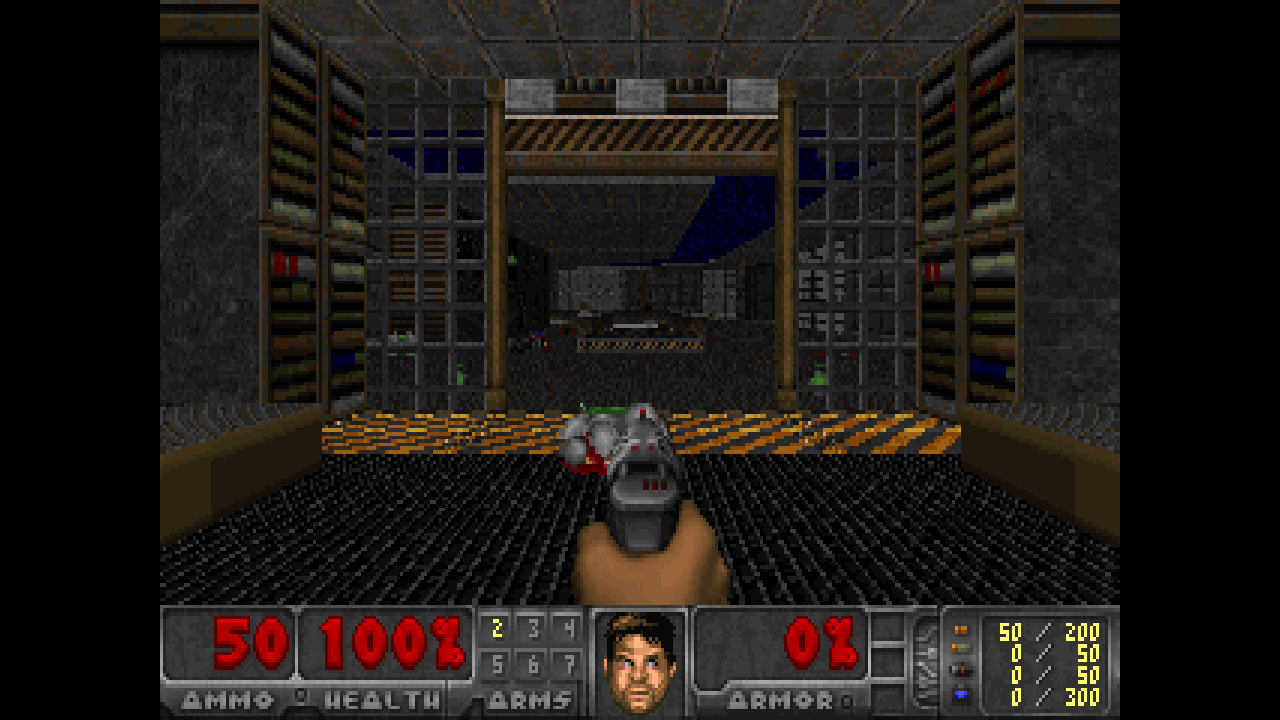
Point it at a WAD and Doom becomes a Resolume layer — composite it, key it, run it through other effects, and MIDI-map the controls onto whatever is already on the desk. On a widescreen composition it plays in true widescreen, showing more of the level rather than stretching the picture. With nothing mapped it plays Doom's own attract demos forever. No game data is included; you supply your own WAD, and Freedoom is free and complete. Licensed GPL-2.0 rather than the usual MIT, because it ships an engine descended from id Software's Doom source.
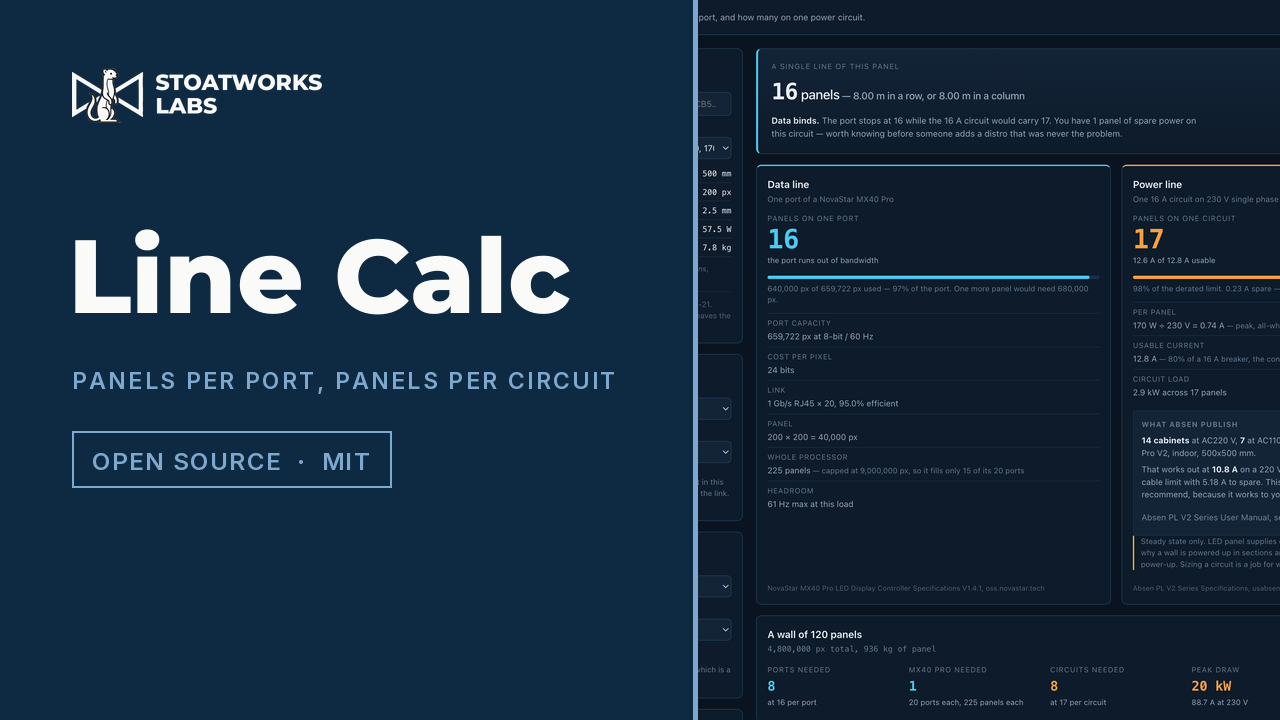
How many LED panels fit on one processor port, and how many on one power circuit — two questions about the same panel, limited by unrelated physics, that almost never come out to the same number. 150 rental panels from five manufacturers with the datasheet each was parsed from, or define your own. The port model reproduces NovaStar's three published MX40 Pro per-port figures to the pixel; the power model is checked against the one manufacturer table that publishes a cabinets-per-cable figure.
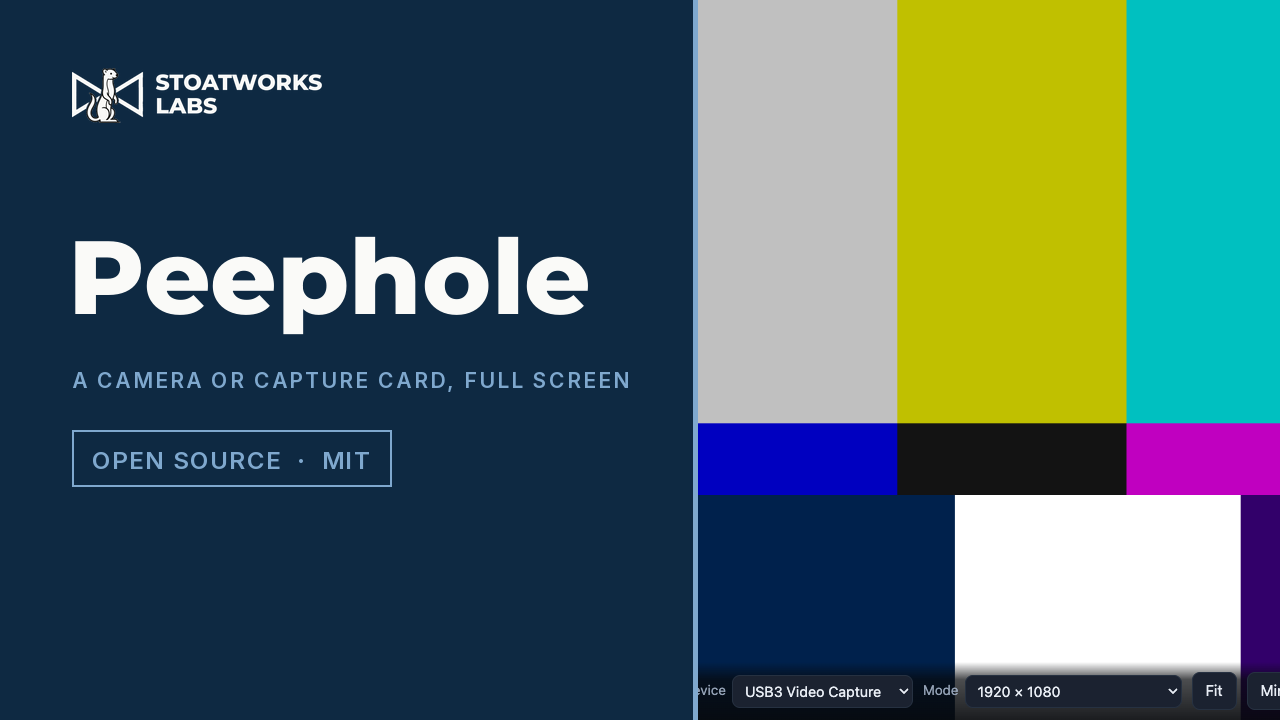
Opens a webcam or an HDMI capture card full screen in a browser tab, with the one thing a bare getUserMedia page gets wrong: a capture card advertises a list of modes and the browser picks a conservative one, so a card carrying 1080p opens at 640 × 480 and simply looks soft. This asks the device what it can do, offers those modes, and reports what the stream actually settled on — saying so when that is smaller than what was asked for. Mirror, quarter-turn rotation, fit or fill, a screen that stays awake while a picture is up, and a bar that fades with the cursor in full screen. Nothing is recorded and nothing leaves the browser.

An FFGL effect that finds the outlines in a clip and scans them the way a real laser projector does — two galvanometer mirrors chasing a point stream at a fixed rate — so the bright corner dots, the corners that round off at speed, the ringing and the crawl on a frame too busy to finish are all where the beam went rather than things that were drawn.
An FFGL effect that gives every row of the frame its own moment in time, the way a CMOS sensor does. Skew, jello, flash banding and the striping of a mains-driven lamp are then not four effects but one sample window applied to four things.

An FFGL effect built on one rule — a field is a slice of time, not just a slice of lines. Combing, bob bounce, ghosting, 3:2 judder and a mis-locked inverse telecine are then consequences of that rule rather than five separate effects, and there is no table of cadences anywhere in the source.
An FFGL effect that splits the frame into eight octave bands of spatial frequency and sets each band's gain from the matching band of the audio. With every gain at 1× the input comes back unchanged — the null that makes everything else it claims honest.

An FFGL effect that prints the frame rather than texturing it: four plates at their own screen angles, laid down by a press that never quite registers them. Rosettes, moiré, dot gain and overprint are then what four lattices and some ink do, not effects drawn on top.
An FFGL source that simulates six 555 timers at the component level — a capacitor, two comparators, a flip-flop — and patches them into the X, Y and brightness of a television's deflection yoke. Nothing is drawn as a shape: the picture is where the beam went, and it is brightest where the beam was slowest.
A small C++ library for plugins that host something with its own clock — a game engine, an emulator, a software renderer. It loads a private copy of the source library so two instances are two instances, pays out the source's clock against elapsed real time so speed and pause are one mechanism, and presents its frames as a correctly letterboxed quad. OpenGL and libdl only.
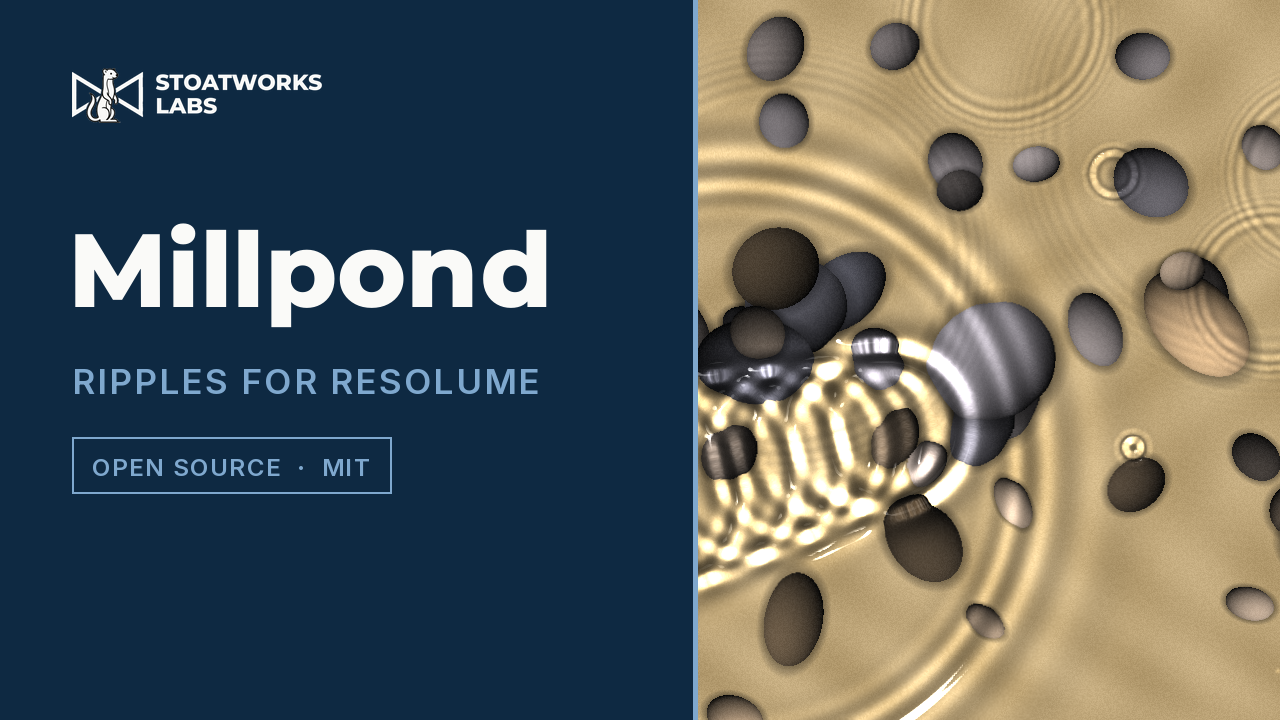
An FFGL effect that puts a pond over the clip: drop a pebble, skim a stone or let it rain, and the water obeys the real water-wave equations. The still disc inside the ring, the long waves racing ahead, the caustic net on the bed and the sun's glints all fall out of the physics rather than being drawn.
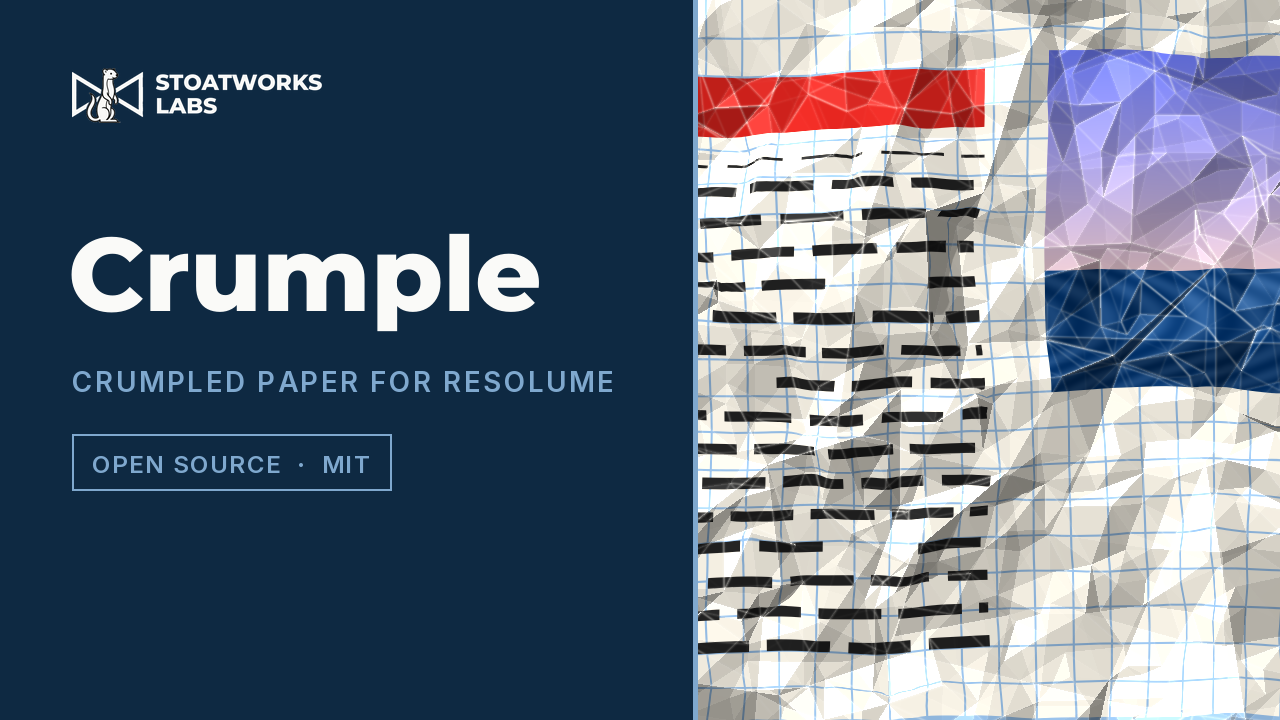
An FFGL effect that prints the clip on a sheet of paper and crumples it under a lamp. Paper bends but does not stretch, so the print is pulled in where the sheet tilts and kinks at every crease — the tell of real crumpled paper that a texture overlay cannot give.
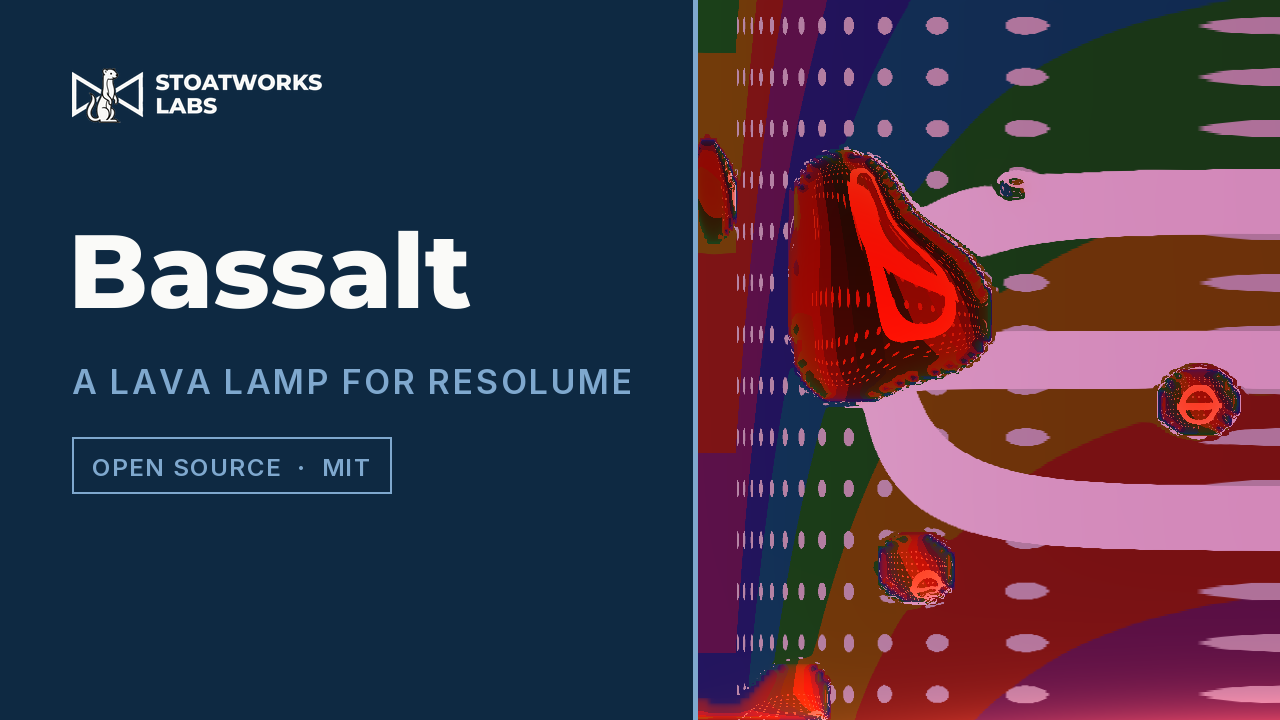
An FFGL effect that turns the frame into a lava lamp, and the lamp is a heat engine: a bulb warms wax that is denser than the water when cold and lighter when hot, so it rises, cools at the cap and sinks. Bass drives the bulb and salt sets the water. The necking pillars, the pinch-offs and the stalls fall out of the physics rather than being animated.
An FFGL effect that puts a camera tube in front of the clip: a photoconductive target that stores charge, and an electron beam that reads it by discharging it and can only take so much per pass. Lag, comet tails, blocked highlights and burn-in are then what that one store of charge does, not effects drawn on top.
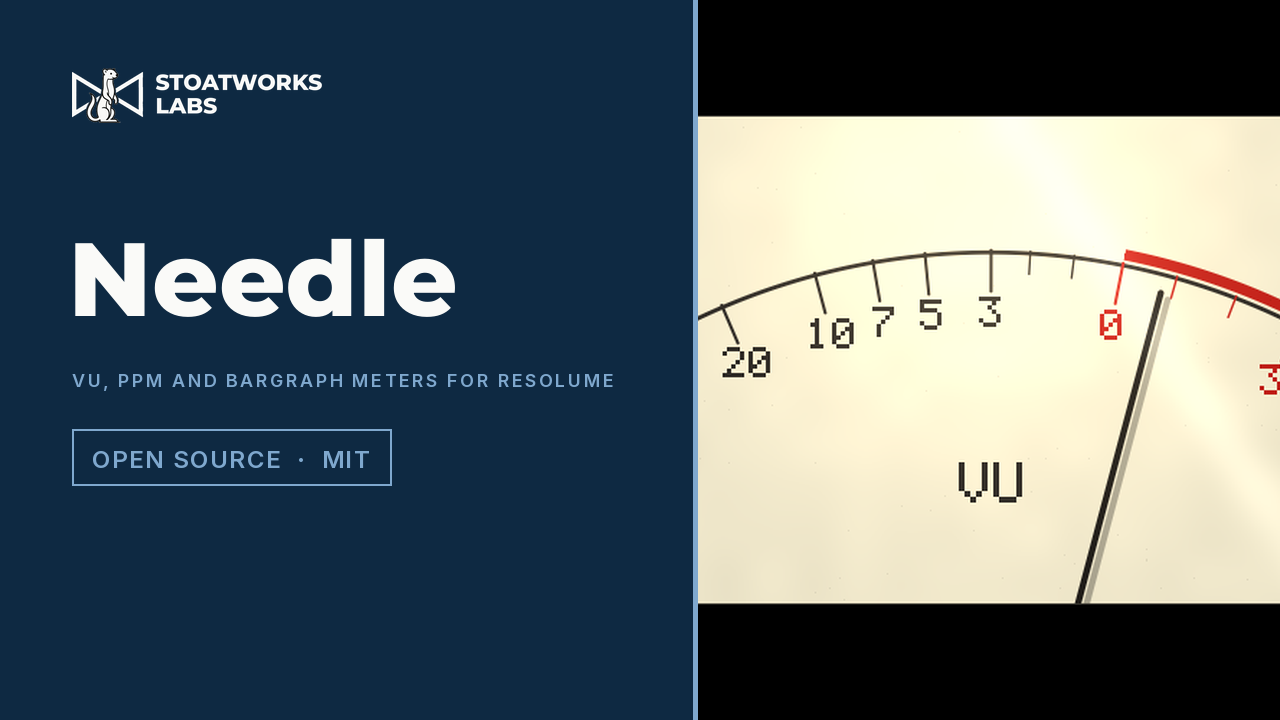
An FFGL source that draws four audio meters — a VU, a BBC-style PPM, an LED bargraph and a magic eye — each moving the way its standard says it must. The VU's damping and natural frequency are solved in code from ANSI C16.5's two figures rather than tuned, so the needle overshoots a kick by 1.25 % and settles back because that is what the standard asks for.
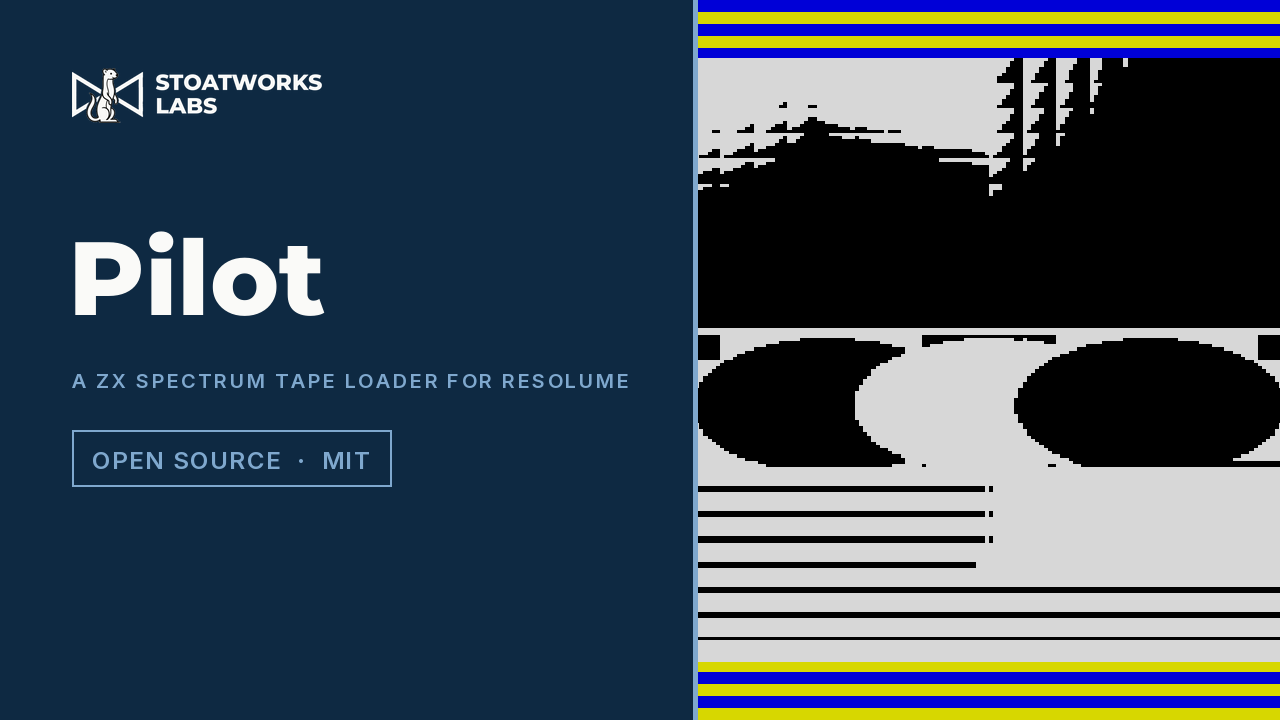
An FFGL effect that loads the clip the way a ZX Spectrum loaded a screen: in screen-memory order, at the baud rate, monochrome first and colour last, with the border striped by the loading signal itself. It is a transition that is not a shape at all but an address order, so the venetian-blind thirds nobody designed are simply where the bytes go.
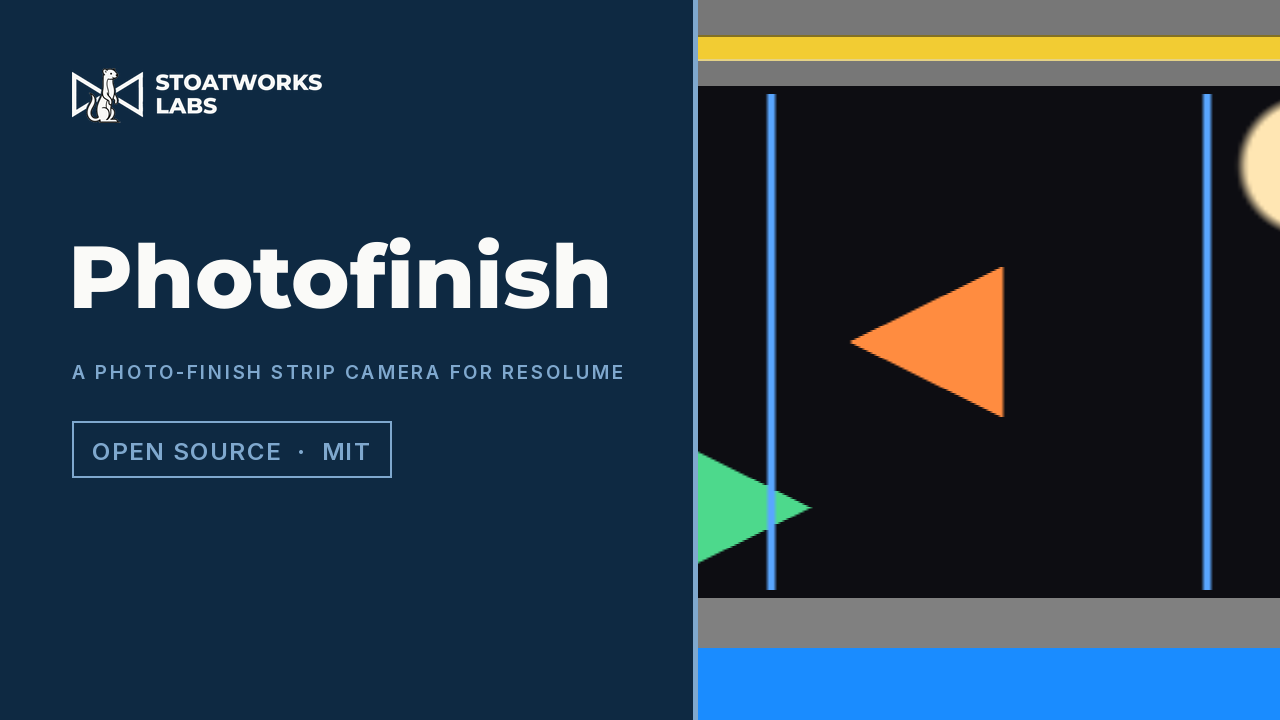
An FFGL effect that photographs a clip the way a photo-finish camera photographs a race: one column of sensor with the film moving past it, so the horizontal axis of the picture is time rather than space. The streaks, the stretching and the backwards runner are then what that one substitution does, not effects drawn on top.

An FFGL effect that turns a clip into a ruled copper plate. An engraver cannot choose a grey, so nothing here draws one: tone is carried by the line, which swells where the picture darkens and tapers where it lightens, until the plate goes solid at black and leaves bare paper at white. The ruling follows the picture's own structure, and a second and third hatch set come in with the shadows.
An FFGL mixer that keys this layer's colour 0 over the layer below the way an Amiga genlock did — on the computer's own free-running pixel clock rather than the video's. The key lands a pixel from its fill, so every edge carries a fringe, the fringe crawls as the clocks drift, and a failing sync rolls the overlay. None of it is drawn; it is what a key timed by the wrong clock does.
An FFGL effect that puts the clip on an LED wall and photographs the wall with a rolling-shutter Bayer camera. Every pixel is a box laid over the LED grid and every row a window over the PWM pulse train, integrated analytically, so the moiré, the scan bands, the low-grey breakup and the black between the pixels are what two samplings do, not effects drawn on top.
An FFGL effect that shows the clip as a single-chip DLP does, a red field, then green, then blue, through a spinning colour wheel, and models the retina that adds them up. A still eye sees the input exactly; a moving eye lands each colour somewhere else, and the rainbow fringe is what falls out, not something drawn.
An FFGL effect that is a small video codec — block-matching motion search, closed-loop prediction from the decoder's own last frame, a quantised DCT residual and a GOP — with controls that break one stage at a time. Datamosh is then what a decoder does with the wrong information: drop the I-frame at a cut and it paints the old picture with the new scene's motion.
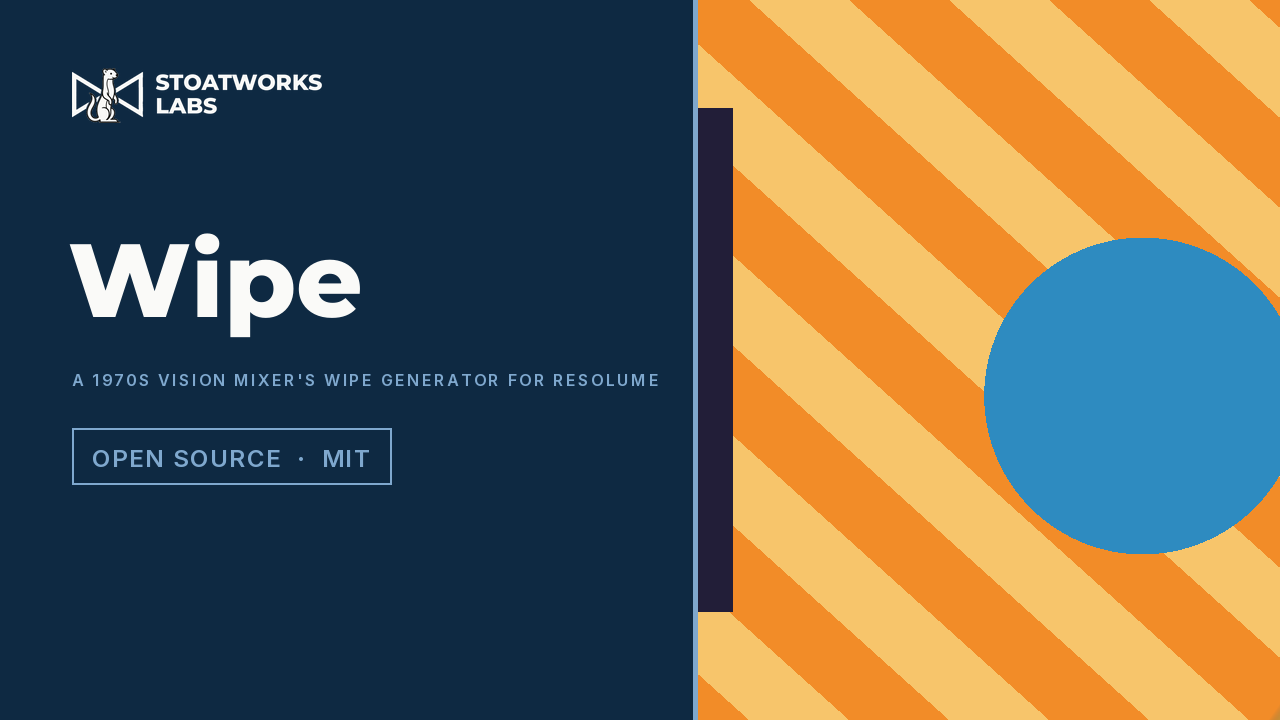
An FFGL mixer that wipes this layer in over the layer below the way an analogue vision mixer did: every pattern is a waveform built from ramps and parabolas and compared against the fader. Softness is the comparator's gain, so a circle's edge is softer near its middle where the parabola is flatter; the border is a second comparator, and modulation is a sine on the waveform.
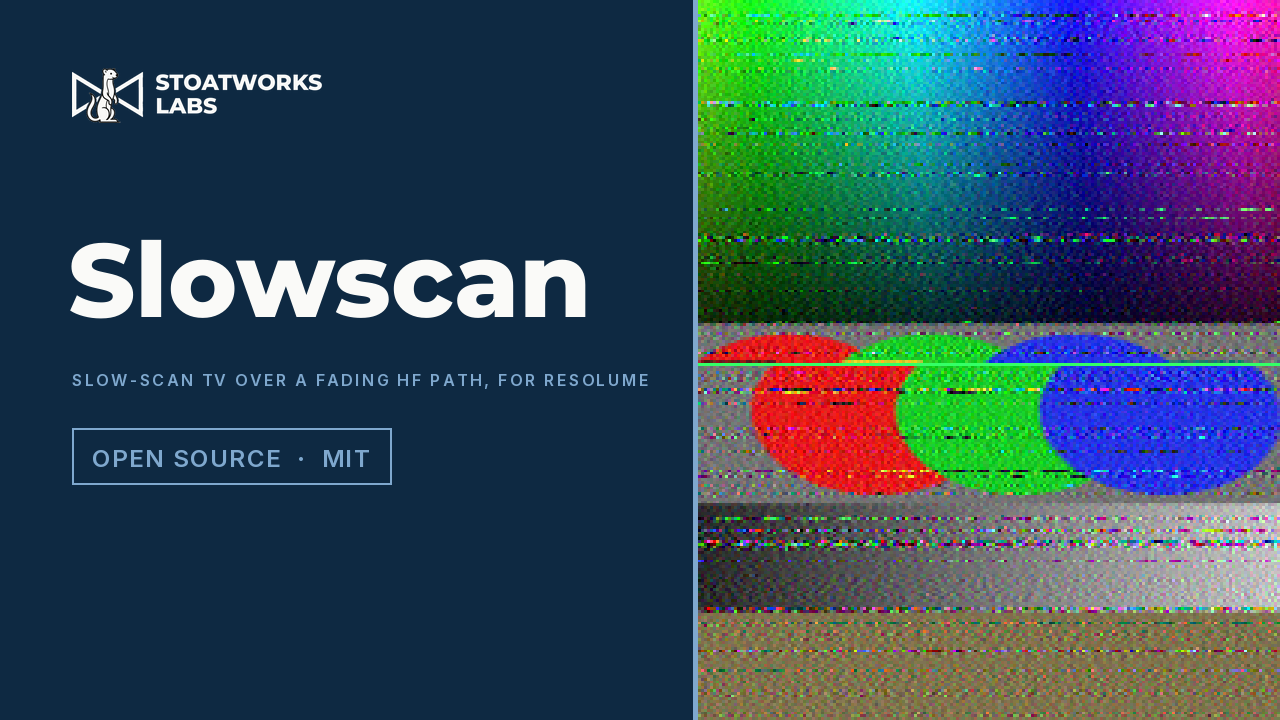
An FFGL effect that sends the clip as slow-scan television — Martin M1, Scottie S1 or Robot 36 tones — through an HF channel with noise, fading, multipath and interference, and paints whatever the receiver decodes, a line at a time. The slant from a receiver clock a few ppm off, the colour fringes on it, the noise streaks below the FM threshold and the smear are what the chain does at 11,025 samples a second, not effects drawn on top.
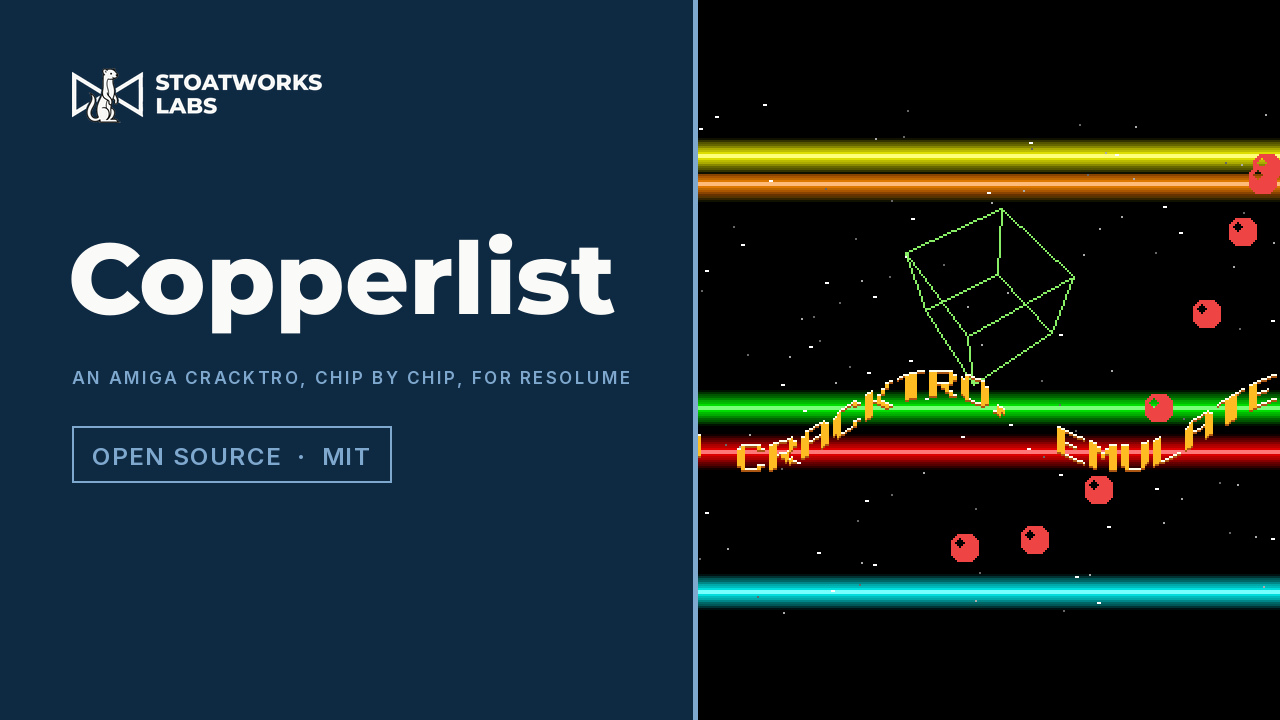
An FFGL source that plays an Amiga cracktro — copper bars, a sine scroller, a starfield, a spinning cube and bobs — written against an emulation of the chips that drew them: chip RAM, the copper, 32 twelve-bit colour registers, five bitplanes, eight sprites and the blitter. Crossing bars cannot blend because a register holds one value, a mid-line colour change lands on the copper's four-pixel grid, and every channel is a multiple of 17 because a gun has four bits.
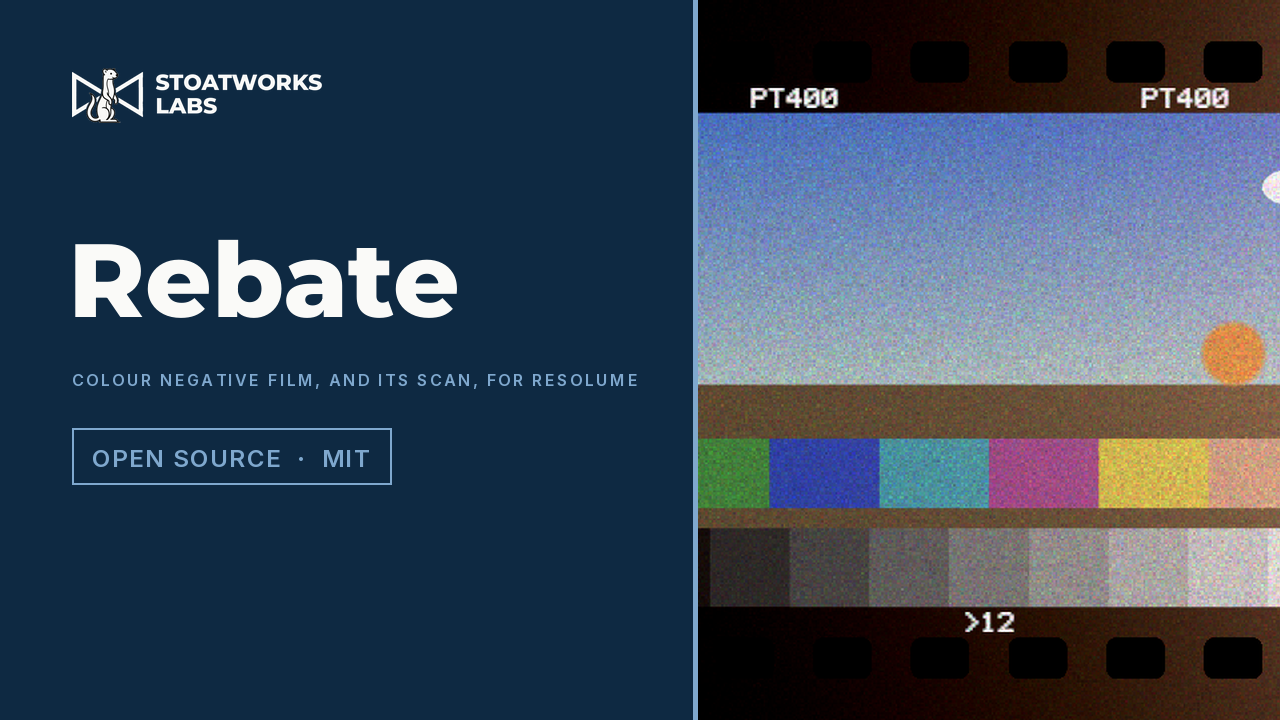
An FFGL effect that exposes the clip onto a three-layer colour negative, develops each layer along a characteristic curve into dye with an orange mask and grain, then scans and inverts it the way a lab scanner does. Grain that peaks in the mid-tones, the blue shadows of expired stock, a warm light leak that saturates and the warm cast of cross-processing are what the process does, not a lookup table.
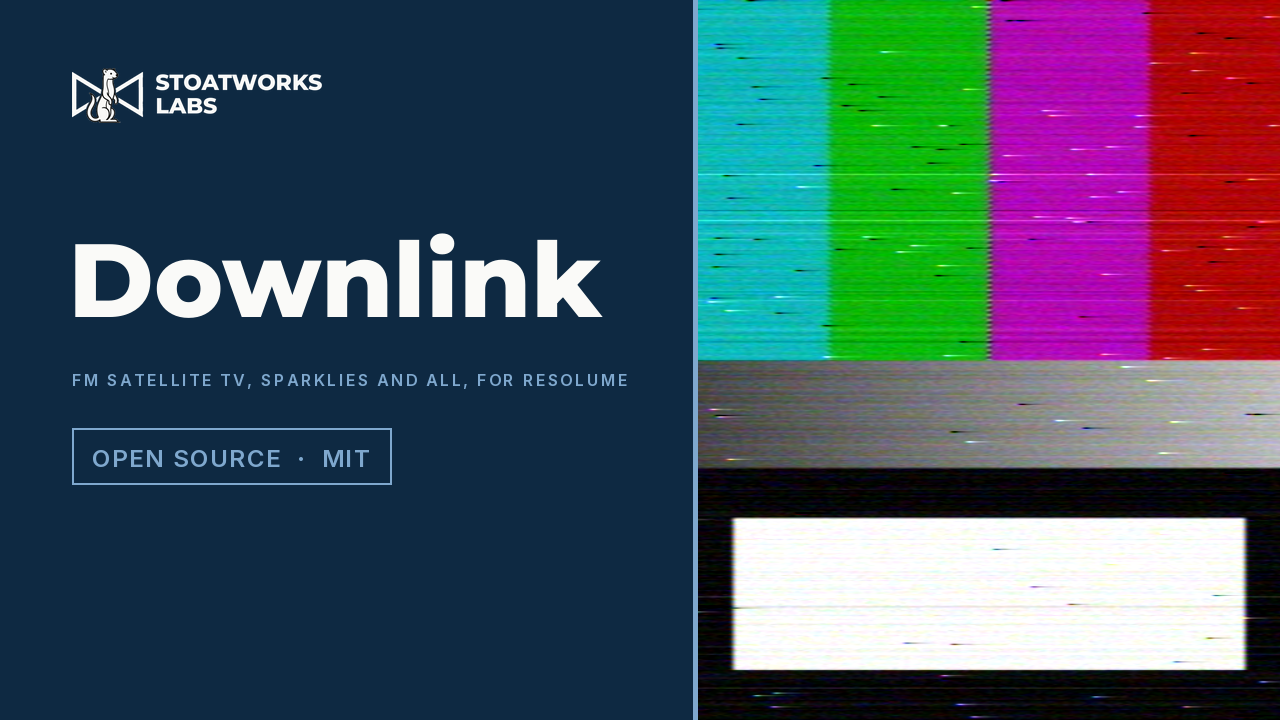
An FFGL effect that sends the clip over an analogue FM satellite link — PAL, pre-emphasis, an FM carrier with energy dispersal, a noisy channel, a discriminator, de-emphasis, a clamp and a PAL decoder — run on the GPU, per sample. Below the FM threshold the discriminator throws clicks at Rice's rate, and they smear into the sparklies, black on white and white on black, that a dish slightly off-pointing or a rain fade filled the picture with.
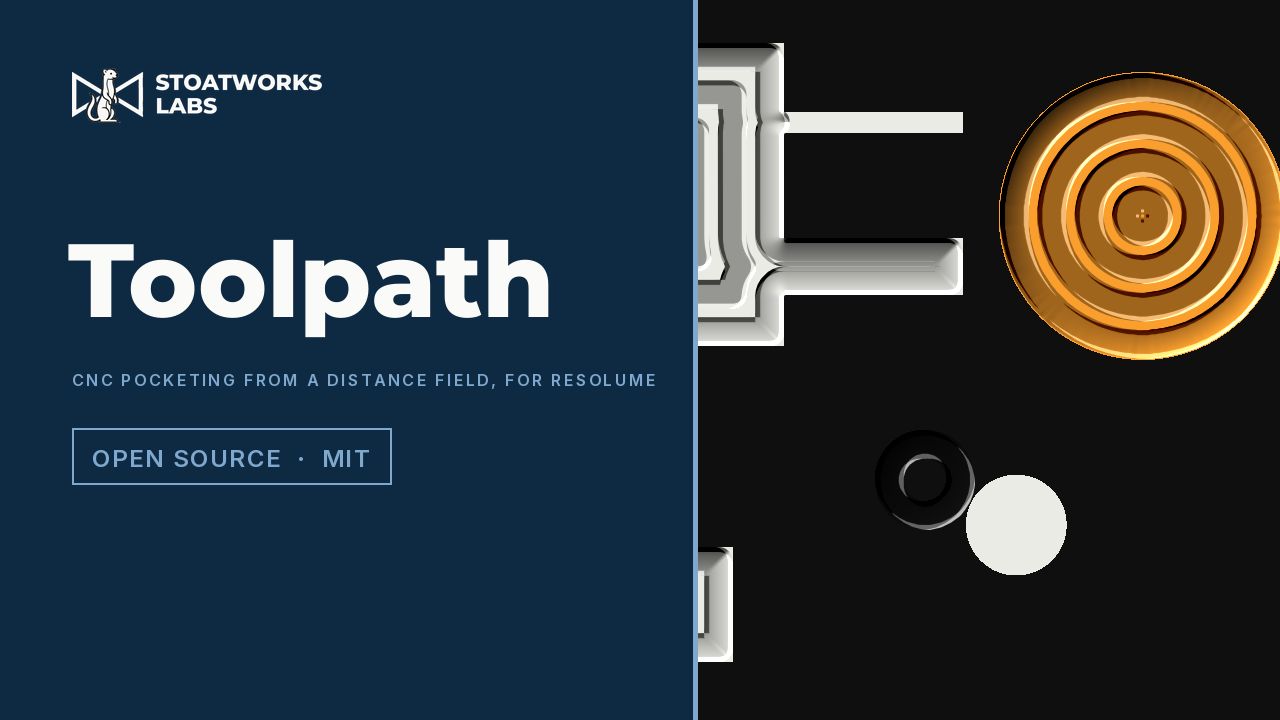
An FFGL effect that machines the bright part of the clip as a CNC pocket. One jump-flooded distance field gives the offset passes, and a round tool runs them at a feed rate into a cut that persists. The fillets in inside corners, the slot too narrow to enter and the scallops between wide passes are the geometry, not something drawn.

An FFGL effect that puts the clip through the kind of box that turned 625-line, 50-field pictures into 525-line, 59.94-field ones: fields interpolated in time and in space, with no idea of motion. The judder cycle, the double images and the soft vertical look are what falls out.
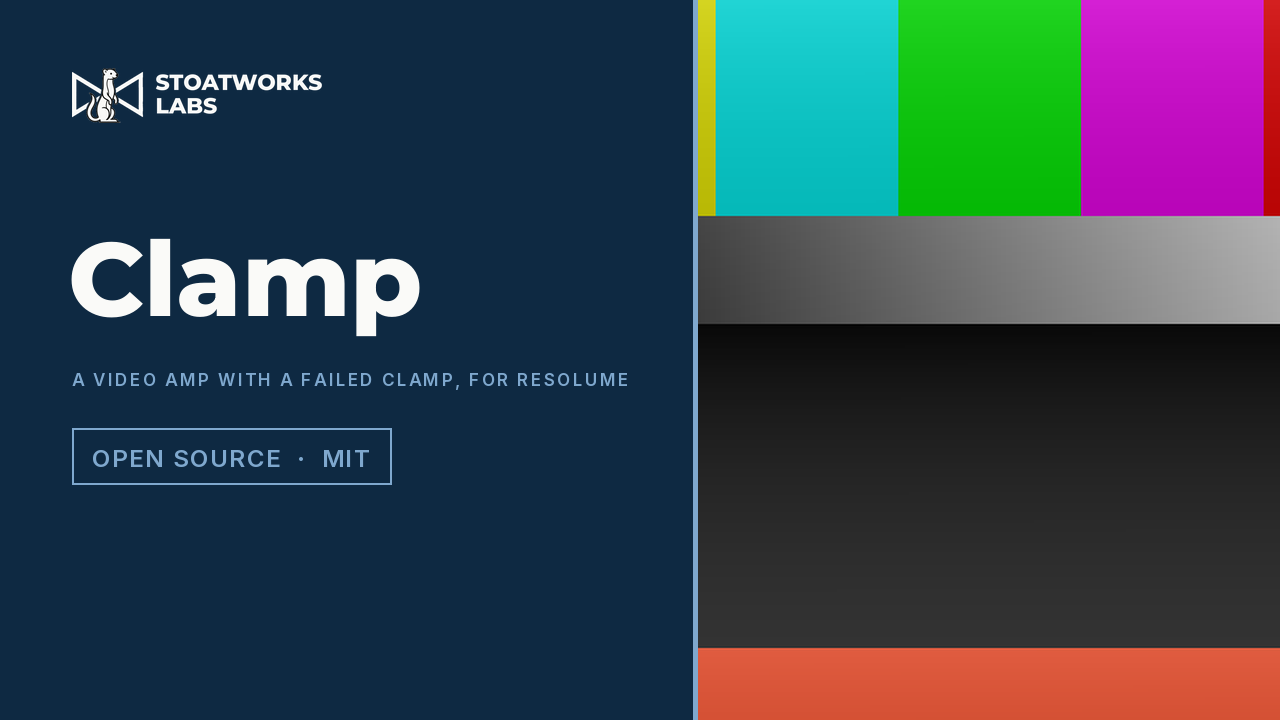
An FFGL effect that runs the clip through a capacitor-coupled video amplifier whose clamp has failed. One RC high-pass runs in real time through every line and blanking interval of a real 625/50 or 525/59.94 field, so black wanders with picture content, a bright moment darkens the next, and lines and fields tilt. Supply sag and a triode stage sit on top.
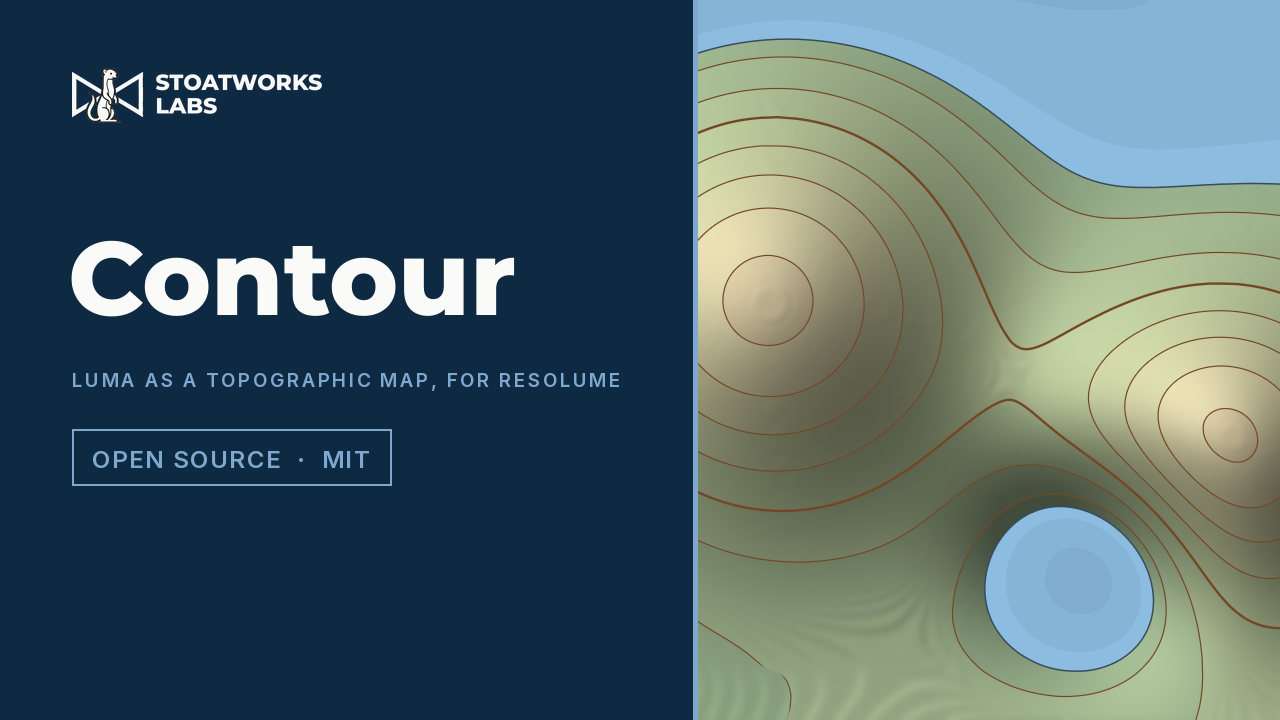
An FFGL effect that reads the picture's brightness as ground height and draws it the way a survey map does: isolines at a fixed interval, heavier index contours, hill-shading from the north-west, hypsometric tints, and a sea that the music can raise. Contours crowd on steep ground because the spacing is the slope, and every line keeps one pen width on a cliff and on a plain.
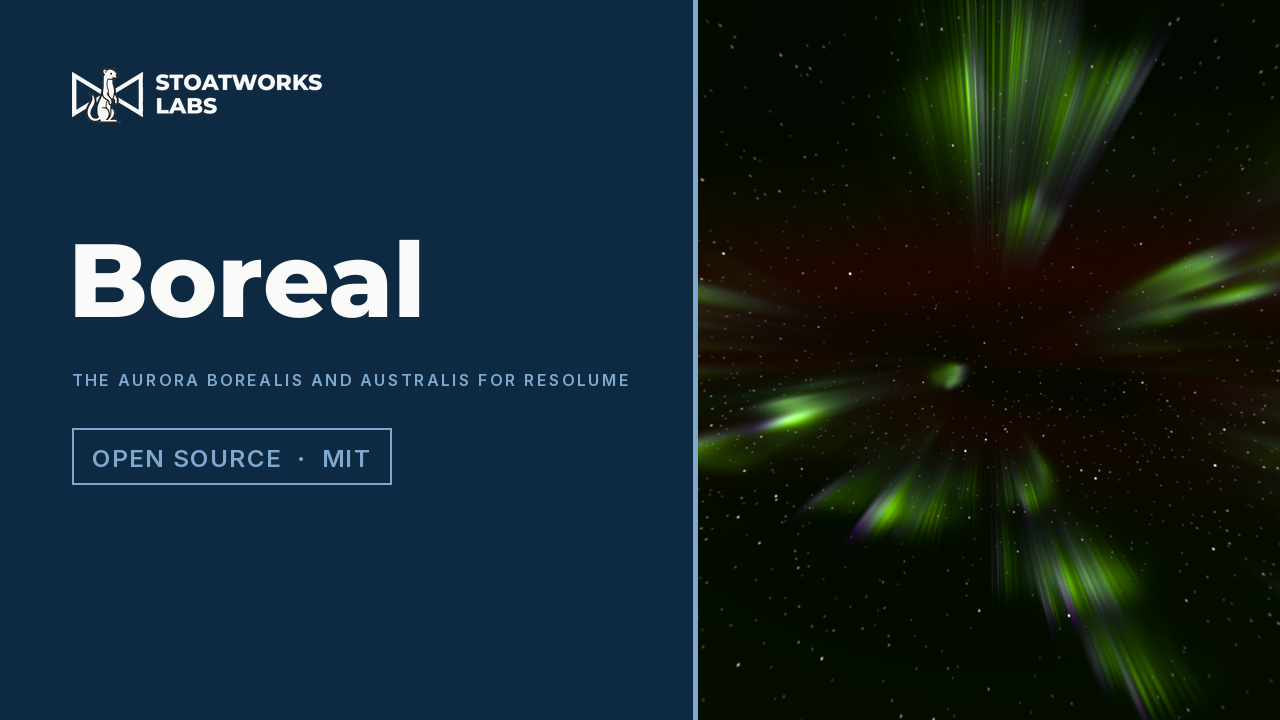
An FFGL source that is the night sky and an effect that adds the aurora to a clip as light. The arc is a vortex sheet of electric charge that rolls itself into curls, folds and surges; the electrons it accelerates excite each spectral line at the height a real atmosphere puts it; and a camera on the ground looks up through it all. Nothing is drawn with a noise function.
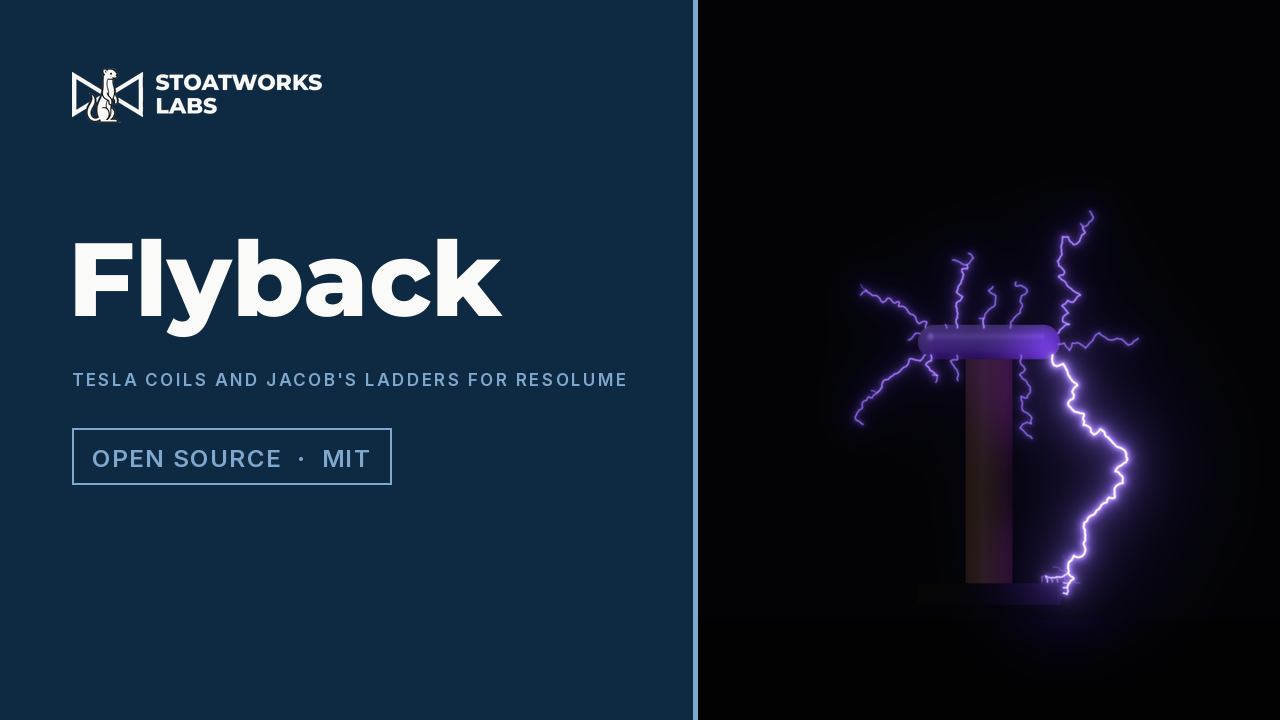
An FFGL source and effect of high-voltage discharges: a Jacob's ladder, a Tesla coil, a Van de Graaff generator, a plasma globe and a Lichtenberg figure. Every spark is grown by the dielectric breakdown model on a real Laplace solve, and each machine's own circuit decides when the air breaks and how much light it gives. The branching, the forks toward the nearest ground and the strike that takes the short way round are where the field puts them.
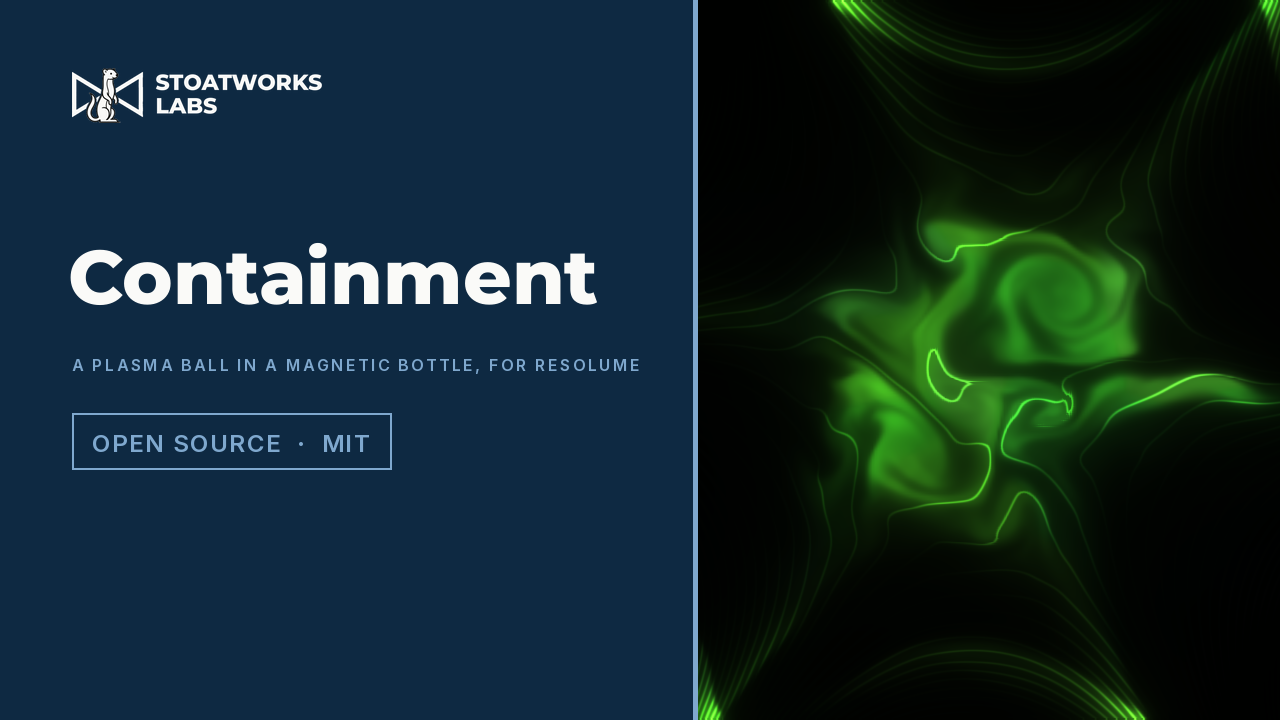
An FFGL effect that makes the clip into a ball of hot plasma held in a magnetic bottle. The plasma obeys 2.5-D compressible ideal magnetohydrodynamics, solved on the GPU every frame, and the bottle is the closed-form field of real coils outside the picture. The ball swells against the field, rings, writhes, leaks through the cusps and breaks into fingers; quench the coils and it goes up as a fireball.
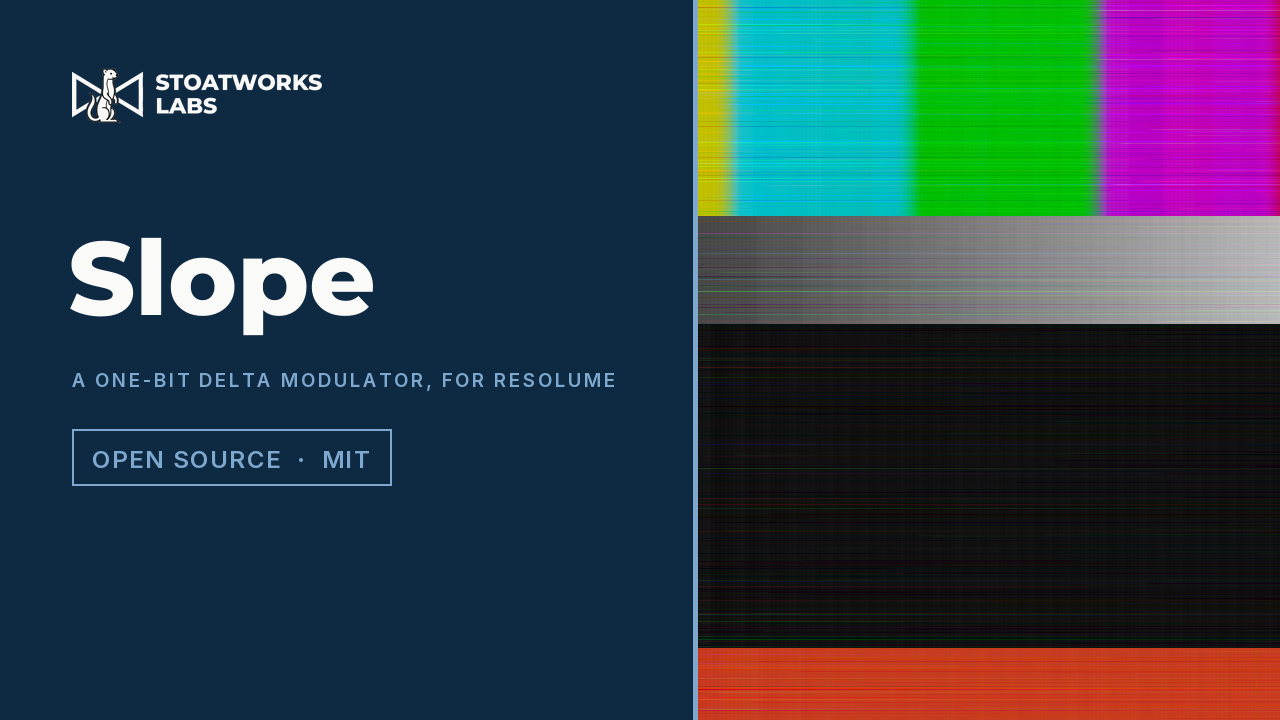
An FFGL effect that runs every scan line of the clip through a one-bit delta modulator, the CVSD codec of military and Bluetooth voice: each sample sends one bit, above or below the decoder's guess. Hard edges arrive as ramps smeared along the scan (slope overload), flat areas carry a fine two-sample dither (granular noise), an adaptive step trades one for the other, and a flipped bit throws the rest of the line as a streak that fades on the leak.
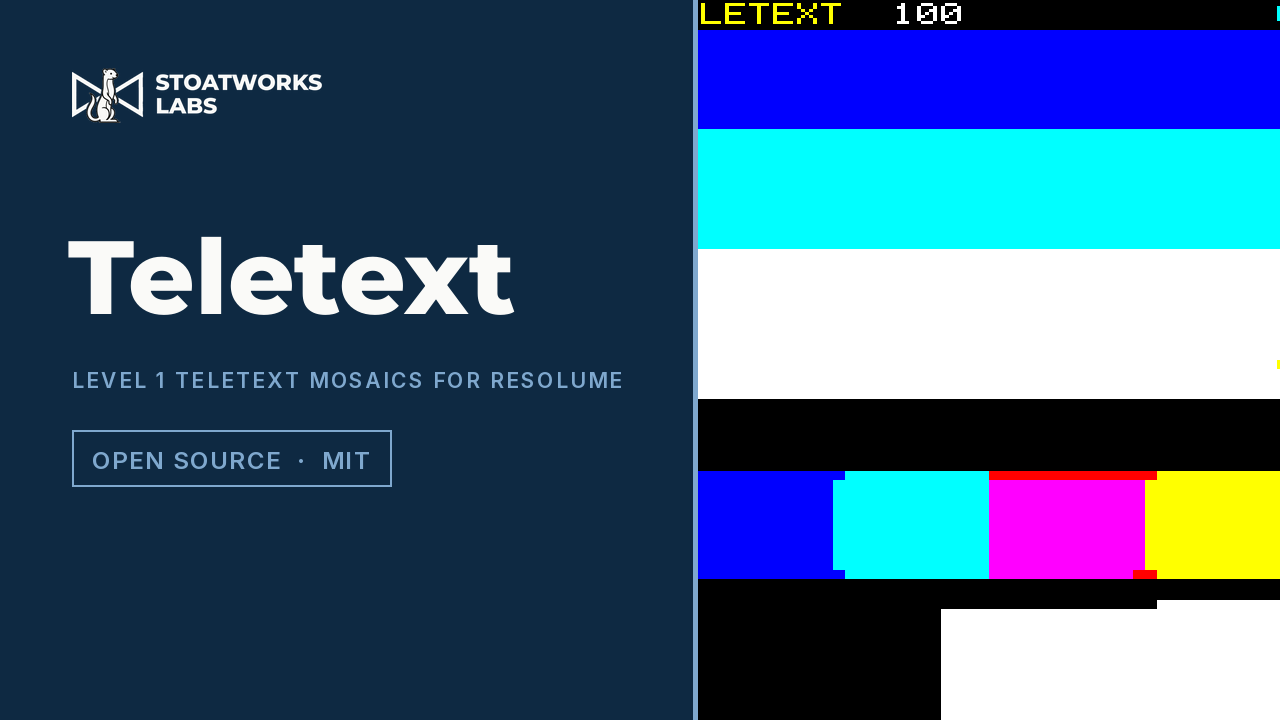
An FFGL effect that sends the clip as a Level 1 teletext page: 40 by 24 cells of 2 by 3 mosaic sixels in eight colours, where every change of colour is a control code that costs a cell. An exactly optimal encoder plans each row, the page arrives a few rows a field and tears between rows, and bit errors land the teletext way: one bit blanks a cell, two bits corrupt a mosaic, and a row never moves.
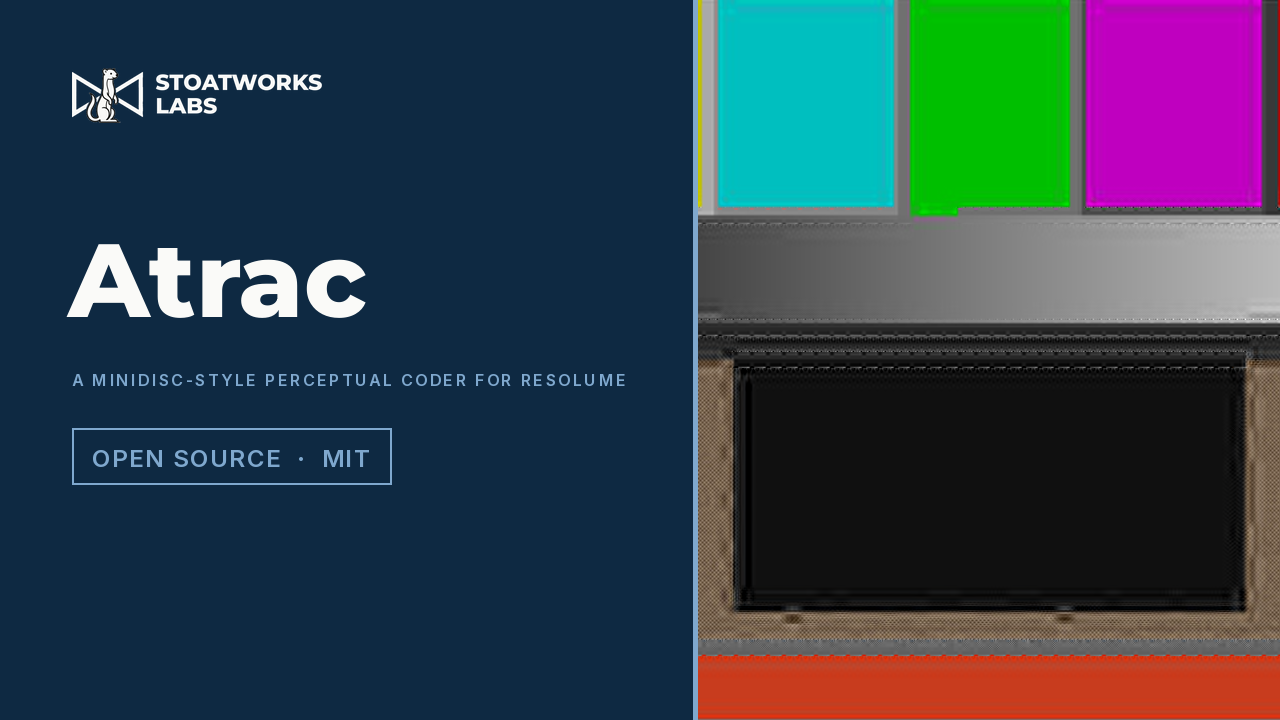
An FFGL effect that runs the picture through a coder modelled on MiniDisc's ATRAC: a lapped transform on overlapping blocks, coefficients grouped into block floating units with a scale factor and a word length each, and a fixed budget of bits per block shared out by a masking model. Fine texture goes first, hard edges ring one block either side, the allocation shimmers frame to frame, and a knock — an audio onset or the button — drains the shock-proof buffer until the picture holds.
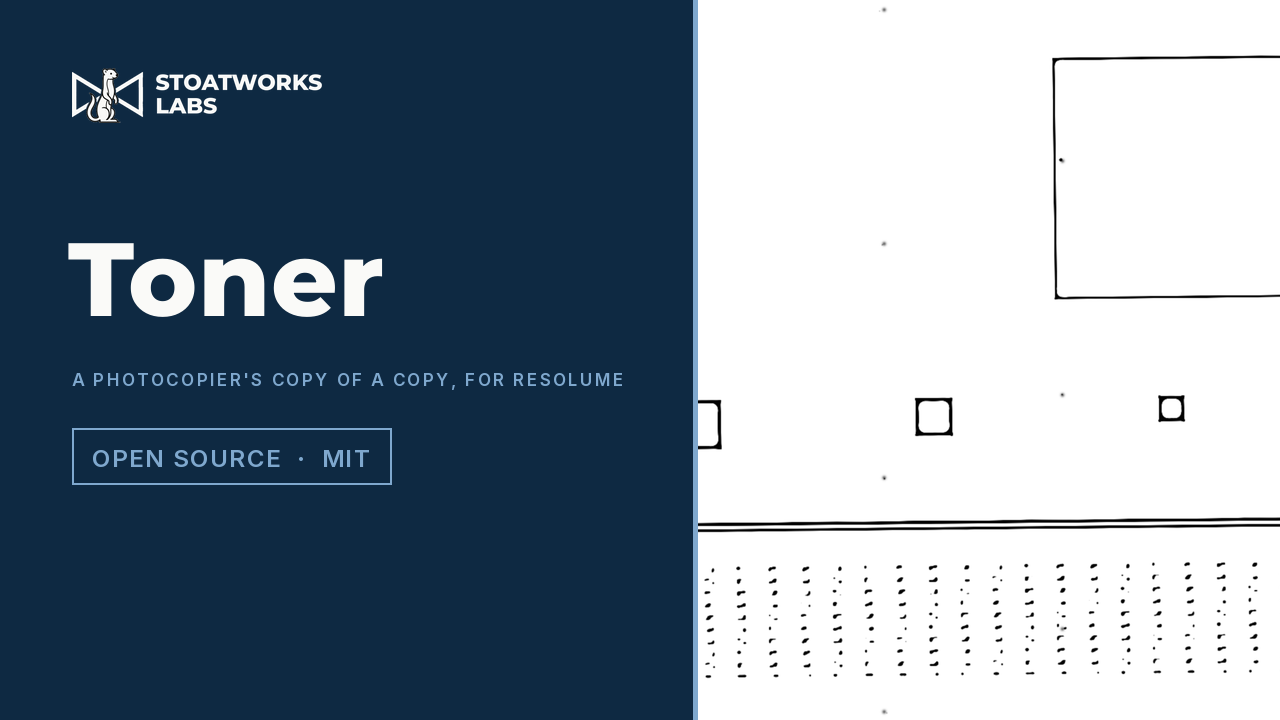
An FFGL effect that runs the clip through a xerographic engine up to eight times a frame, each copy made from the last: optics, an auto-exposure that throws the background away, a steep photoconductor, development that follows the electric field above the latent image rather than the image itself, a toner supply that runs short, and a drum whose defects repeat down the page. Greys collapse to paper or toner, wide solids go hollow while thin lines print full, the page runs out part-way down, and the skew drifts a little more with every generation.
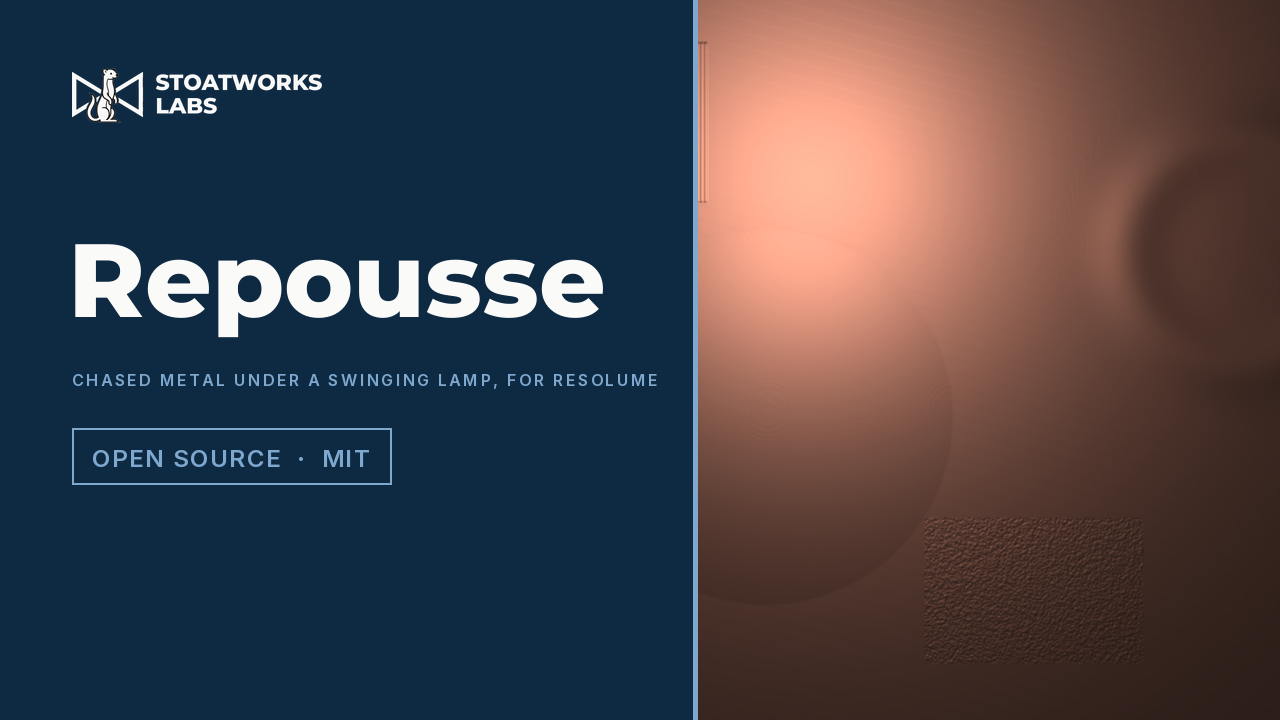
An FFGL effect that hammers the clip into a metal sheet and lights it with a lamp on a swinging cord. Brightness becomes height, a punch of a set radius decides the finest detail that can be formed, and a real point lamp with inverse-square falloff, a microfacet highlight in the reflectance of copper, brass, silver, gold or steel, and self-shadowing lights the relief. The lamp is a damped pendulum: an onset in the audio, or the Kick button, gives it a push.
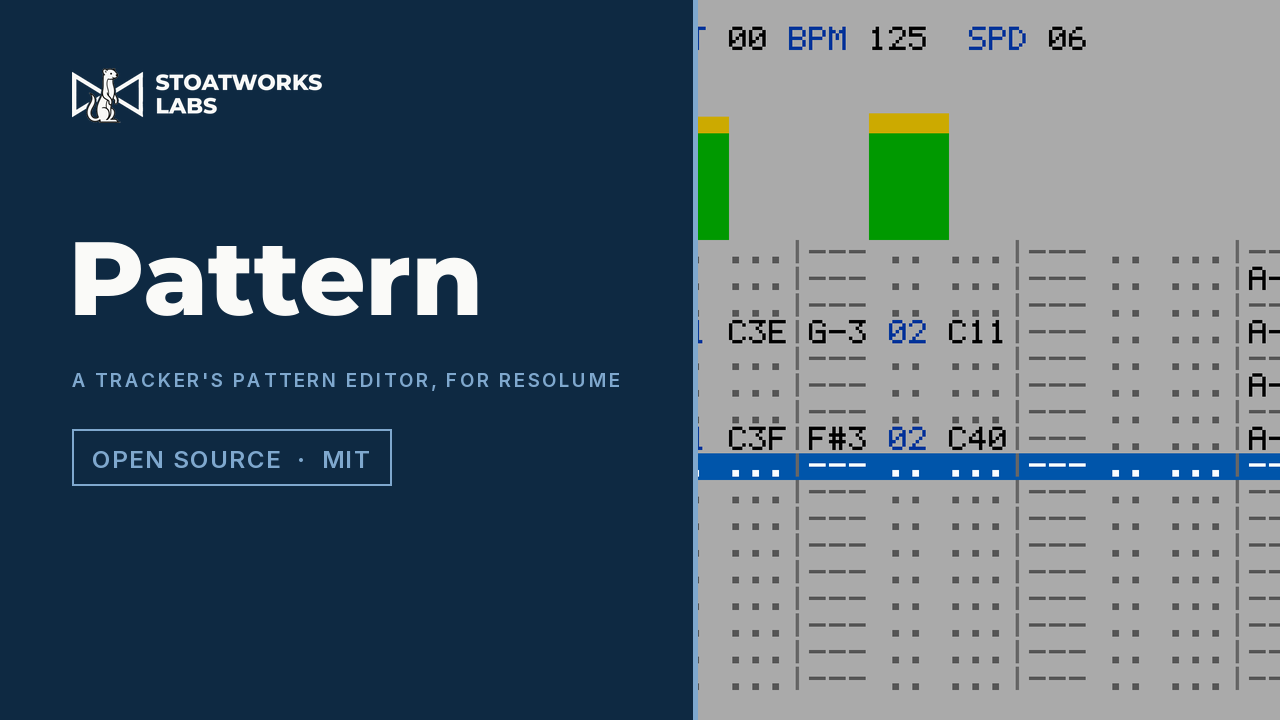
An FFGL source that draws a tracker's pattern editor and lets the music write it. The row cursor runs on the tracker's own clock, four rows a beat at the default Speed of 6, rate-locked to the host's tempo; each channel owns a band of Resolume's 64-bin spectrum, and an onset in that band writes a note on the current row, its pitch from the band's peak and its volume as a Cxx effect. After row 3F the cursor wraps and the next pass overwrites the last.
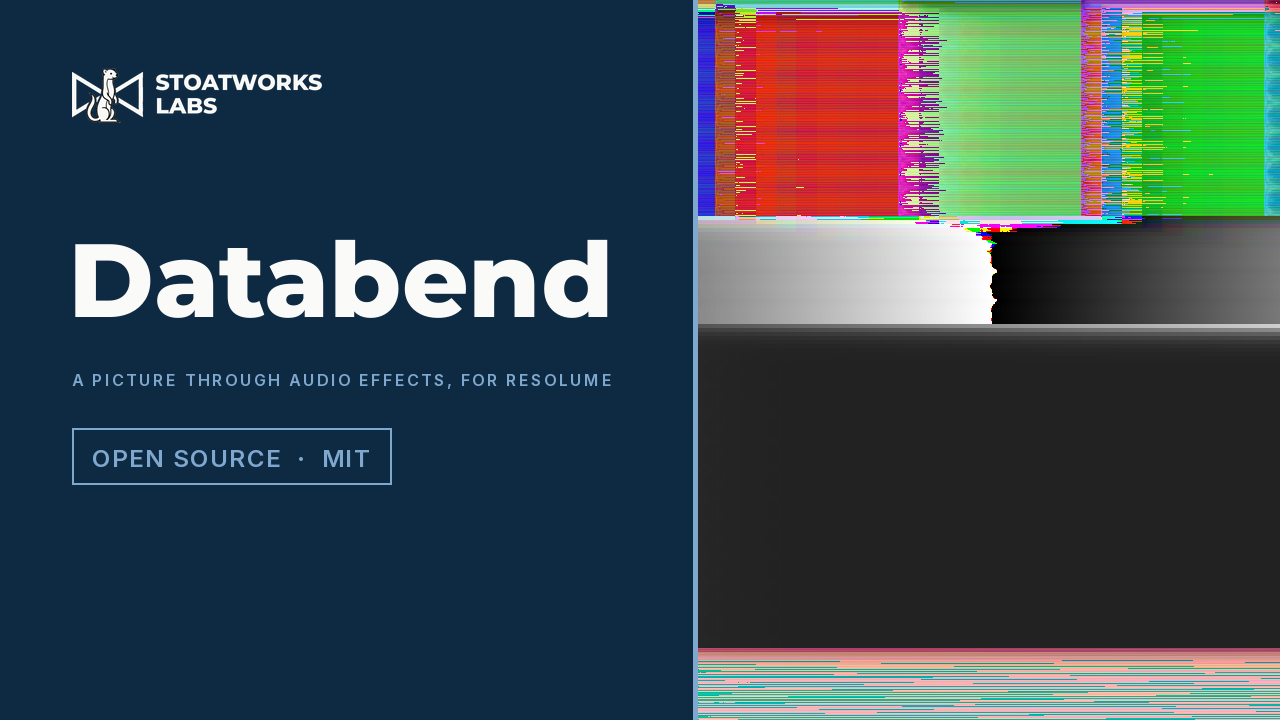
An FFGL effect that treats each frame the way an audio editor treats a raw file: one long stream of samples in the file's own layout, run through real delay-line effects. An echo comes back lines down and samples across, and marches on a slant with feedback; a flanger swept in stream time combs across the scanlines; a phaser smears smooth content rightwards with ringing at unity gain; a pitch shifter stretches the scan inside grains. In an interleaved file a delay lands one channel over and every effect rotates hue; past full scale an 8-bit file wraps. Nothing is drawn.
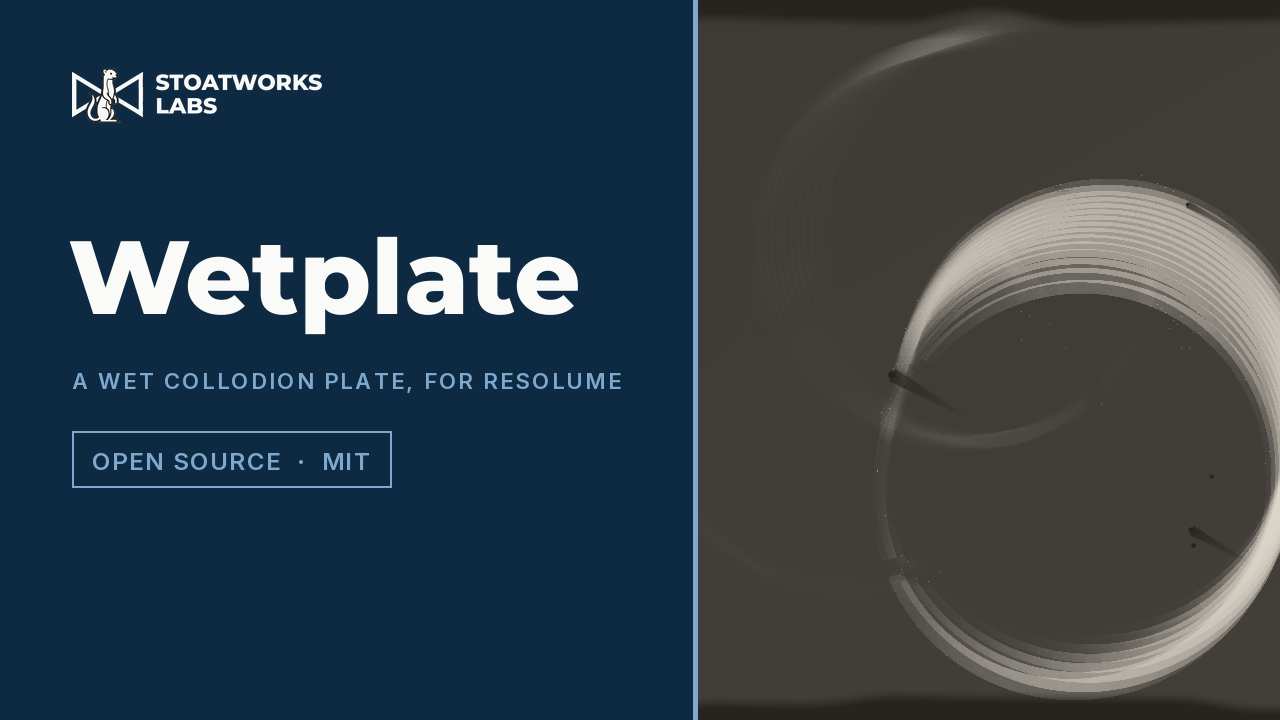
An FFGL effect that exposes the clip onto a collodion wet plate: a plate that sees only blue and ultraviolet, weighted by a published sensitivity curve integrated against a spectrum built from each pixel's RGB, and that is slow, integrating light over a sliding window of seconds so anything that moved is a ghost as dense as the fraction of the exposure it stayed. Reds go black and skies go white, motion stacks into ghosts, a take integrates and then holds the developed plate, and the hand-poured coating drains toward one corner, with a bare pour edge and dust comets. Tintype, ambrotype or glass negative.
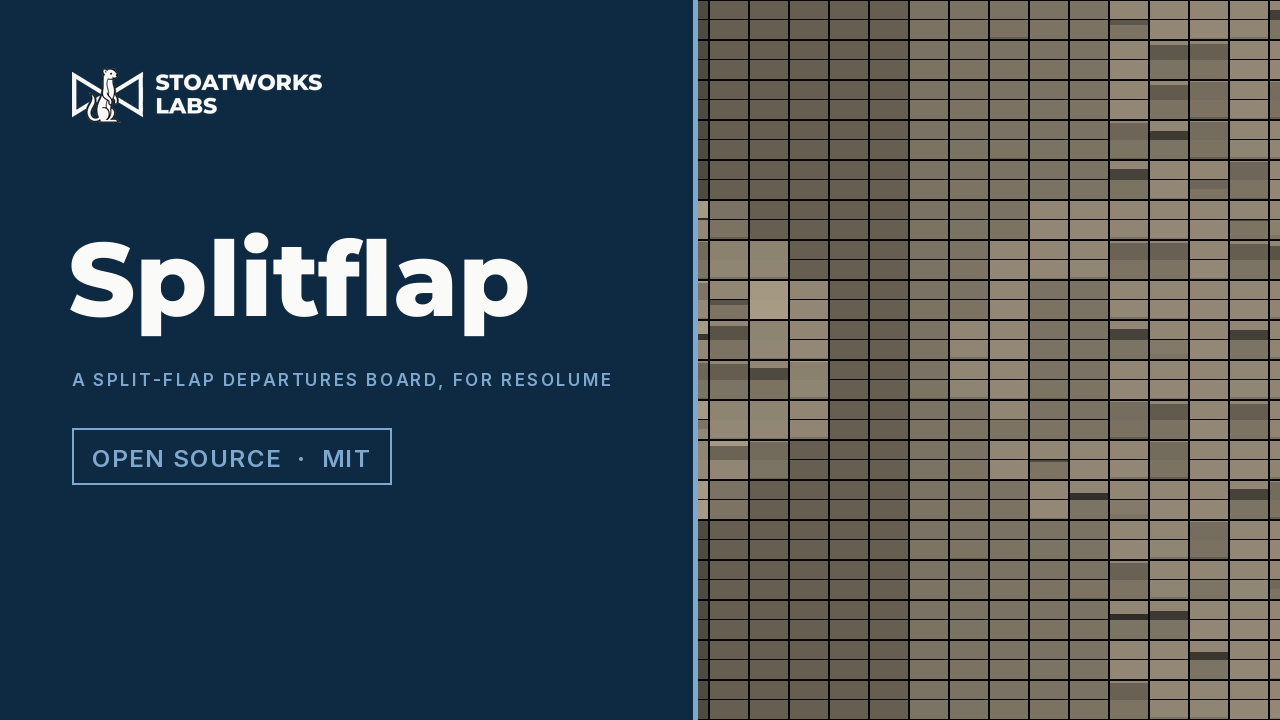
An FFGL effect that shows the clip on a split-flap departures board: every cell a drum of flaps that can only turn forward, one flap at a time, at the motor's rate, and every flap in the air a hinged plate falling under gravity and slapping on to the stop. A change ripples across the board, a step brighter is one flip and a step darker is the whole drum, a moving picture is never finished, and the drum can be printed with tones, a palette or a message.
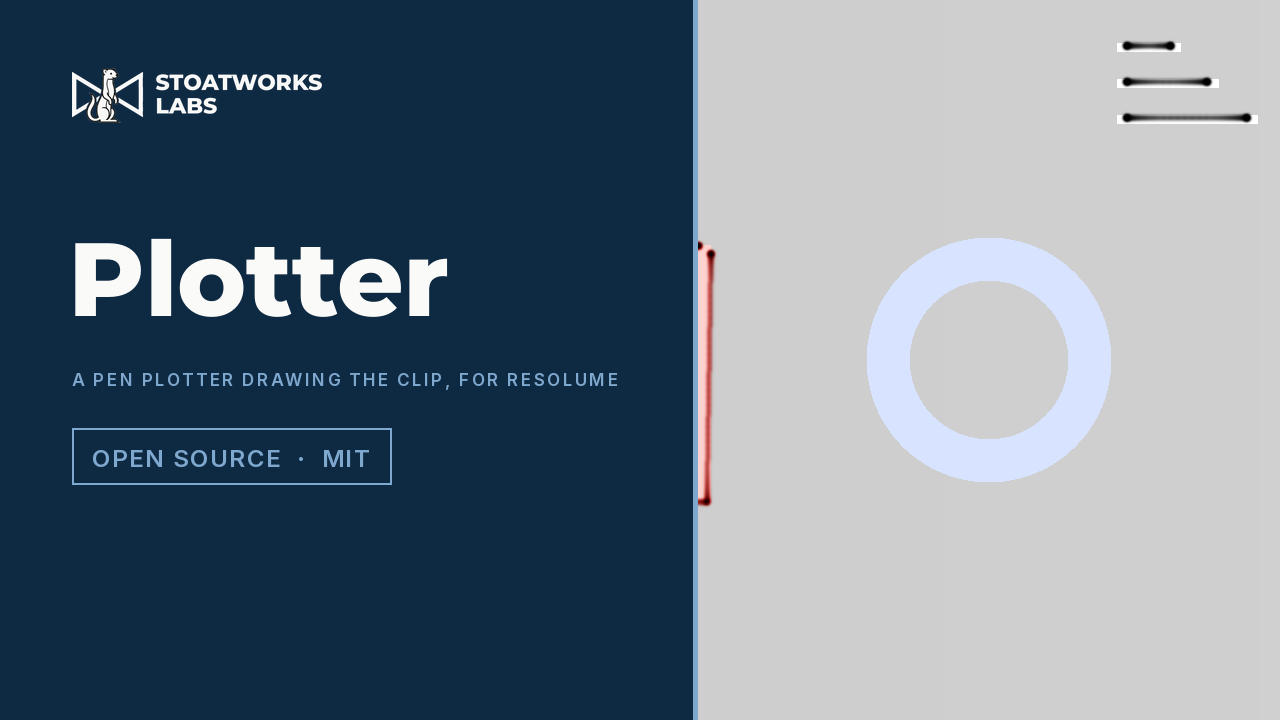
An FFGL effect that traces the outlines in the current frame and draws them with a slow pen onto paper the ink stays on. A trapezoidal motion planner with a speed limit, an acceleration limit and a stop at sharp corners moves the carriage by the time that really passed, and a renderer deposits ink per unit of time, so the line is heavy where the pen is slow, every pen-down is a blot, a coarse step pitch draws staircases, and a carousel of pens costs a trip for every colour change. By the time it is a few strokes in, the clip has moved on: the sheet is a collage of moments.
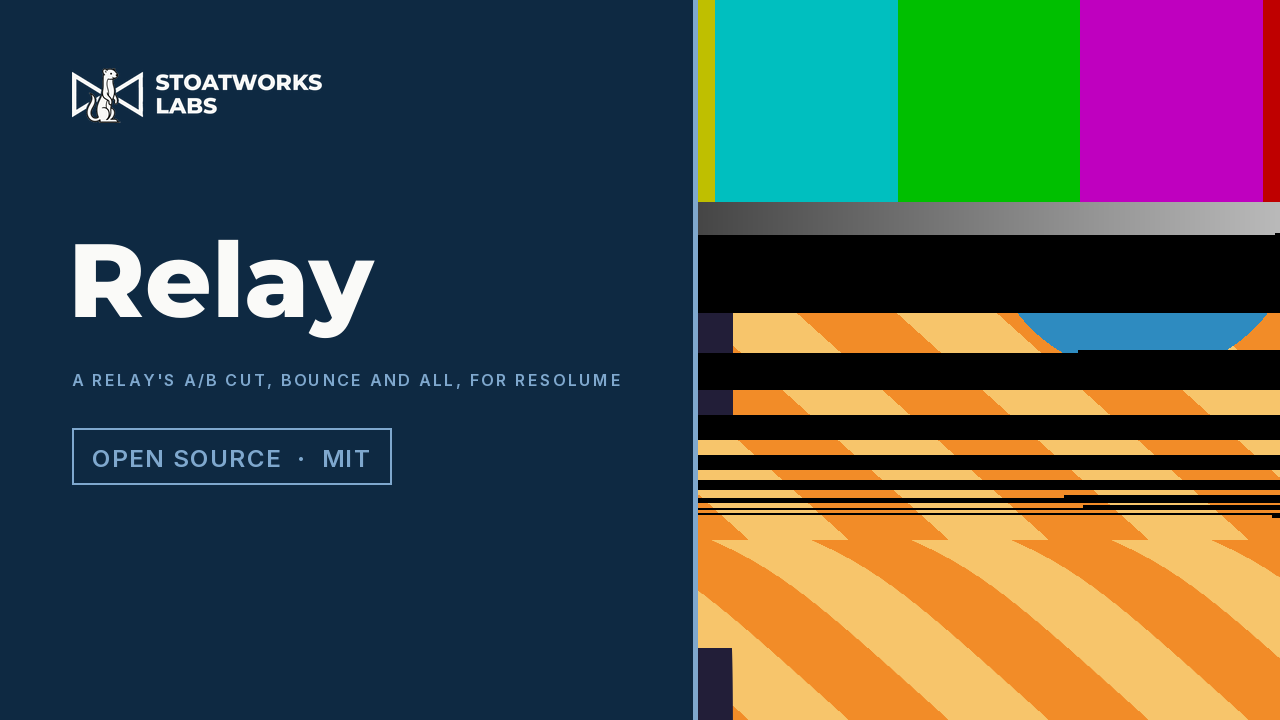
An FFGL mixer that cuts between this layer and the layer below the way a relay-switched router did. The layer's opacity fader is the coil, with pull-in and drop-out hysteresis; the contacts bounce, so the switching frame shows bands of A, black and B at the scanlines where each hit landed; the monitor's PLL has to re-lock, so the new picture rolls and settles; and the open contact is a capacitor, so the unselected picture ghosts through, high-passed.
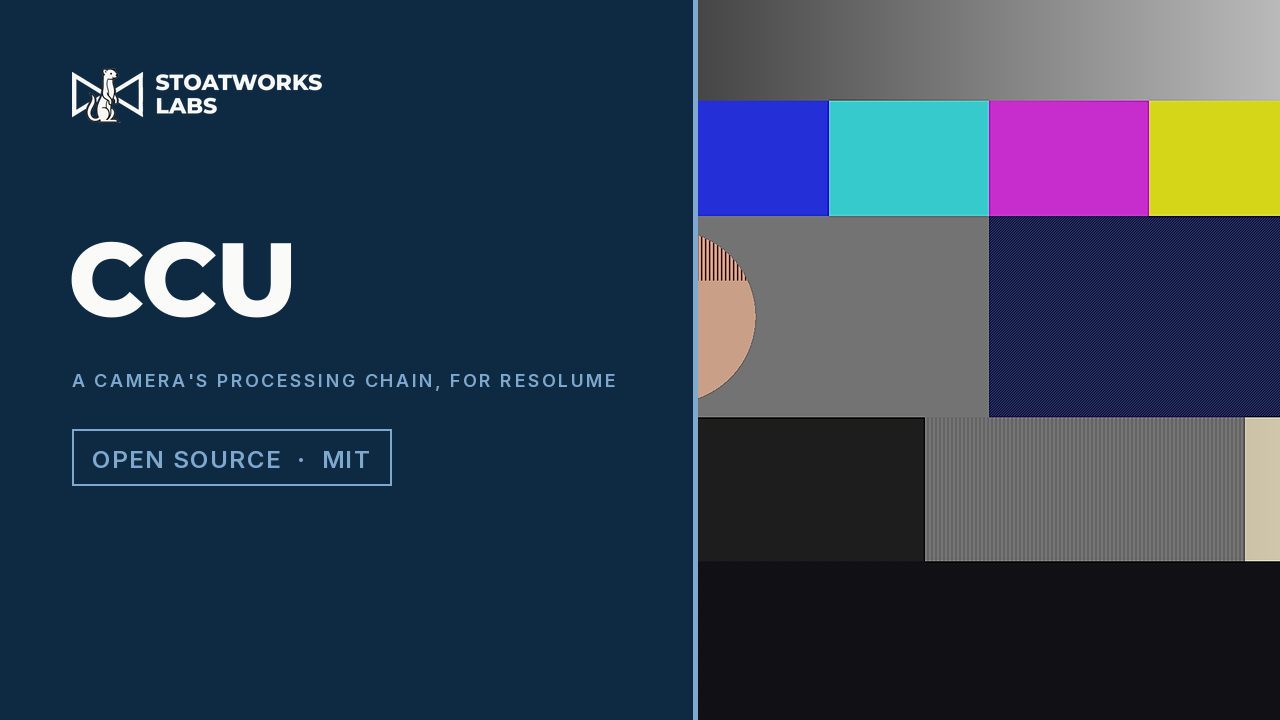
An FFGL effect that runs a clip through a broadcast camera's processing chain with every knob out, in the camera's fixed order and in linear light: master gain, white balance with a slow drift, a matrix, detail from pixel and line delays with coring, level dependence and a skin window, a per-channel knee, gamma and black gamma, pedestal and white clip. The badly set-up camera looks fall out of the order rather than being drawn: halos the width of the delay, grain sharpened by a low coring, faces softened while the jacket stays sharp, highlights that go milky through the knee, and a warm white that clips in one channel first.
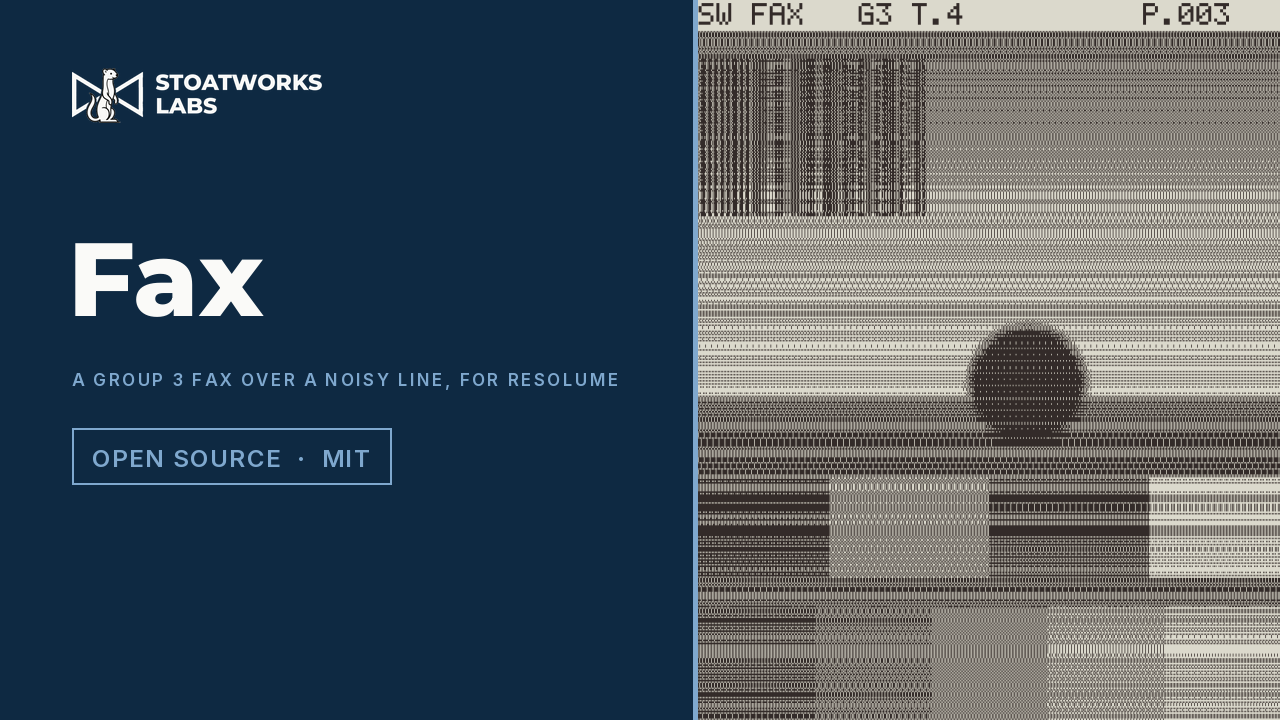
An FFGL effect that sends the clip as a Group 3 fax (ITU-T T.4) over a noisy telephone line. Each scan line is thresholded or halftoned to black and white, coded as run lengths by a real Modified Huffman or Modified READ coder, sent through a line that flips bits, and decoded by a real receiver, so the look falls out of the code: a bit error streaks its line to the right edge and no further, in MR it runs down as a wedge to the next one-dimensional line, a receiver that spots a bad line repeats the one above, and in Page mode the page arrives line by line at the baud rate.
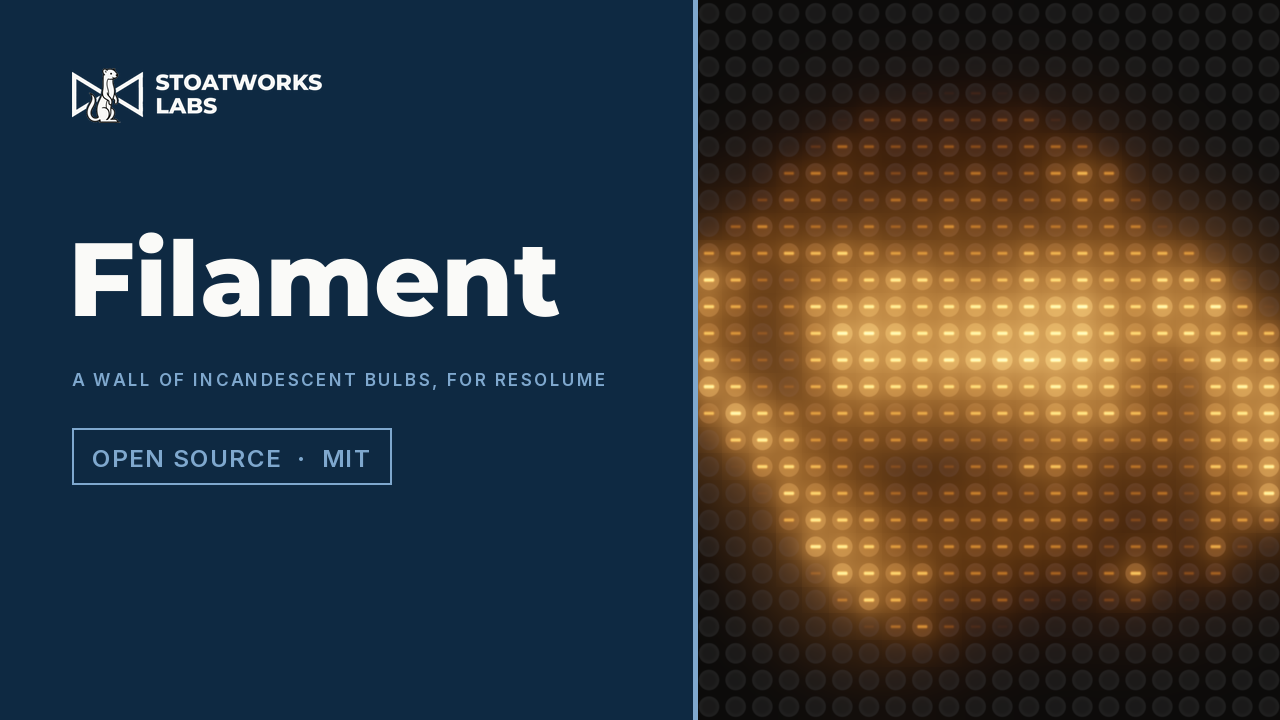
An FFGL effect that turns the clip into a wall of incandescent bulbs, each one a tungsten wire with its own heat balance rather than an LED with a slow fade. Every bulb's dimmer is set by its cell of the clip, and its filament does the rest: electrical power in through tungsten's resistance, which is fifteen times lower cold than hot; radiation out as T to the fourth; conduction out; all against the wire's heat capacity, solved per bulb on the GPU through the mains waveform and a sine, square-law or triac dimmer. Dimmed bulbs go red as well as dark, flashes come up fast and die slowly, cold bulbs surge, small lamps ripple at twice the mains, and big lamps lag.
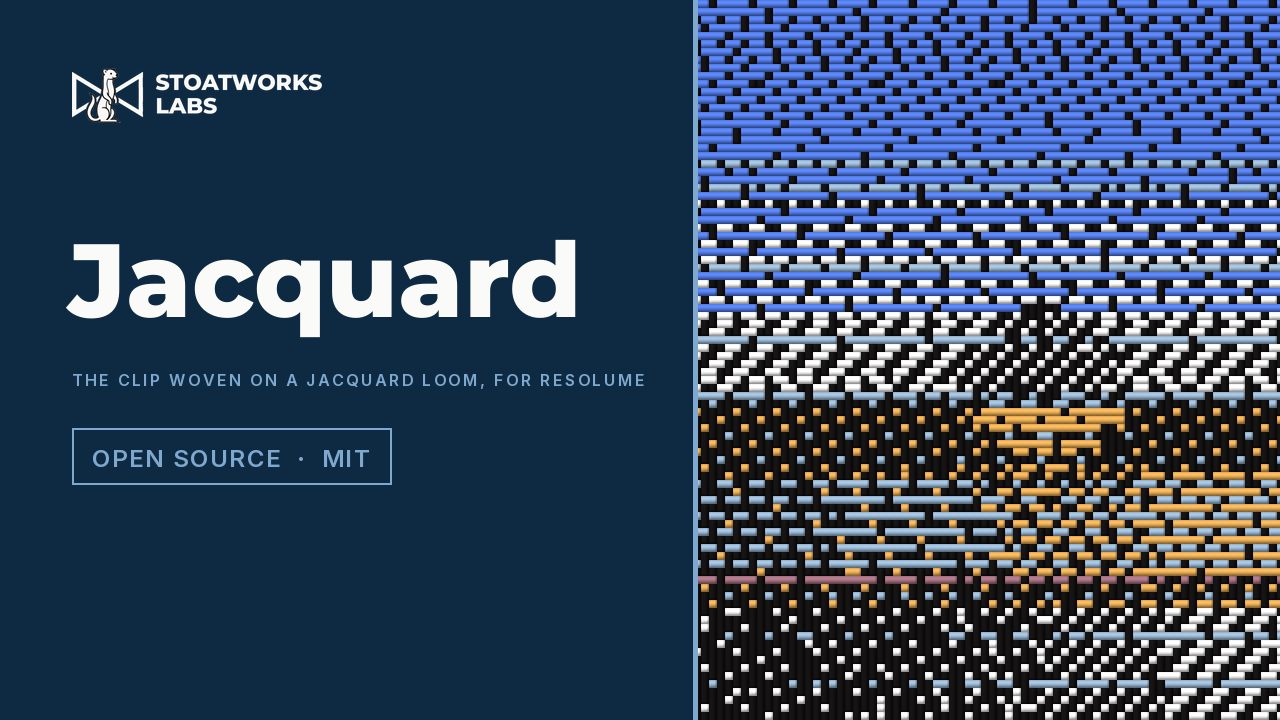
An FFGL effect that weaves the clip on a jacquard loom, under the loom's own constraints rather than as a texture laid over the picture. One warp colour runs down; each pick across carries one weft colour from the shuttles loaded; no thread may float past more crossings than Max Float; and tone is carried by weave structure, twill in the midtones and satin near the ends. Every pick's shuttle and lift pattern is chosen by an exactly optimal programme under both float limits, so the look falls out: colour in horizontal bands, twill diagonals, ties sprinkled through the solids, and a picture from across the room that is thread up close.
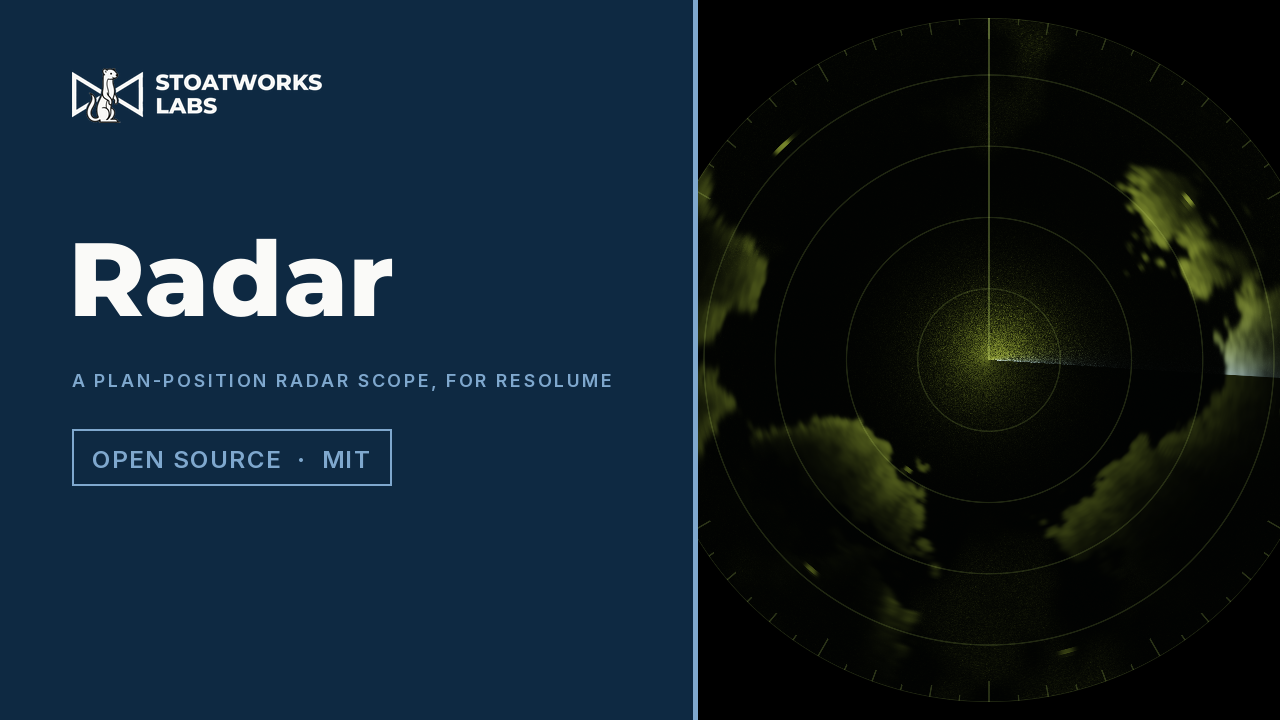
An FFGL source that is a radar watching a synthetic sea, and an effect that makes your clip the sea. A plan-position indicator is a CRT whose trace runs out from the centre along the antenna's bearing while the antenna turns, painting every echo onto a long-persistence phosphor. Nothing is drawn as a picture of a radar: a reflectivity field goes through a radar model, so targets paint arcs as wide as the beam and streaks as long as the pulse, the sweep leaves a fading trail, near returns are huge until STC flattens them, clutter crowds the centre, coasts facing the radar are bright edges with shadow behind, and moving contacts leave the plot of their track.
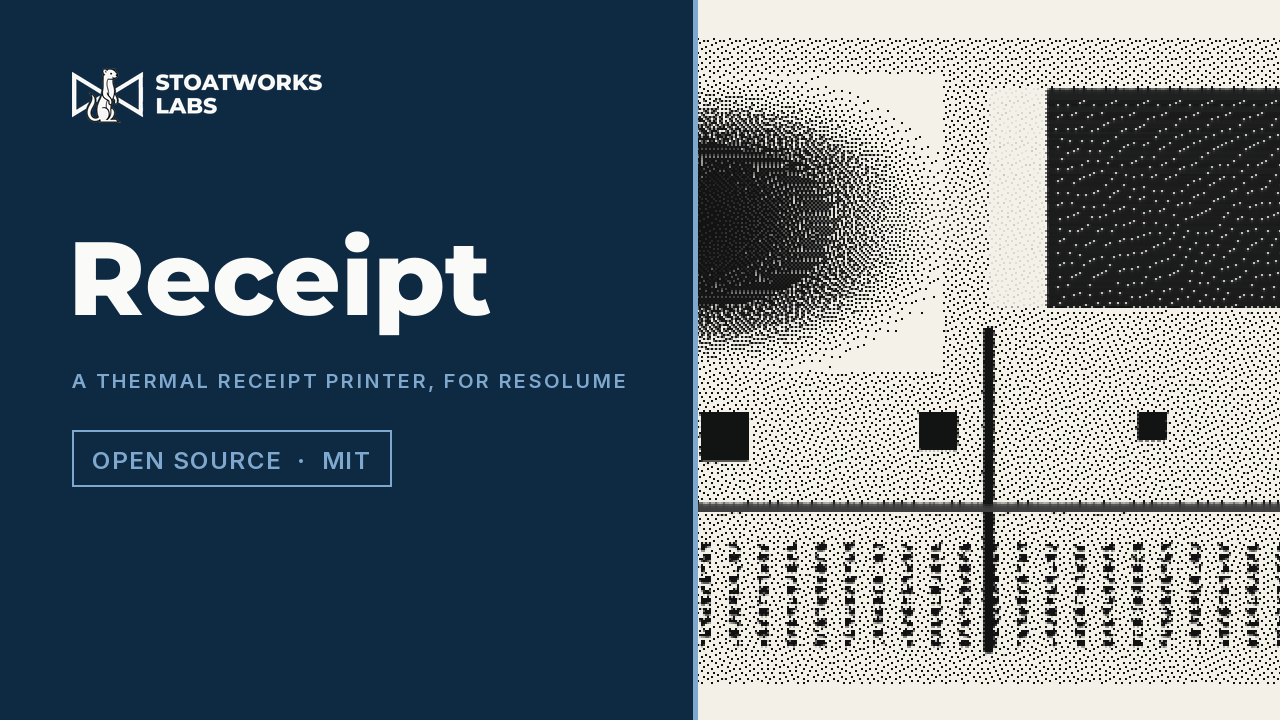
An FFGL effect that prints the clip on a thermal receipt printer: a line of tiny heaters, 8 to the millimetre, and no ink, only paper that darkens where it gets hot enough. The print runs one dot row at a time, and the look falls out of the heat rather than being drawn: tone is a Bayer, Floyd-Steinberg or Atkinson dither; a heater that fired is still warm on the next row, so lines thicken, marks run on below themselves and dark areas block up unless the firmware's history control takes the heat off; the supply can only fire so many dots at once, so dense rows print paler and band at the strobe blocks; a slipping roller repeats or overprints rows; and in Printing mode the receipt scrolls out of the slot and tears off.
An FFGL effect that puts the clip through a film projector's gate, shutter and print, modelling the machine rather than the look. The clip is held at the projector's rate and changes only when the claw pulls down, in the dark; the light the shutter blades pass is integrated over each frame your display shows, so the flicker beats at the difference of the two rates; each frame lands in the gate with its own correlated weave; and every mark belongs to the print or the gate: scratches that stay put while the picture moves under them, dust that rides the print, a hair caught at the aperture, splices, reel-change cue dots, and dyes that fade toward magenta.
An FFGL effect that cuts the clip into a stencil and sprays paint through it. A stencil cannot hold a floating piece: cut out an O and its middle falls out. So every island of every layer gets the shortest bridge there is to another piece of sheet, found by a jump flood on the GPU and chosen on the CPU, round and round until nothing floats; then the holes are sprayed through a nozzle's footprint. The look falls out: the gap in the O where its ring is thinnest, islands inside islands hung off the frame, layers sprayed dark over light, a halo in proportion to Distance, ghostly bridges under a lifted sheet and drips.
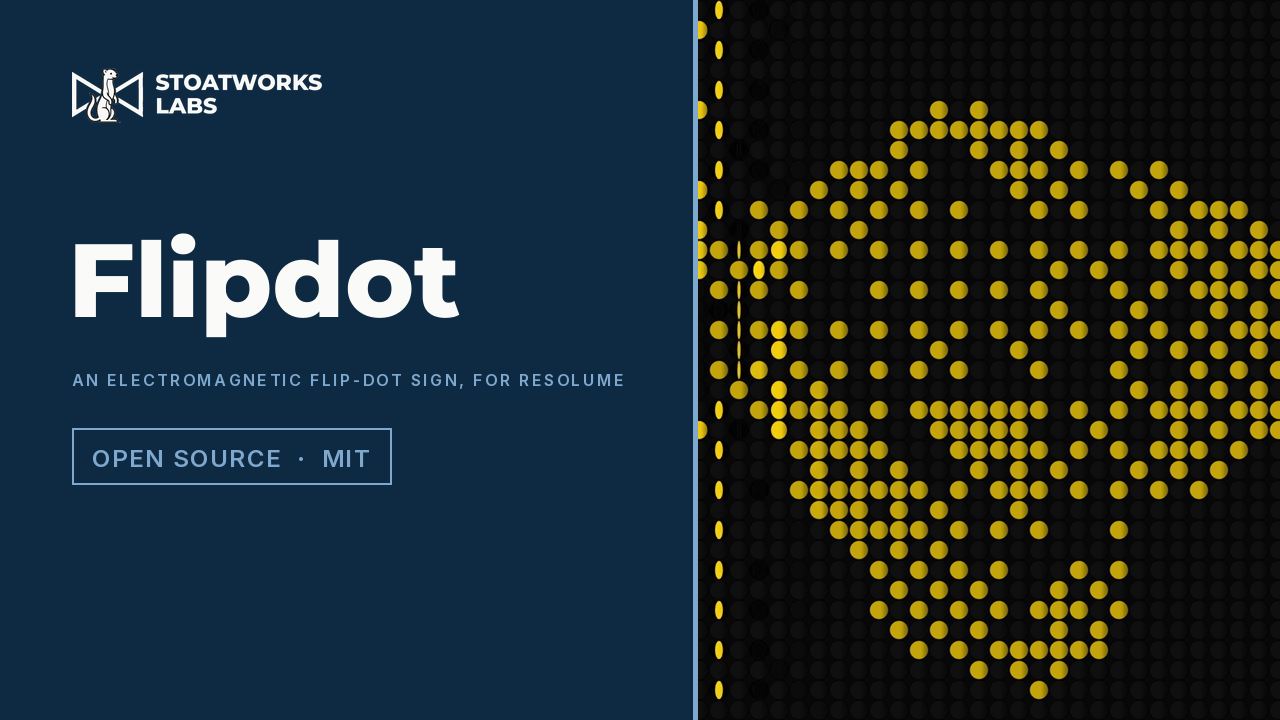
An FFGL effect that shows the clip on an electromagnetic flip-dot sign: a grid of discs, black on one side and fluorescent on the other, that a coil swings from one face to the other and that stay where they are with no power. The driver scans the sign a column or a row at a time and pulses only the discs that need to change, so a new picture wipes across the sign at the scan rate, every disc of a line starting its swing the instant the driver reaches it, driven to the far stop and rebounding off it. One bit a dot, thresholded or dithered at the pitch, with a seeded set of stuck discs and weak coils that swing late.
An FFGL effect that develops the clip as an integral instant print, in front of you. A Take exposes the frame, metered like a camera would; the print then comes up out of a dark green-grey opacifier, pale and blue-cyan at first and warming to full colour as the slower magenta and yellow dyes arrive, each layer first-order at its own rate. Temperature scales every rate by the Arrhenius law, and because the timing layer that ends development speeds up less than the dyes do, cold film stops short and pale while hot film finishes warm. A short or uneven spread leaves undeveloped corners, expired paste reaches less far, and a dirty roller repeats its mark at its circumference.
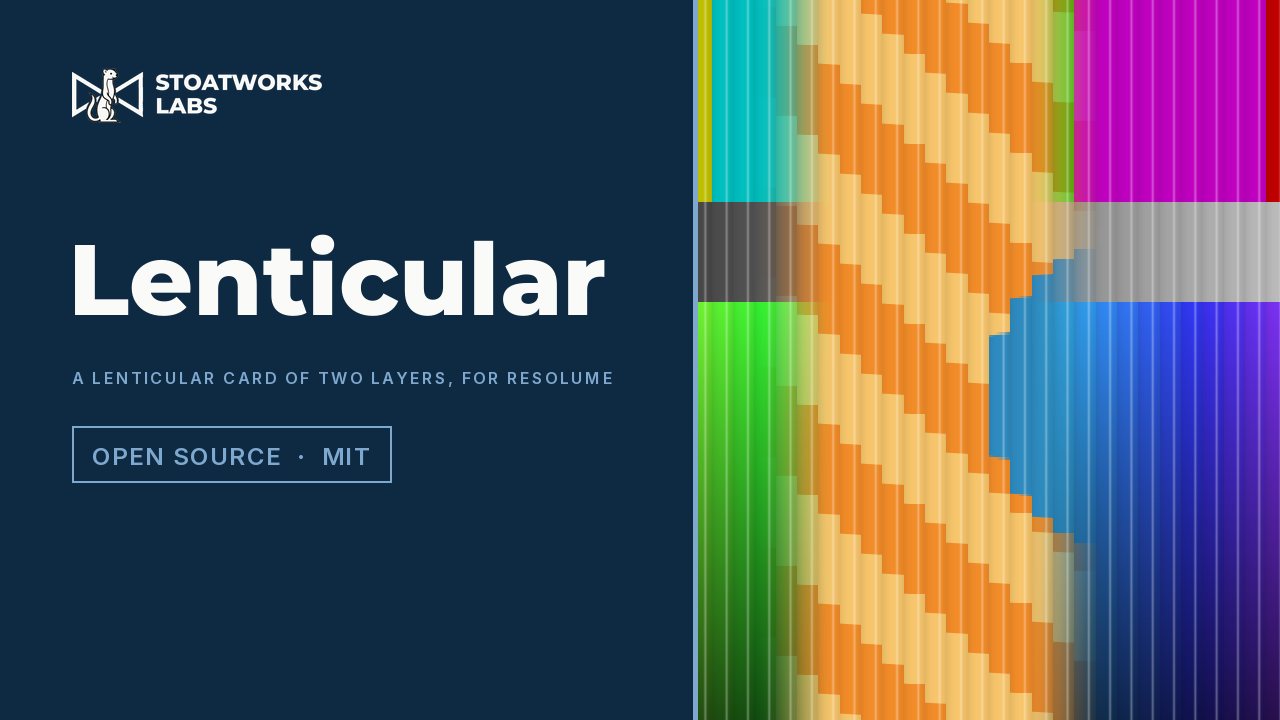
An FFGL mixer that shows this layer or the layer below the way a printed lenticular card does: two pictures cut into strips and interleaved under a sheet of cylindrical lenses, with the layer's opacity fader tilting the card. Each lens focuses the eye onto one point of the print, so the card flips square on and flips back at the edge of the viewing zone; a real lens's focus spot shows both pictures near the flip, a print pitch that misses the lens pitch flips in moiré bands that sweep as the card tilts, a near viewer sees the flip travel across the card, and each lens shows one stepped sample of its picture, with the ridges catching the light.
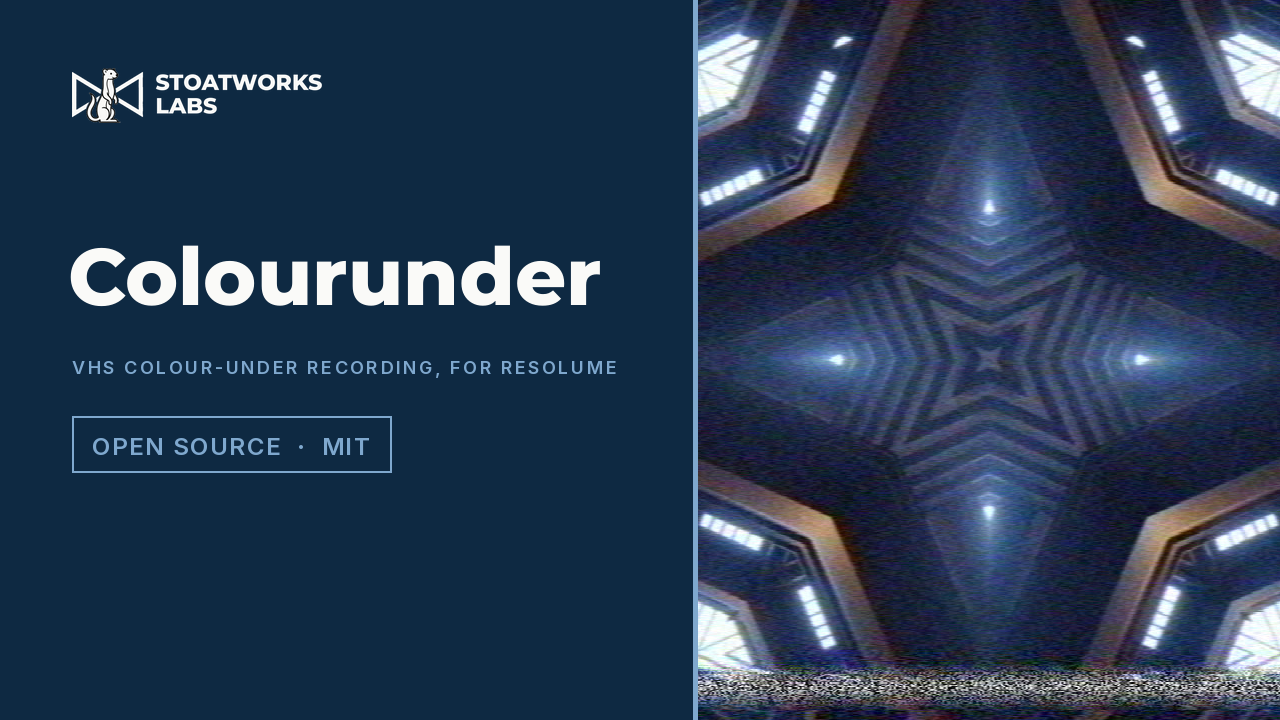
An FFGL effect that records the clip the way a VHS deck does. The chroma is heterodyned down under the FM luma, so colour has about 40 lines of resolution against luma's 240 and arrives late, right of every edge, with noise that comes out as blotches rather than grain. A playback phase error turns NTSC's hue and, through PAL's alternating V axis and the 1H average, only fades PAL's saturation. The heads switch 6.5 lines before vertical sync and tear the bottom of the picture, a tracking bar rests in the vertical interval and walks up the frame as the error drifts, dropouts are repeated from the line before by the compensator, and a copy of a copy runs the whole chain again.
Four of these load into an application somebody else wrote, which changes what correctness means. An app that crashes takes down your app; a plugin that crashes takes down the host, in front of an audience, and the person whose evening you ruined has no reason to believe it was the plugin. So they are written against the host's own published SDK, they are conservative about state they don't own, and all four have since been run inside the host on real content rather than only through their offline harnesses — which is a different bar, and the one that matters.
They also don't try to be products. An effect is one idea done properly — a luma key, a lens projection, an analogue signal path — and the ones here derive their artefacts as consequences of modelling that path rather than painting them on, which is the only way they stay right when you push the controls somewhere the author never tried. What is still open on each is on its own page: a warp measured against an independent implementation of the same maths to within the quantisation of the test ramp, and a Windows build that has never been compiled, are both true of the same plugin.
More of the video work than the audio work, but not all of it. WebLinked is field proven, with its SDI output measured against a real DeckLink Duo 2 — colour confirmed by loopback against an independent BT.709 reference — and its NDI output verified end to end against a real receiver. The CasparCG console's protocol work was derived from the server's source and then verified against a real server, which caught six genuine bugs, but it has never driven real output hardware. The ATEM tools were built against simulated fleets, because a dozen switchers is not a thing you have on a desk — but they have since met real ones: BlackMatrix has run a live event against a real ATEM, ATEM Overseer has been tested against real hardware in a lab, and animATEM's multiview capture was calibrated on a real Mini Extreme ISO, which is where its wrong assumption about window numbering was found. Their pages say exactly which parts that covers.
The pattern to expect: the protocol and the logic are tested, the last cable usually isn't. Every project page lists what to check before a show depends on it, and those lists are written to be read rather than to cover anybody's back.
The whole catalogue
The full index carries every project at once, searchable and filterable by discipline, type and how finished it is — including the disciplines that don't yet have a page of their own.